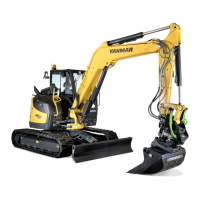
B95W
Description
74 / 306
5
05_Beschreibung_en.fm - V1.0 - 1.8.17
11
Menu control
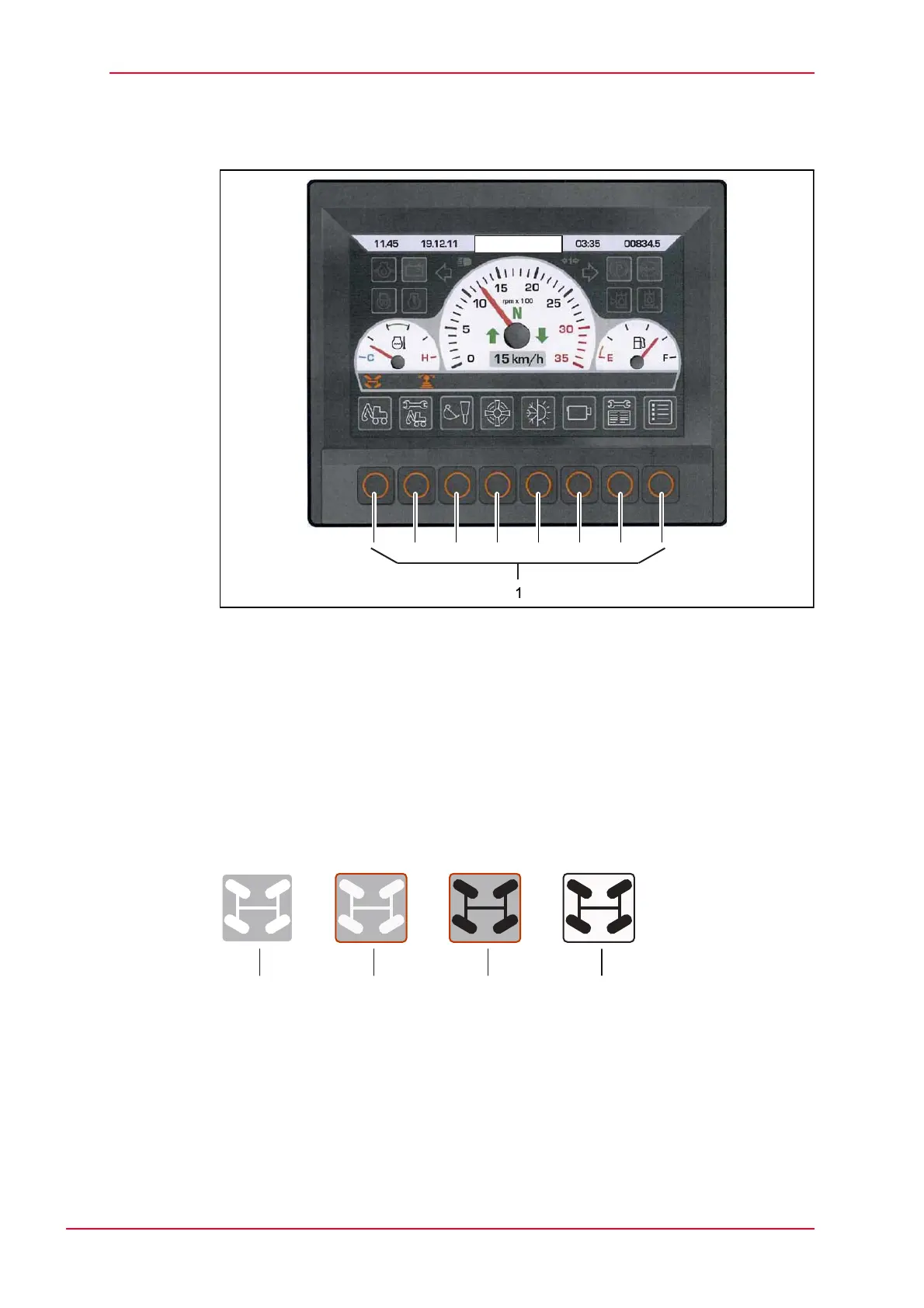
Fig. 5-17 Display function buttons
1 Function buttons
The buttons in the main menu and submenus have various functions:
• In the main menu, you can press a button to jump into the corresponding
submenu.
• The submenus are used for navigation and to process figures.
User guidance is provided automatically via a change in color of the frame
around the symbol or of the symbol itself.
Fig. 5-18 Appearance of the function keys when activated
1 Function inactive
2 Function selected
3 Function confirmed
4 Function activated


 To Next Page