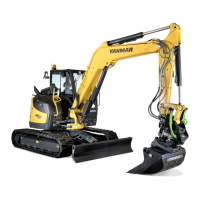
B95W
Description
70 / 306
5
05_Beschreibung_en.fm - V1.0 - 1.8.17
11
5.3.4 Display
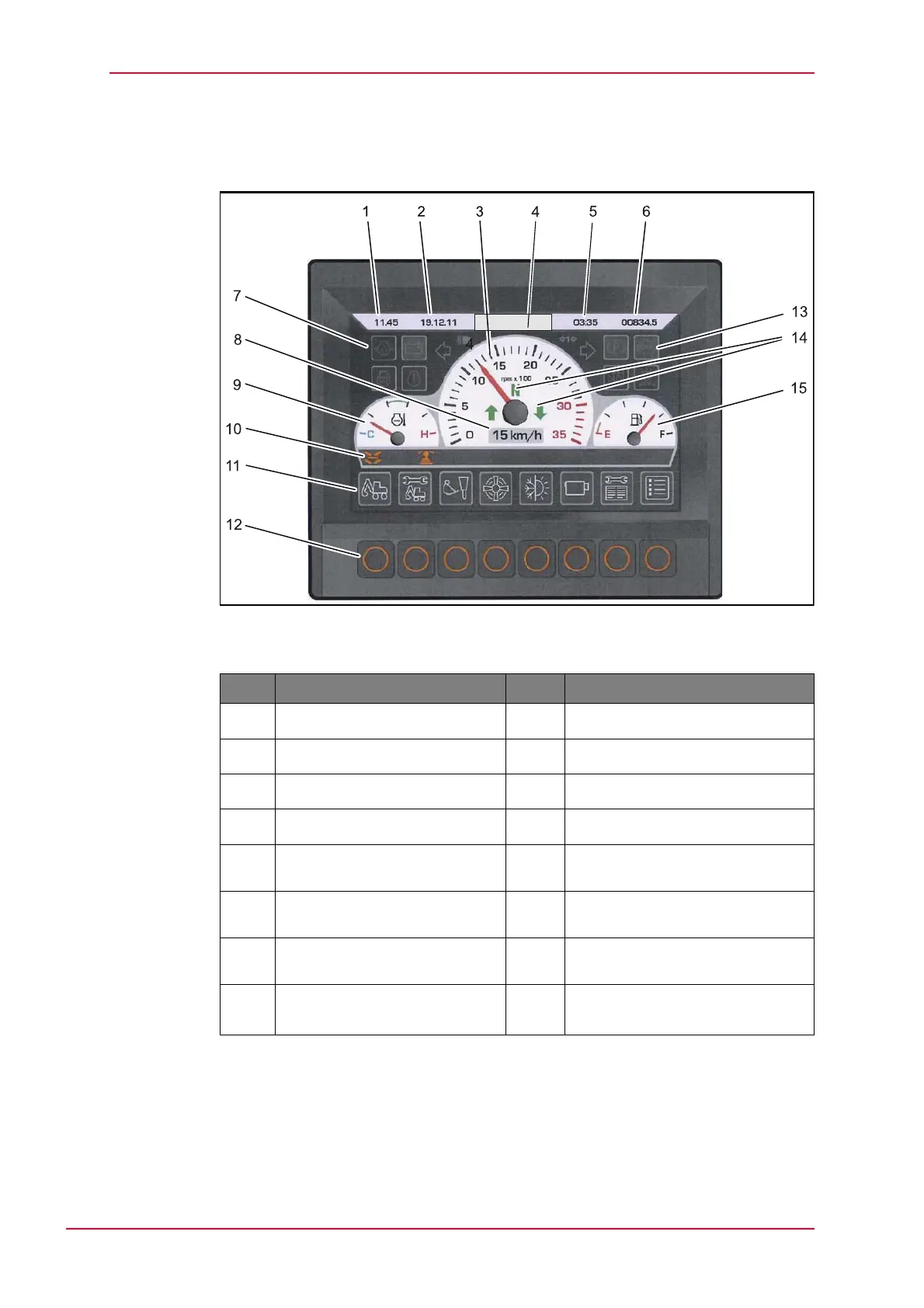
Fig. 5-14 Display main view
Tab. 5-4 Assignment display
The monitoring icons may vary in the display in terms of position (“multi-icon”.)
and color (yellow, green or red illuminated or flashing).
Pos. Description Pos. Description
1 Time 9 Coolant temperature gauge
2 Date 10 Display bar for activated functions
3 Tachometer 11 Menu control icons
4 Company logo 12 Function buttons
5 Operating hour meter /
daily counter
13 Icons Machine monitoring
(see table below)
6 Operating hours total 14 Display direction of travel/neutral
setting
7 Icons Engine monitoring
(see table below)
15 Fuel level indicator
8 Speed indicator 15
AdBlue
®
level indicator (DEF)
blue


 To Next Page