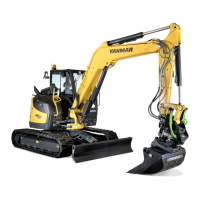
B95W
Description
94 / 306
5
05_Beschreibung_en.fm - V1.0 - 1.8.17
11
Submenu,
diagnostics/
service
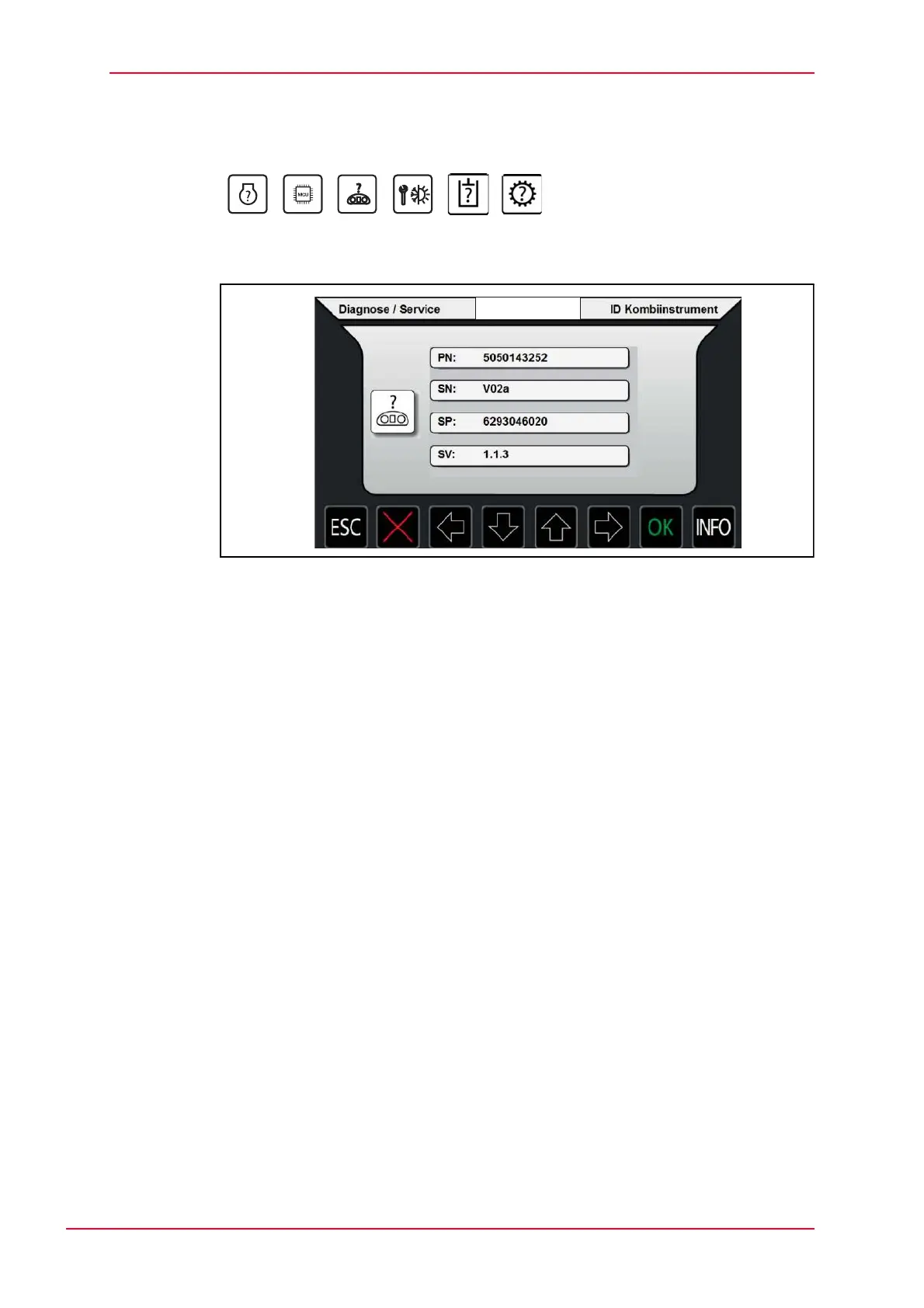
Menu display - active icons
Fig. 5-29 Submenu, diagnostics/service instrument cluster
Display mode: ID instrument cluster
• PN: Hardware number
• SN: Hardware version number
• SP: Software part number
• SV: Software version
Hit ESC to return to the menu.


 To Next Page