Command Reference
START
Table explanation
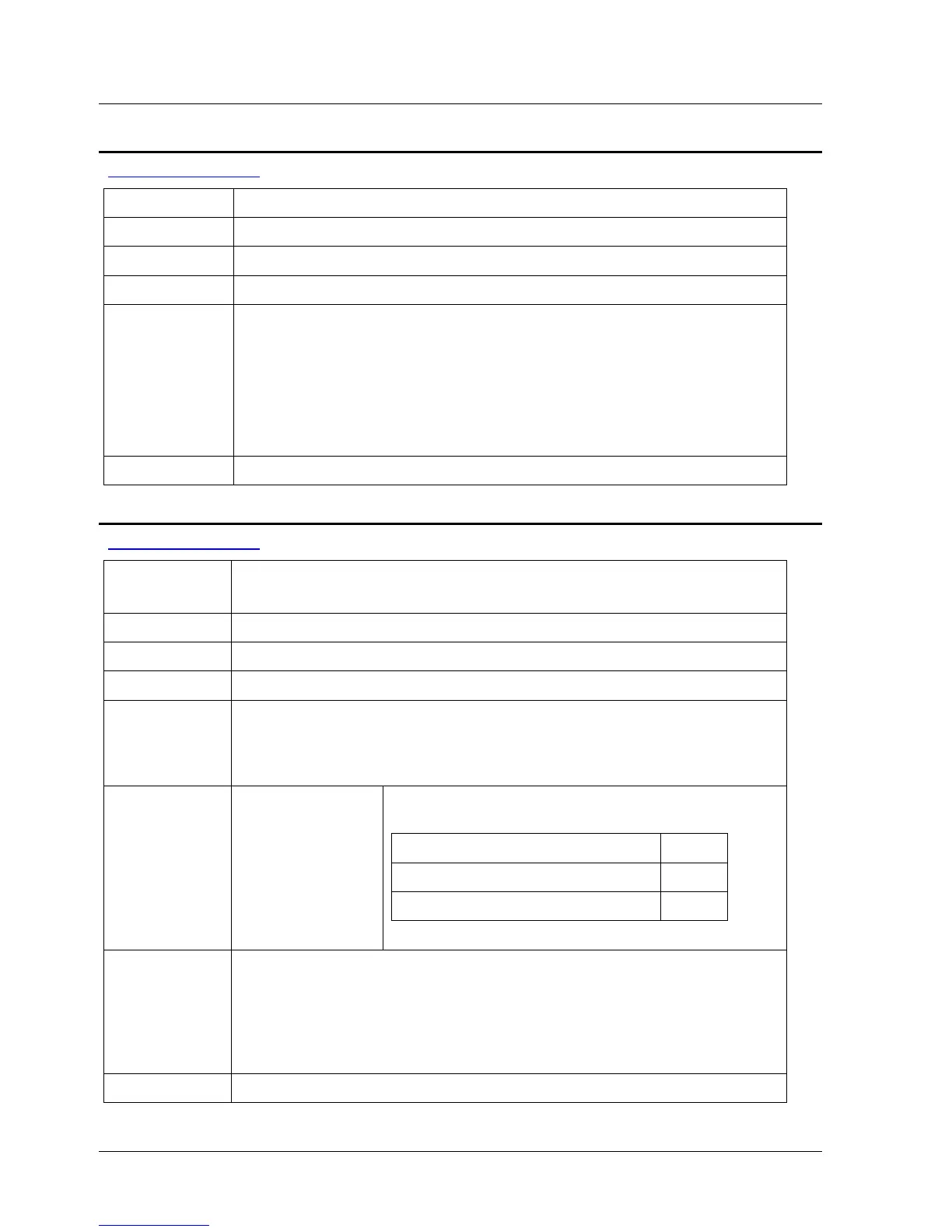
Group Motion
Syntax START
Op. Code 82
Modes Immediate
Description Triggers the execution of a previously defined motion that is being
held by a WAIT_FOR_START command.
The START command reaches all the drivers (provided that several
drives are connected via serial communication) at the same time
as a broadcast message.
The START command clears the WAIT_FOR_START flag. Therefore
the WAIT_FOR_START command must be set per motion.
See Also WAIT_FOR_START
STOP
Table explanation
Version
Note
This command is available only in drive version 2.91. For higher
versions, use STOP_EX.
Group Motion
Syntax STOP <switch>
Op. Code 84
Description Immediately stops the motor motion using the quick stop
deceleration as defined by parameters Pn2A8 and Pn2A9. This
command also stops the program and clears the immediate,
sequential and motion buffers.
Syntax
Parameters
switch This parameter defines system behavior after
the motion actually stops:
Switch Code
ON – keeps the motor enabled 1
OFF – disables the motor 0
Note When using this command, the deceleration parameters Pn2A8 and
Pn2A9 cannot be defined as zero. The default rate of this
deceleration is automatically calculated by the XtraDrive according
to the motor torque. If you change this value, it is your
responsibility to set a value that is appropriate for an
emergency stop.
Modes Program, Immediate, Sequential
158 XtraWare User Manual



 To Next Page