Operating the XtraDrive Using XtraWare
4.8. Mechanical Analysis
Controlling a system (amplifier, motor, and load) requires knowledge of its
mechanical restrictions, such as resonance and anti-resonance frequencies.
The mechanical analysis (FFT) option samples and analyzes 2000 speed
data points. The speed is a response to sinusoidal torque frequency
commands. The response is displayed as a graph of the gain (dB) and
phase angle (degree) versus frequency (Hz in log scale). Using the graph,
the relevant parameters can then be adjusted in order to reduce the effect
of the mechanical restrictions.
Note:
The process uses the predefined parameters of Notch Filter (Pn408.0,
Pn409, Pn40A) and does not take control gains into consideration.
¾ To start mechanical analysis:
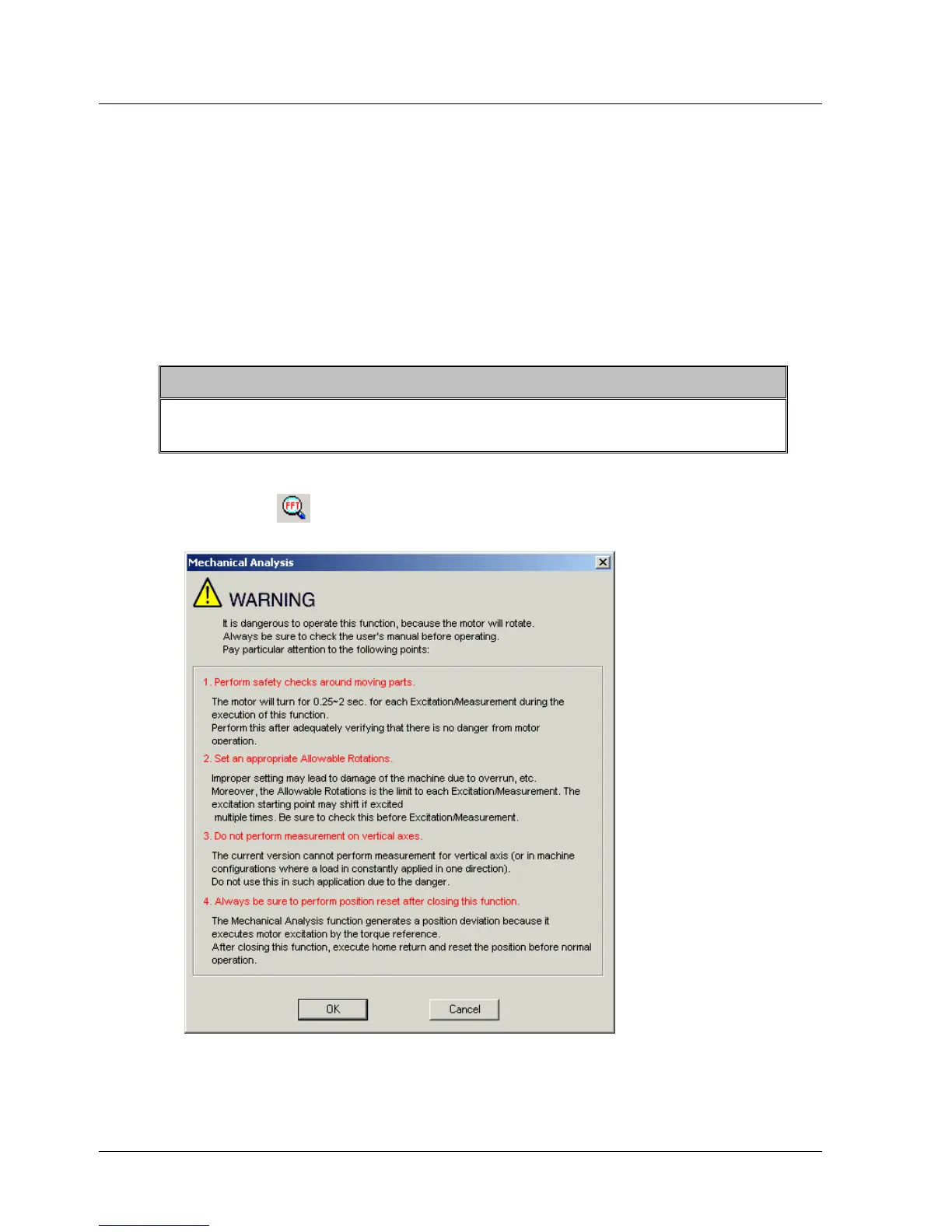
1. Click FFT or select Mechanical Analysis from the Tools menu. A
Warning message is displayed (Figure 29):
Figure 29: Mechanical Analysis Warning Message
44 XtraWare User Manual



 To Next Page