Operating the XtraDrive Using XtraWare
4.8.3. Running the Mechanical Analysis
To perform a mechanical analysis
1. Run the motor to excite the machine and measure the frequency
characteristics.
2. Run the process by pressing the START button.
Warning:
The motor will begin moving once Start has been pressed.
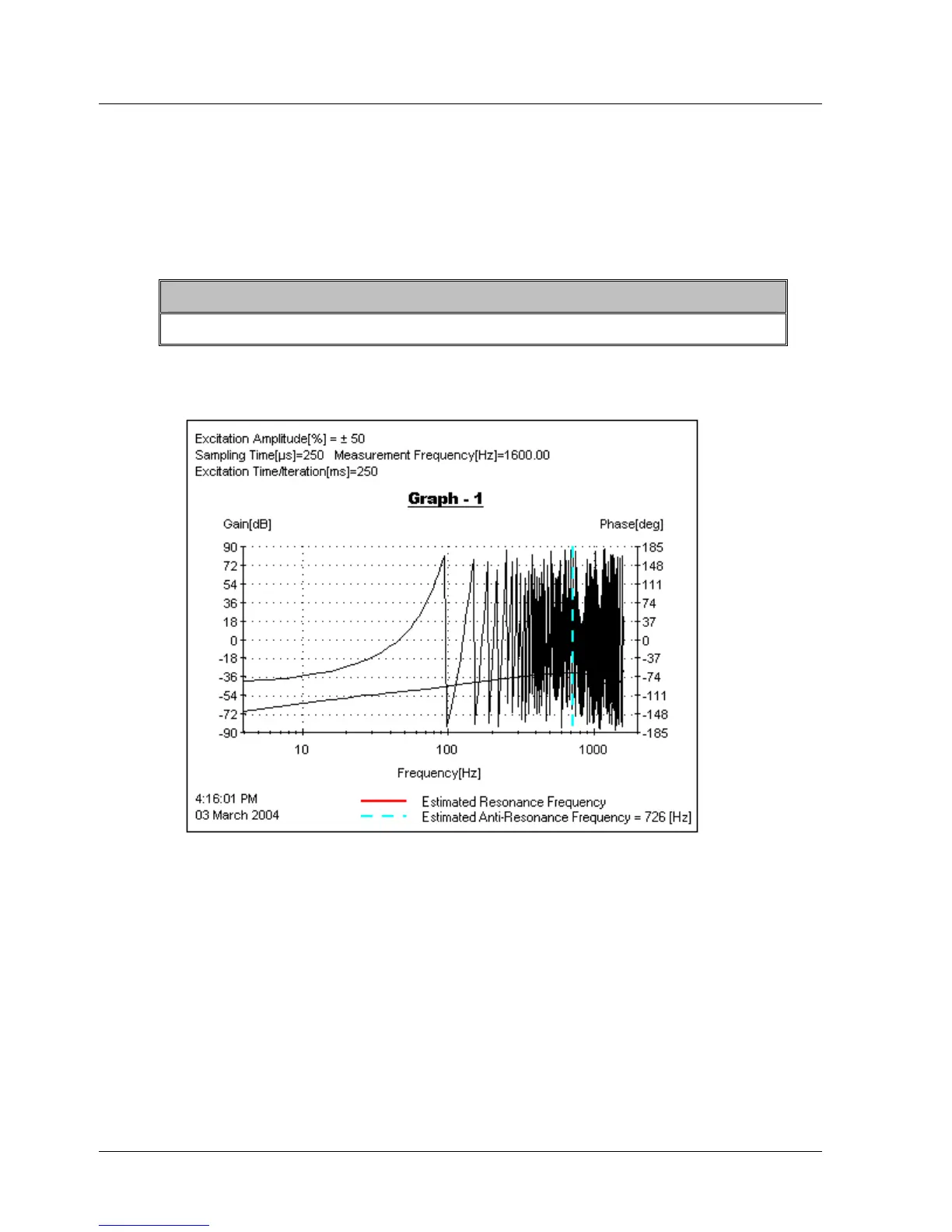
Once the process is completed, a graph is displayed. The values of
resonance and anti resonance frequency values (if any) are displayed at
the bottom right corner of the graph.
Figure 32: Sample Mechanical Analysis Output
48 XtraWare User Manual



 To Next Page