The Main Screen Interface
3.4. Status Bar (D)
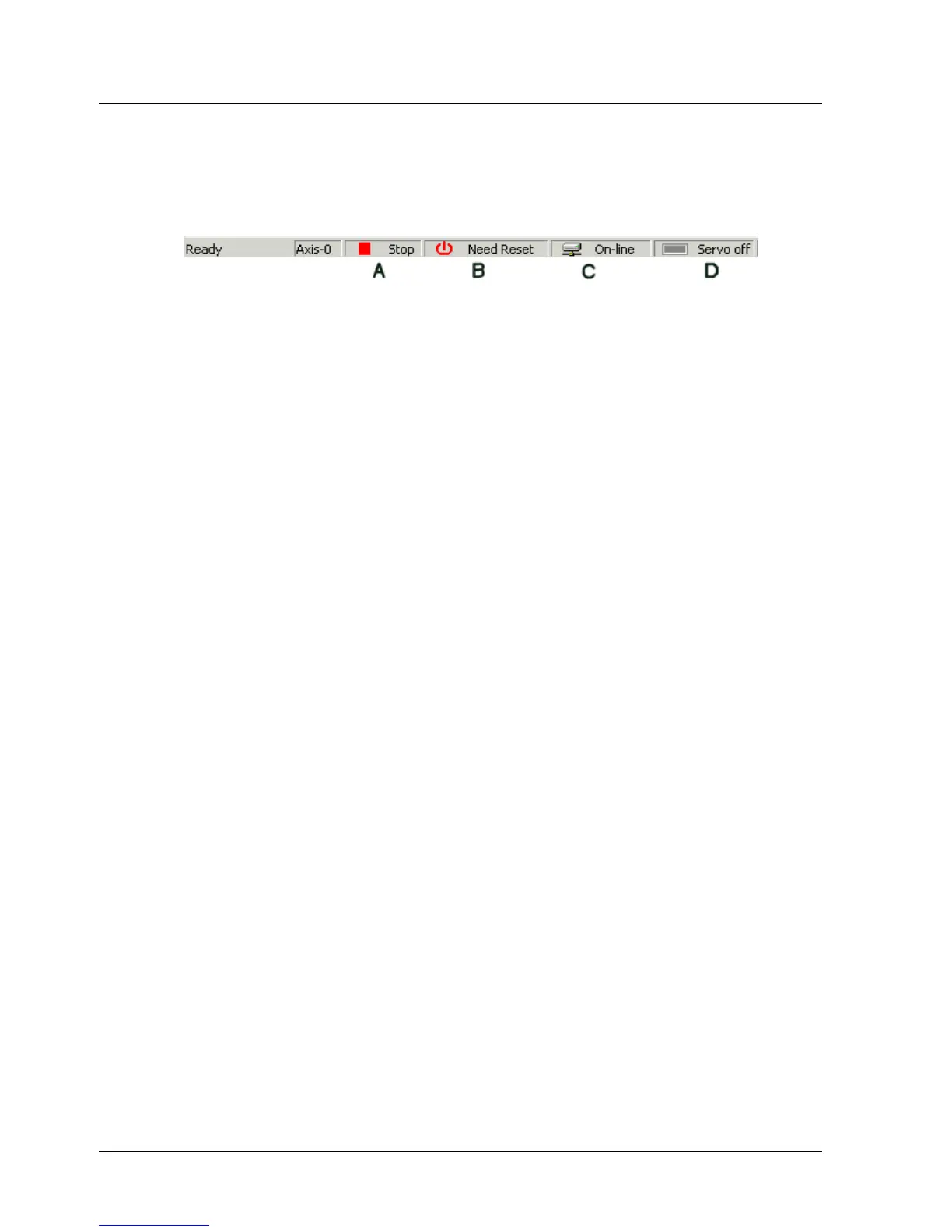
The Status Bar, located at the bottom of the XtraWare screen, indicates the
status of the current driver and of the Servo.
Figure 7: Status Bar
The indicators on the right of the status bar are as follows:
♦ A: Indicates whether or not a program is running on the controller (Run
or Stop).
♦ B: Need Reset indicator. After certain parameters are edited, the main
circuit and control power supply must be cycled in order to enable the
new settings. When this indicator appears, click Reset.
♦ C: Indicates the status of the connection to the XtraDrive driver (Offline
or Online).
♦ D: Indicates the current status of the XtraDrive driver (ON or OFF).
3.5. Work Area (E)
The Work Area comprises the following windows:
♦ Workspace window
♦ Project tab
♦ Program window
♦ History window
♦ Parameters window
♦ Cam window
3.5.1. Workspace Window
The Workspace window includes:
♦ Project Tab: The subsections of the current project.
♦ Command Tab: A list of the XtraWare commands divided into six
groups.
♦ Description Pane: A description of the currently selected item.
3.5.2. Project Tab
The Project tab (Figure 8) presents the subsections (Program, Parameters
and Cam) of the current project.
14 XtraWare User Manual



 To Next Page