Operating the XtraDrive Using XtraWare
4.9.10. Viewing the Data Graph
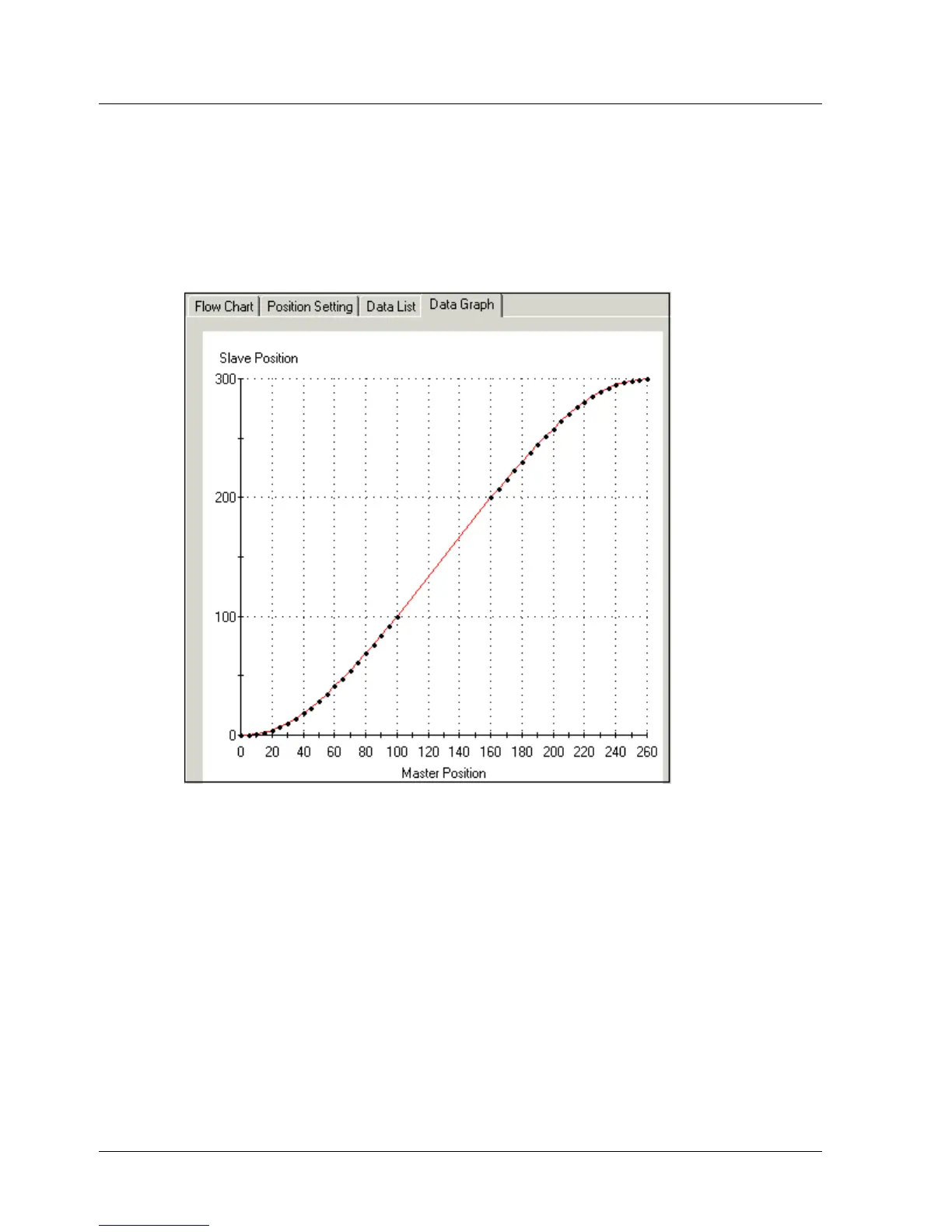
The data graph graphically represents the specified table. The dots along
the curve represent the interpolated points.
¾ To view the data graph:
1. Open the Data Graph tab.
The data graph is displayed.
Figure 41: Data Graph
4.9.11. Printing from the Electronic Cam Window
The contents of each of the Position Setting, Data List and Data Graph tabs
can be printed:
¾ To print from the Electronic Cam Window:
1. Select the profile to print from the Profile List.
2. Select the tab to be printed.
3. Click Print.
The Print dialog box is displayed.
60 XtraWare User Manual



 To Next Page