The Main Screen Interface
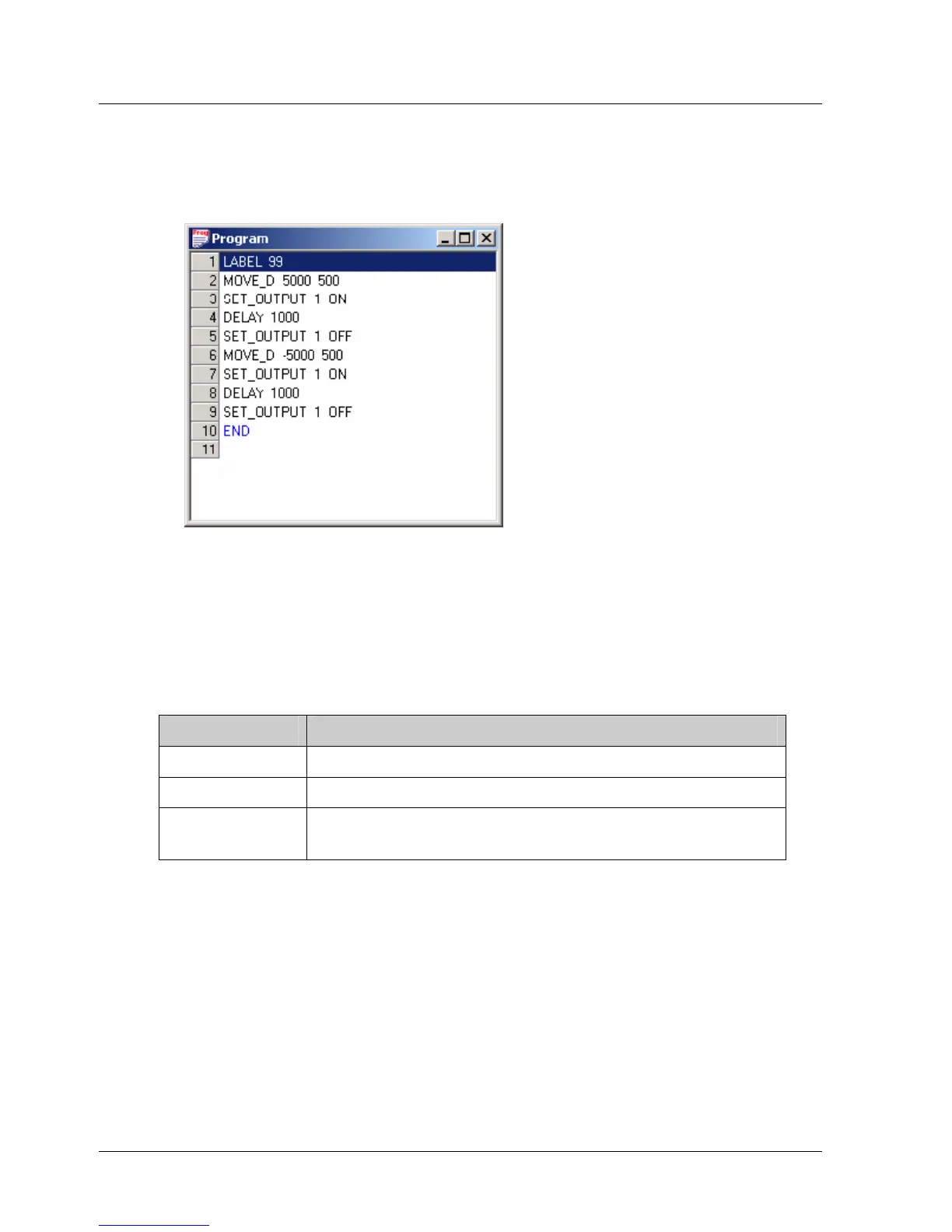
¾ To change the value of a command’s argument after it has
been added to the program:
1. Double-click on the command line to open its window, and enter a new
value or values.
Figure 10: Program Window
3.5.4. History Window
The History window presents a list of all the commands that have been
downloaded or sent (in Immediate mode) to the XtraDrive driver.
For each command, the following information is displayed:
Table 11: History Window Columns
Name Description
ID A sequential number assigned to the command.
Command The name of the command that was executed.
Operation
Mode
The operation mode (Program, Immediate,
Sequential) active when the command was issued.
3.5.5. Parameters Window
Each project in the XtraWare system comprises a program and parameters.
The XtraWare parameters are divided into different parameter groups, and
are displayed in the Parameters window (Figure 11).
For instructions on how to set parameters, see section
4.3.3, Setting
Parameters Online, and section
4.3.4, Setting Parameters Offline.
A full list of all the parameters available in the XtraDrive system and their
values is provided in Chapter
8, Parameter Reference.
18 XtraWare User Manual



 To Next Page