Operating the XtraDrive Using XtraWare
4. Operating the XtraDrive Using
XtraWare
This chapter provides detailed instructions on how to operate the XtraDrive
servo driver using the XtraWare software.
4.1. Connecting the Driver to the PC
Serial communication is used between the PC and the driver.
¾ To connect the driver to the PC:
1. Connect a communication cable to an available COM port of your PC.
Note that XtraWare supports serial communications ports COM1 through
COM7. Their usage depends upon available hardware
.
2. Connect the other end of the communication table to the CN3 connector
on the XtraDrive.
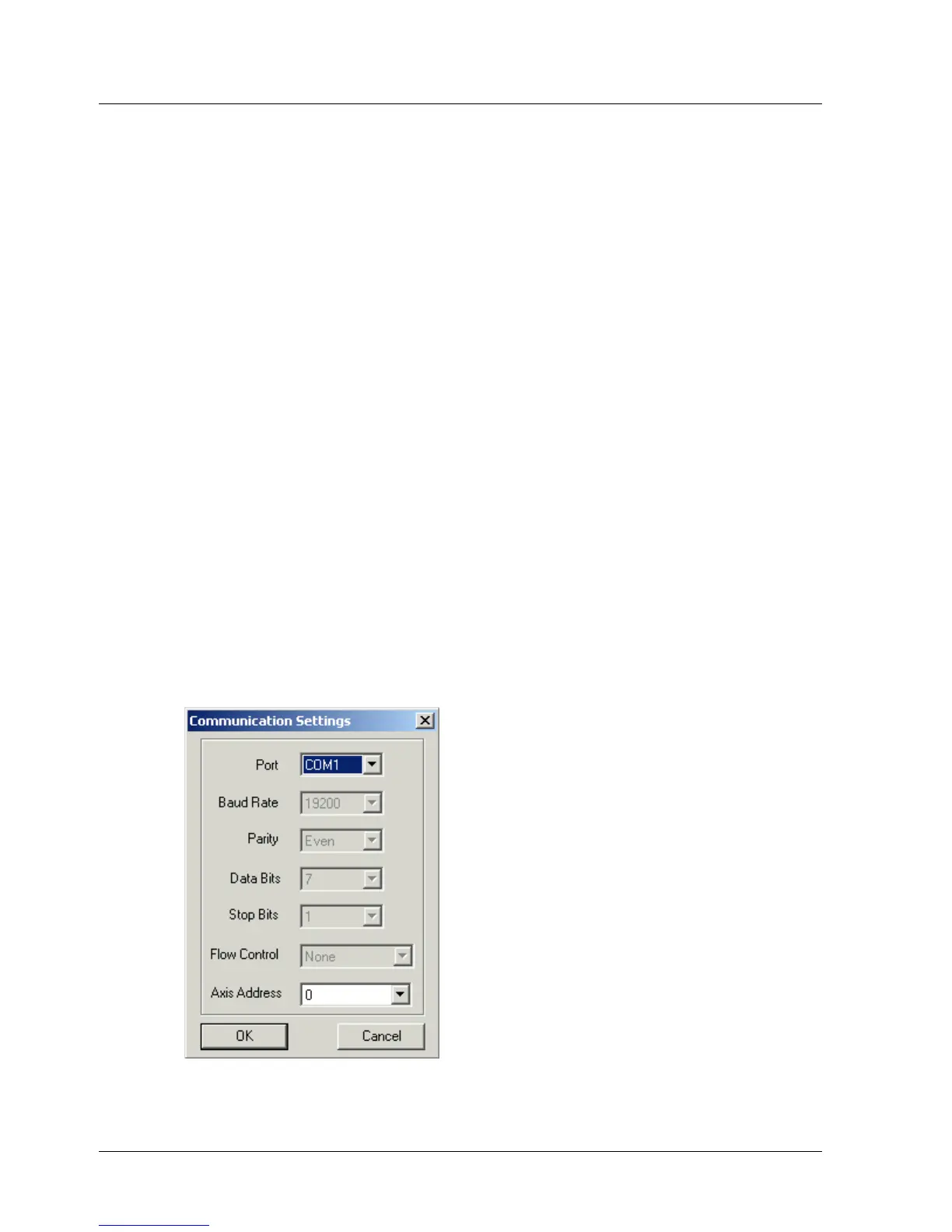
4.1.1. Communication Settings
It is important that the communication settings are set correctly.
¾ To change the communication settings:
1. Run the XtraWare software. The default location is: Start > Programs >
XtraWare.
2. Select Setting from the Communication menu.
The Communication Settings window is displayed.
Figure 13: Communication Settings Window
XtraWare User Manual 21



 To Next Page