Operating the XtraDrive Using XtraWare
4.7.2. Using Zoom
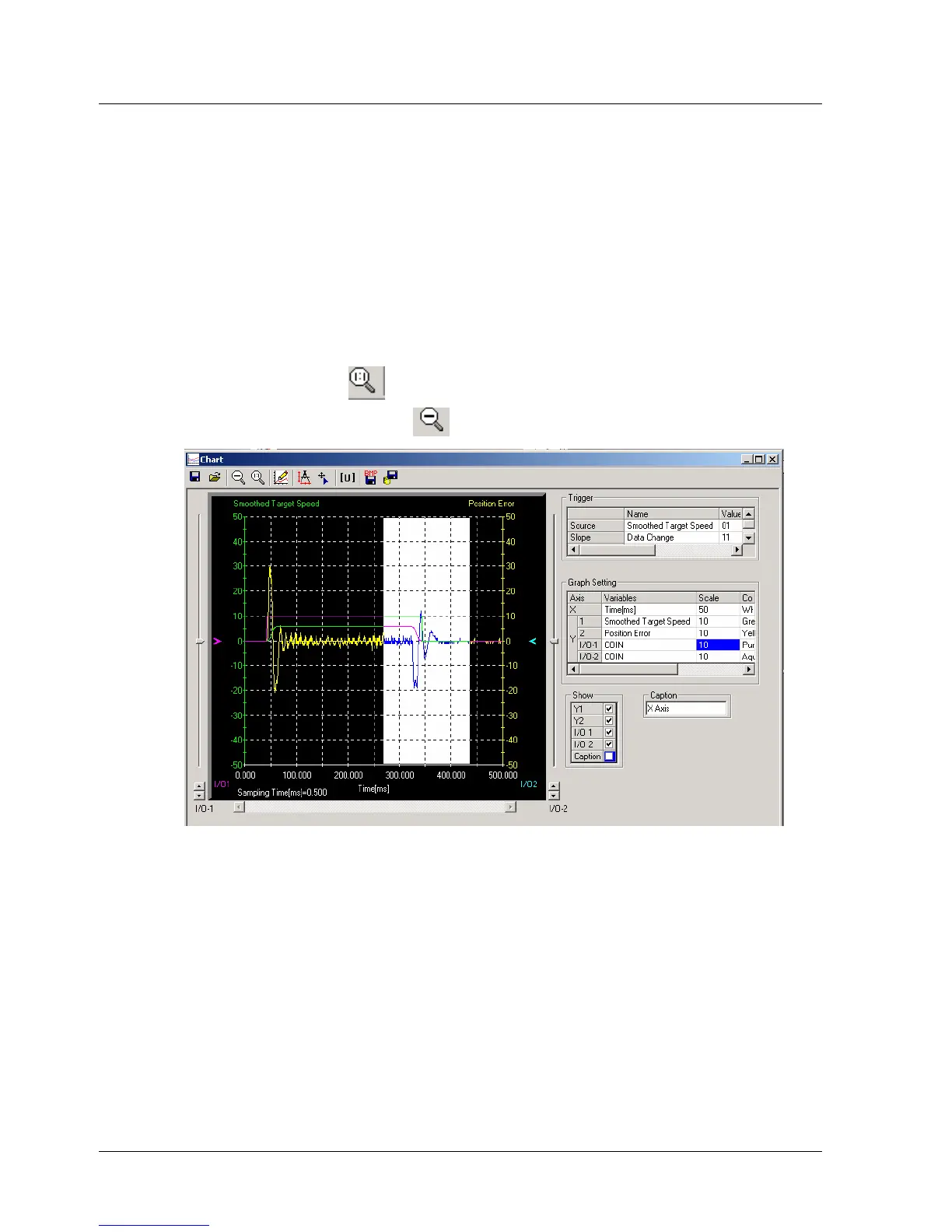
The view of an area selected by the mouse can be magnified.
¾ To zoom in on an area:
1. Position the mouse at one corner of the area you want to select.
2. Hold down the left mouse button and drag to the opposite corner.
A white area will appear around the selected area.
3. Release the left mouse button.
The selected area of the graph is enlarged.
4. Click Reset zoom
to view the original graph.
5. Click Up one zoom level
to view the previous zoom level.
Figure 28: Chart Zoom Feature
42 XtraWare User Manual



 To Next Page