The Main Screen Interface
3.2.3. View Menu
The View Menu options are used to select which windows you want
displayed on the XtraWare screen.
Table 3: View Menu Options
Option Icon Description
Program Displays/hides the Program window.
Parameters Displays/hides the Parameters window.
Cam List Displays/hides the CAM window.
Workspace Displays/hides the Workspace window.
History Displays/hides the History window.
Chart
Opens the Charts window. See section
4.7,
Charts, for a description of this window’s
operation.
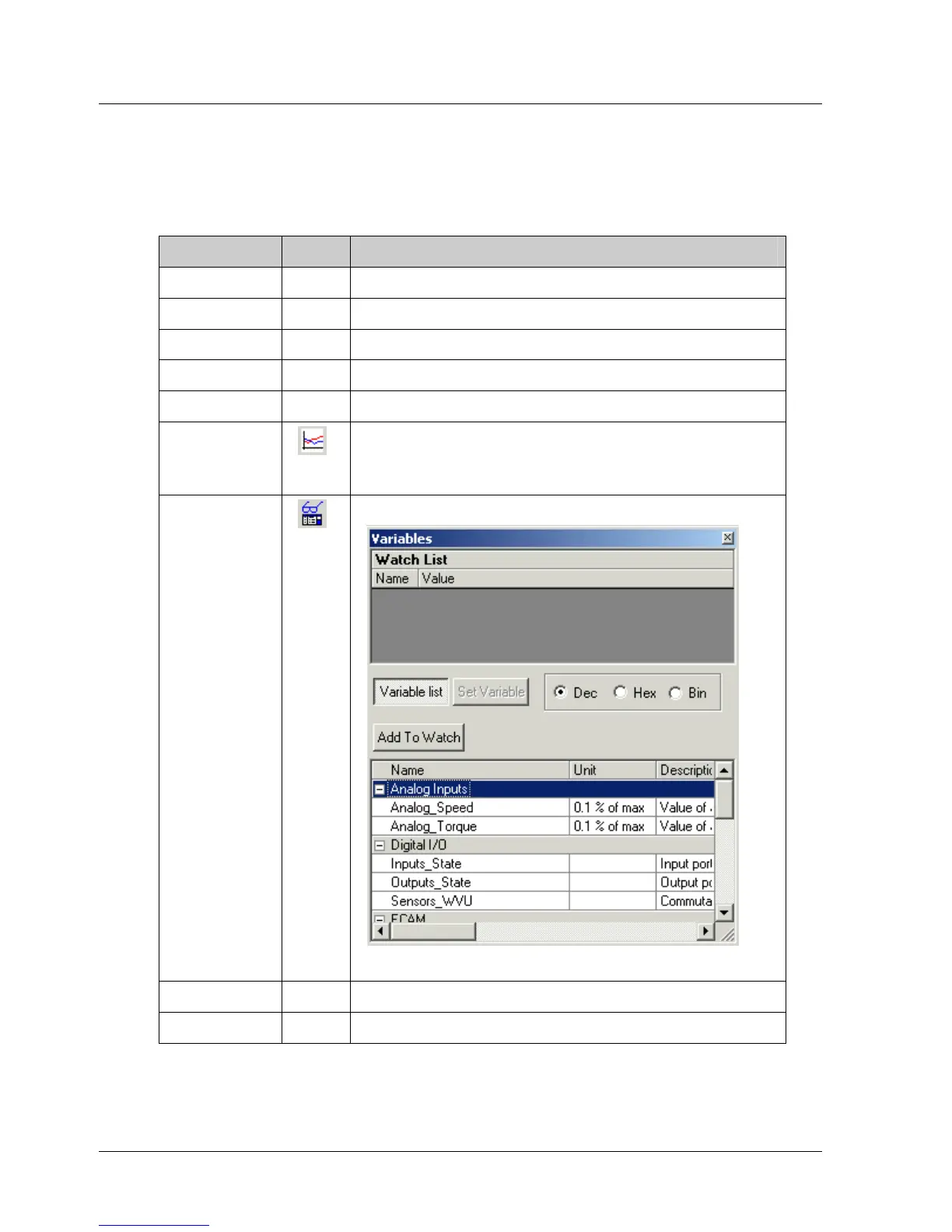
Variable
Opens the Variables window:
Figure 5: Variables Window
Toolbar Displays/hides the toolbar.
Status bar Displays/hides the status bar.
XtraWare User Manual 9



 To Next Page