Operating the XtraDrive Using XtraWare
4.7. Charts
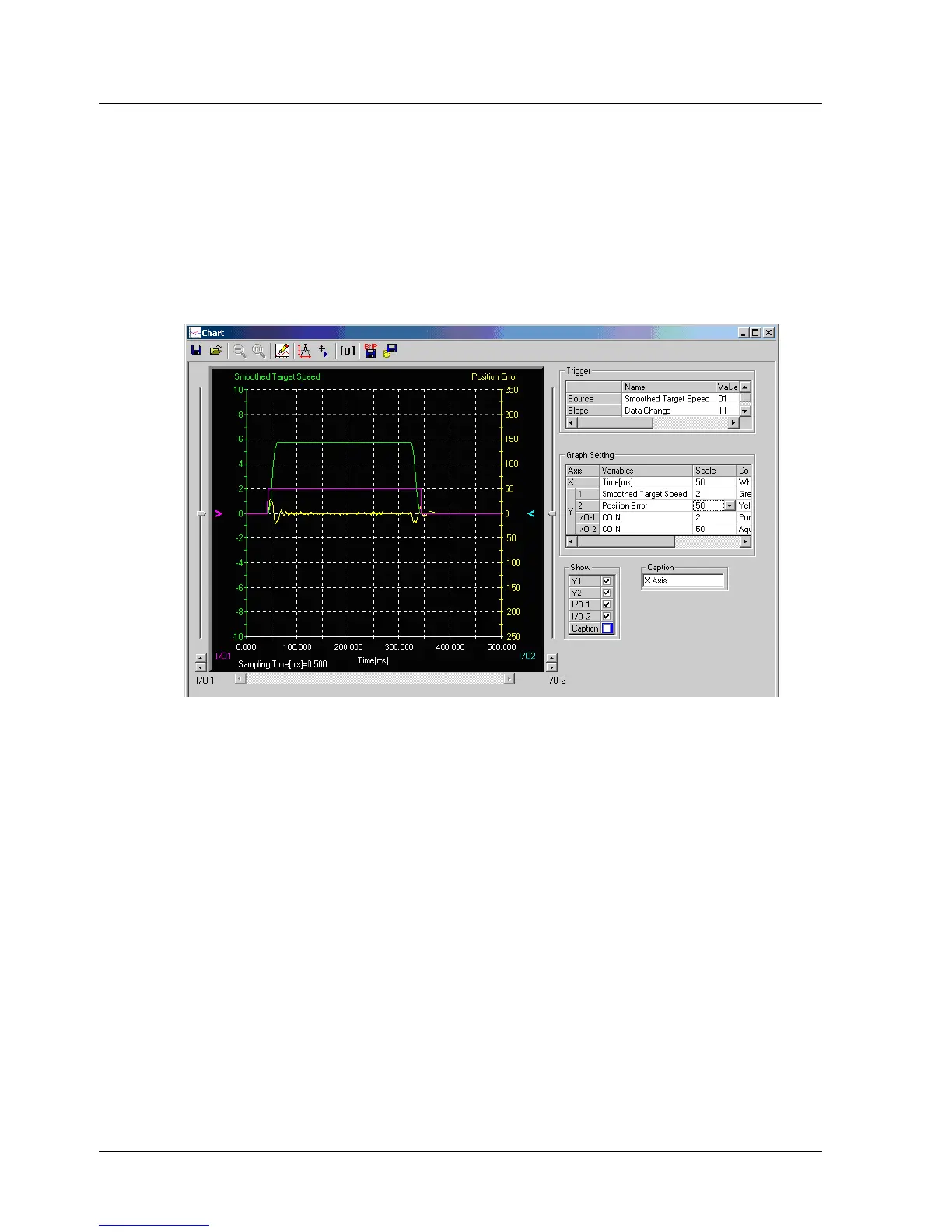
The Charts option provides a graphical display of signals over a specified
time period. Two analog signals and two digital I/O signals can be
displayed.
4.7.1. The Chart Main Window
Select the Charts option from the View menu to display the Chart Main
window (Figure 24).
Figure 24: Chart Main Window
38 XtraWare User Manual



 To Next Page