The Main Screen Interface
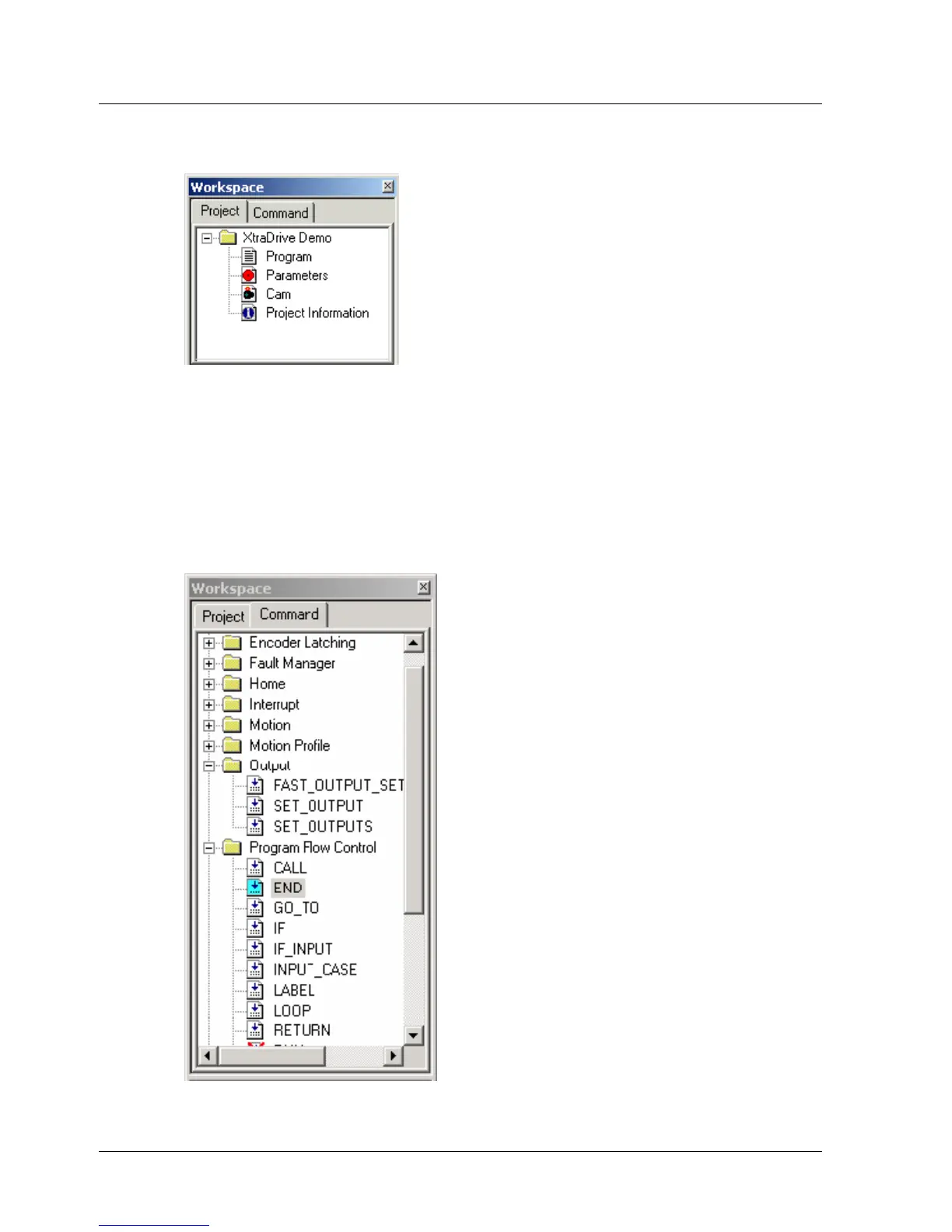
To view the project subsections, click the + sign next to the project name in
the Workspace window.
Figure 8: Workspace Window – Project Tab
3.5.2.1. Command Tab
The Command tab (Figure 9) lists the commands that can be used to write
the program. The commands are divided into groups. A full description of
each command is provided in Chapter
5, Command Reference.
To view the commands under a command group, click the + sign next to
the group name in the Command tab.
Figure 9: Workspace Window – Command Tab
XtraWare User Manual 15



 To Next Page