The Main Screen Interface
XtraWare User Manual 7
Option Icon Description
Open
Project
(Ctrl+O)
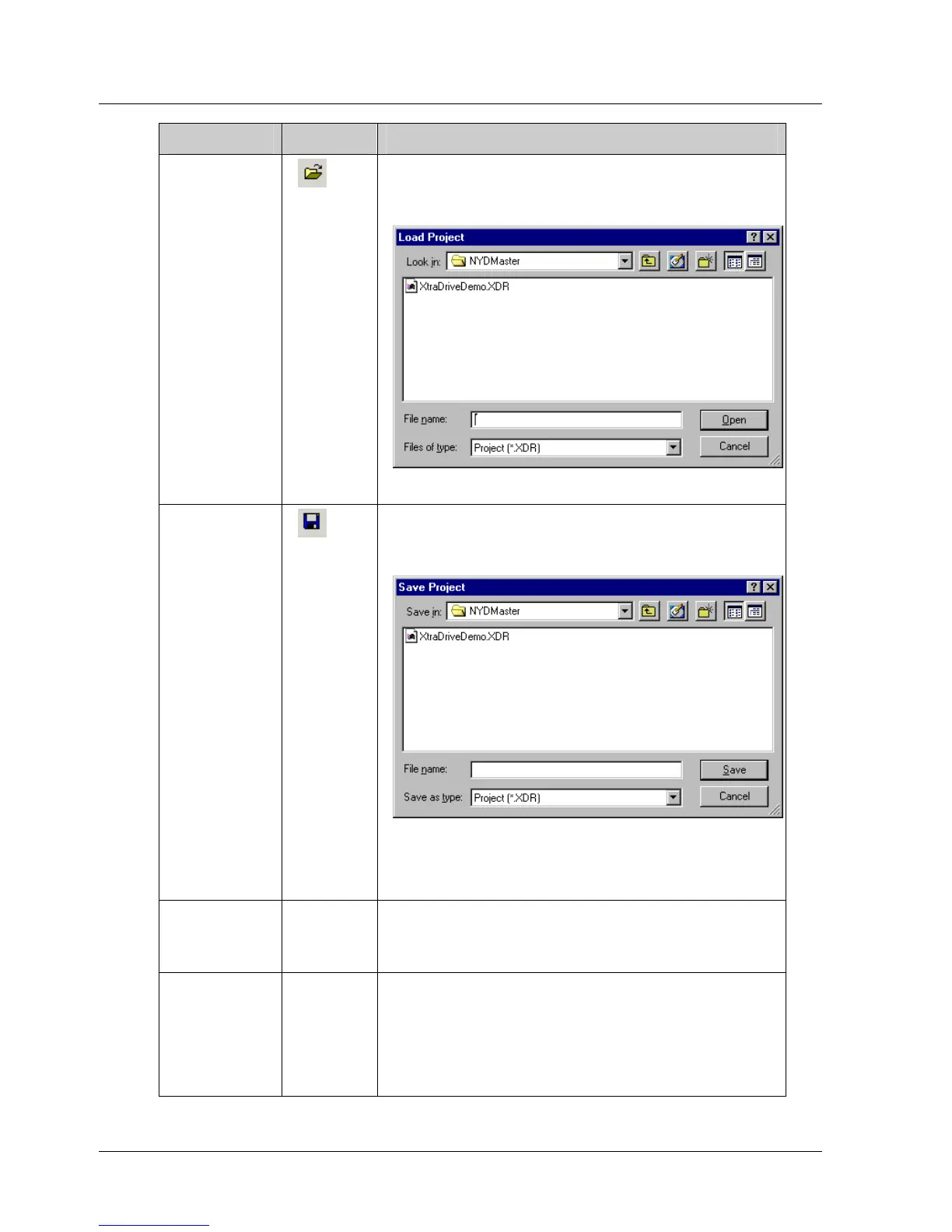
Opens an existing XtraWare project. When
this option is selected, the Load Project
window is opened:
Figure 3: Load Project Window
Save
Project
Saves the current project under its existing
name. If the project has not yet been
named, the Save Project window is opened:
Figure 4: Save Project Window
In the File name field, type a name for the
project and click Save.
Save
Project as
Saves the current project under a new
name. When this option is selected, the
Save Project window is opened.
Close
Project
Closes the current project. If the project
has not been saved, the following message
is displayed:
Save changes to <project-name>?
Click Save to save the project.



 To Next Page