Operating the XtraDrive Using XtraWare
¾ To enter Program mode:
1. Click Program Mode in the toolbar, or select the Program Mode
option from the Run menu.
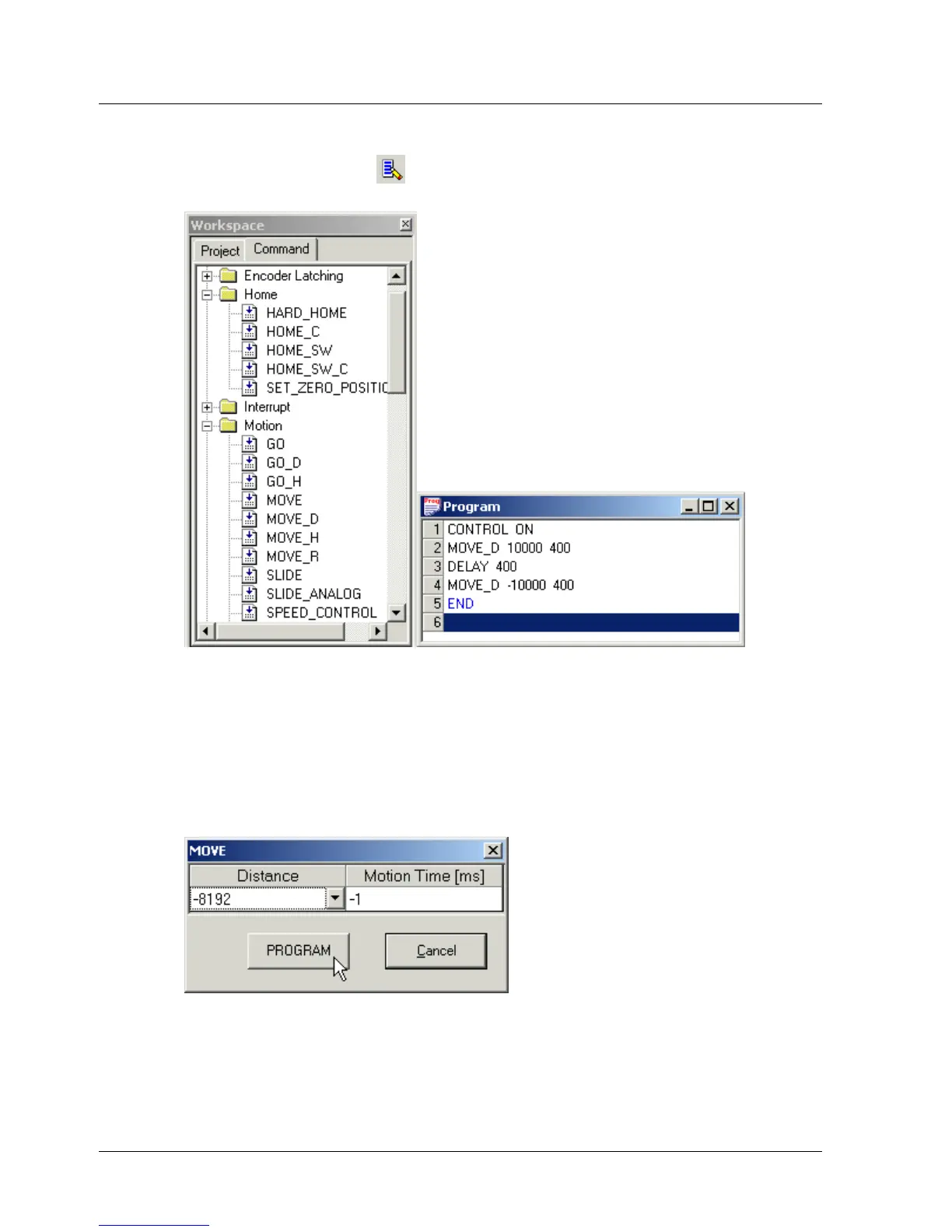
Figure 16: Workspace Window Figure 17: Program Window
The commands in the Workspace window are divided to groups. For
further details, see section
3.5.3, Program Window.
¾ To add a command to a program:
1. Open the relevant command group.
2. Double-click the required command to open a pop-up dialog box (Figure
18) relating to the command.
Figure 18: Sample Command Pop-up Dialog Box
28 XtraWare User Manual



 To Next Page