User Guide for SIP VP-T49G IP Phone
170
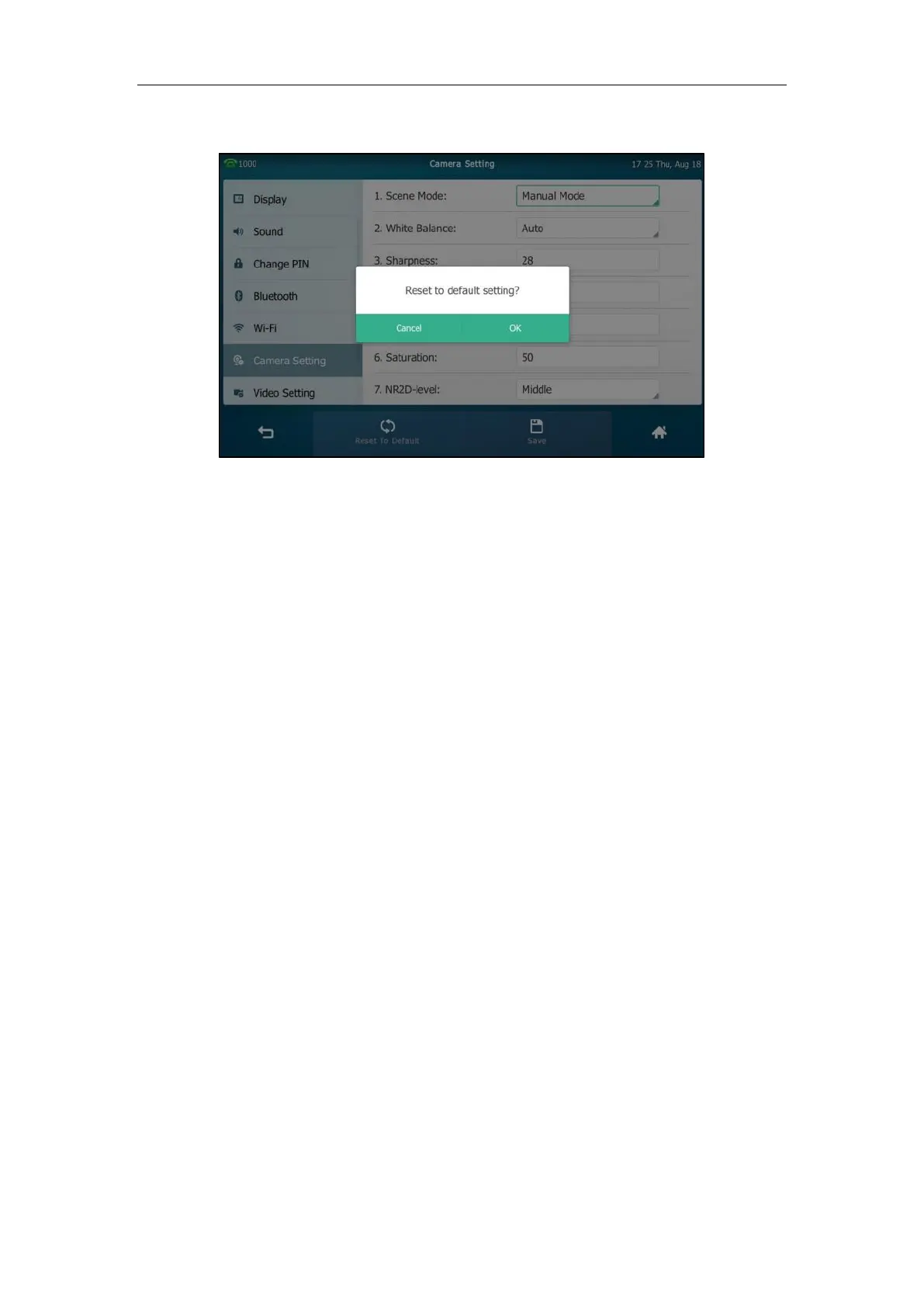
The touch screen prompts “Reset to default setting?”.
3. Tap OK to accept the change or Cancel to cancel.
Reset Manual Settings is configurable via web user interface at the path Settings->Camera.
Exposure
Exposure compensation is used to compensate the camera effectively when shooting in a
backlight environment. If the environment light is dark, increase the compensation value.
To configure exposure via web user interface:
1. Click on Setting->Camera.
2. Select the desired value from the pull-down list of Exposure Compensation, or select Off
to turn off exposure compensation.


 To Next Page
 Loading...