Directions for Use of X-era Smart ControlManager
106
Operation Manual
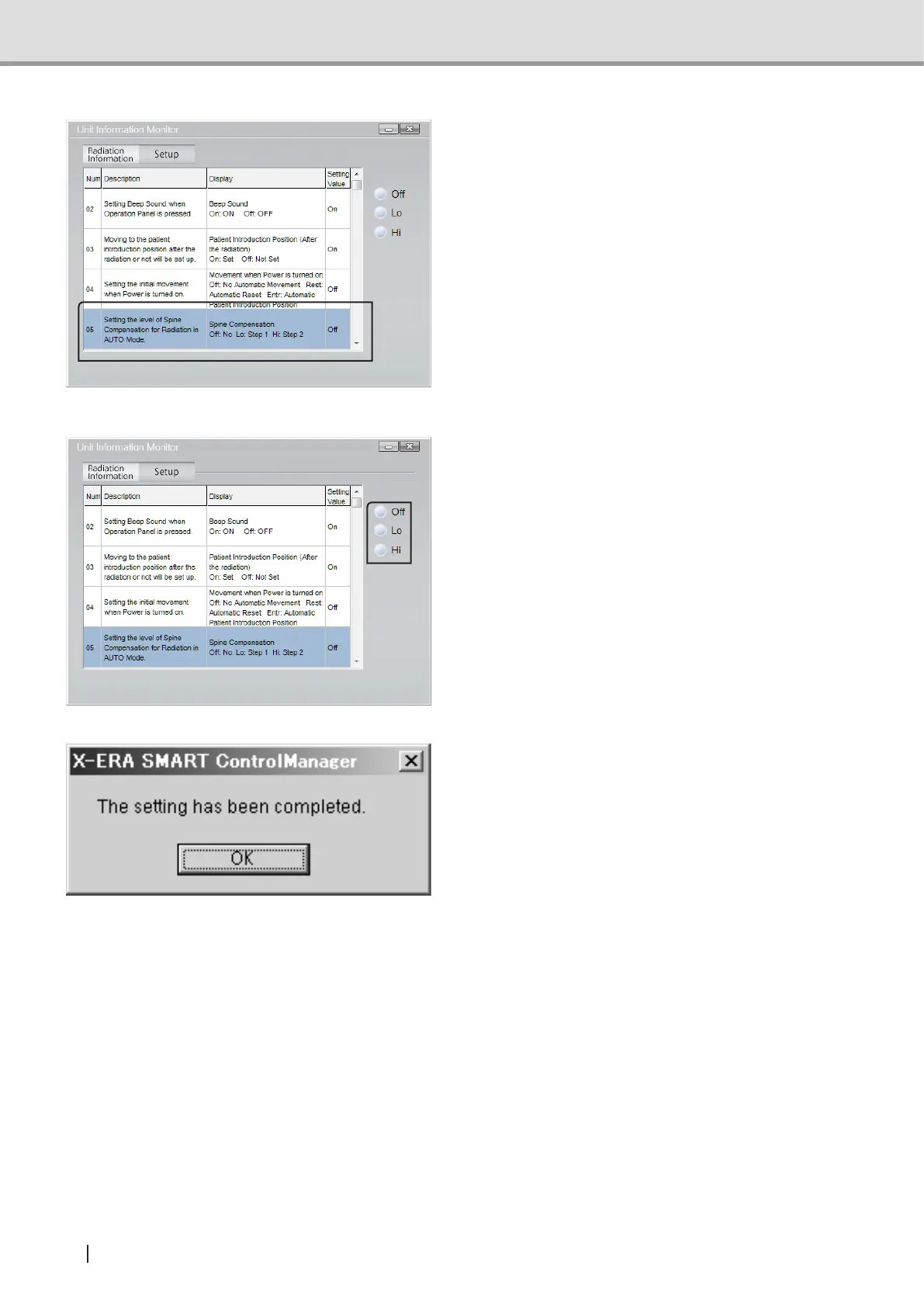
2 Click the program number of the
programtobemodiedtoselect.
3 Click the button associated with the
settingtobemodied.
4 The left-hand dialog will open. To
conrmthemodication,click“OK”.
Suppl. : In the User Program Mode, any operation from the exposure switch or the control
panel is not activated.



 To Next Page