Directions for Use
83
Operation Manual
support.
* Caution
• In order to minimize the patient dose, make sure that the image acquisition is done with
a correct positioning.
• Slide the ear rods by gripping their upper portion (closer to the head) to widen or narrow.
The patient might get injured if excessive force is applied to move the ear rods.
• Be cautious not to hit the patient’s face or other body parts when moving the nose
support up/down or forward/backward.
• Be sure to press the correct switches, e.g. the Up or Down switch, for positioning,
otherwise, the patient may be injured.
• Do not move the equipment up/down or forward/backward while the ear rods are in the
patient’s porus acusticus. The patient might get injured.
2.4.5 X-Ray Exposure
* Warning
• If the patient moves during the image acquisition, the patient's body might get caught
between the sensor and the second slit. Ask the patient to refrain from moving. Look out
for patient's safety at all times. In case any dangerous situation occurs, immediately stop
the operation.
* Caution
• Be sure to press the correct switches, e.g. the Up or Down switch, for positioning,
otherwise the patient may be injured.
• To minimize patient dose, be sure to position the patient correctly.
Initiating X-Ray Exposure
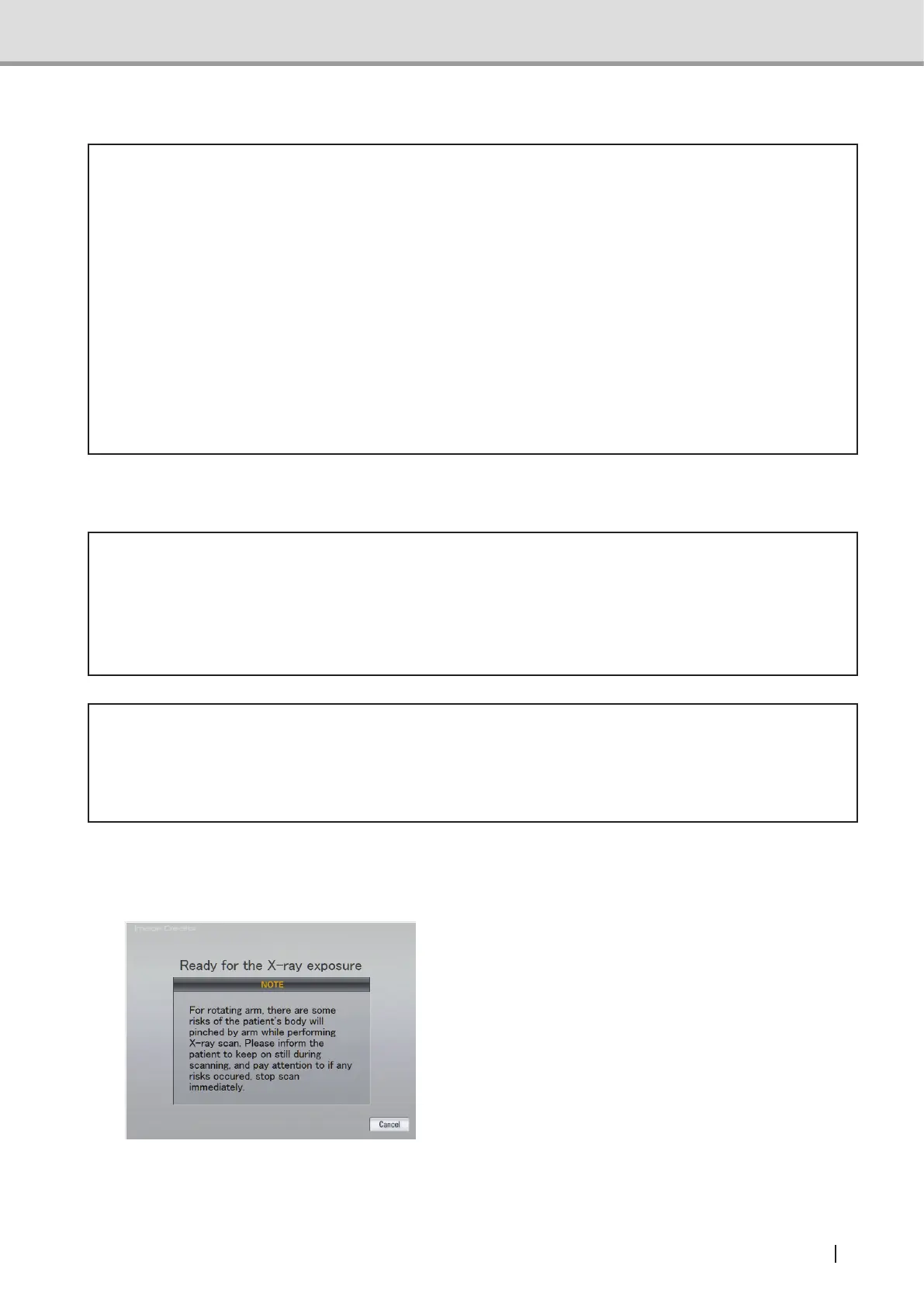
1 After the operation described in "2.4.3
Setting the Exposure Mode", make sure
that Image Creator is displaying the
“Image Acquisition Standby” Screen.



 To Next Page