Directions for Use
55
Operation Manual
3 Wait for a while until the link between the internal sensor and the computer has been
established.
NOTE : If the link between the sensor and the computer is not established for more
than one minute, turn off the equipment and turn it on once again.
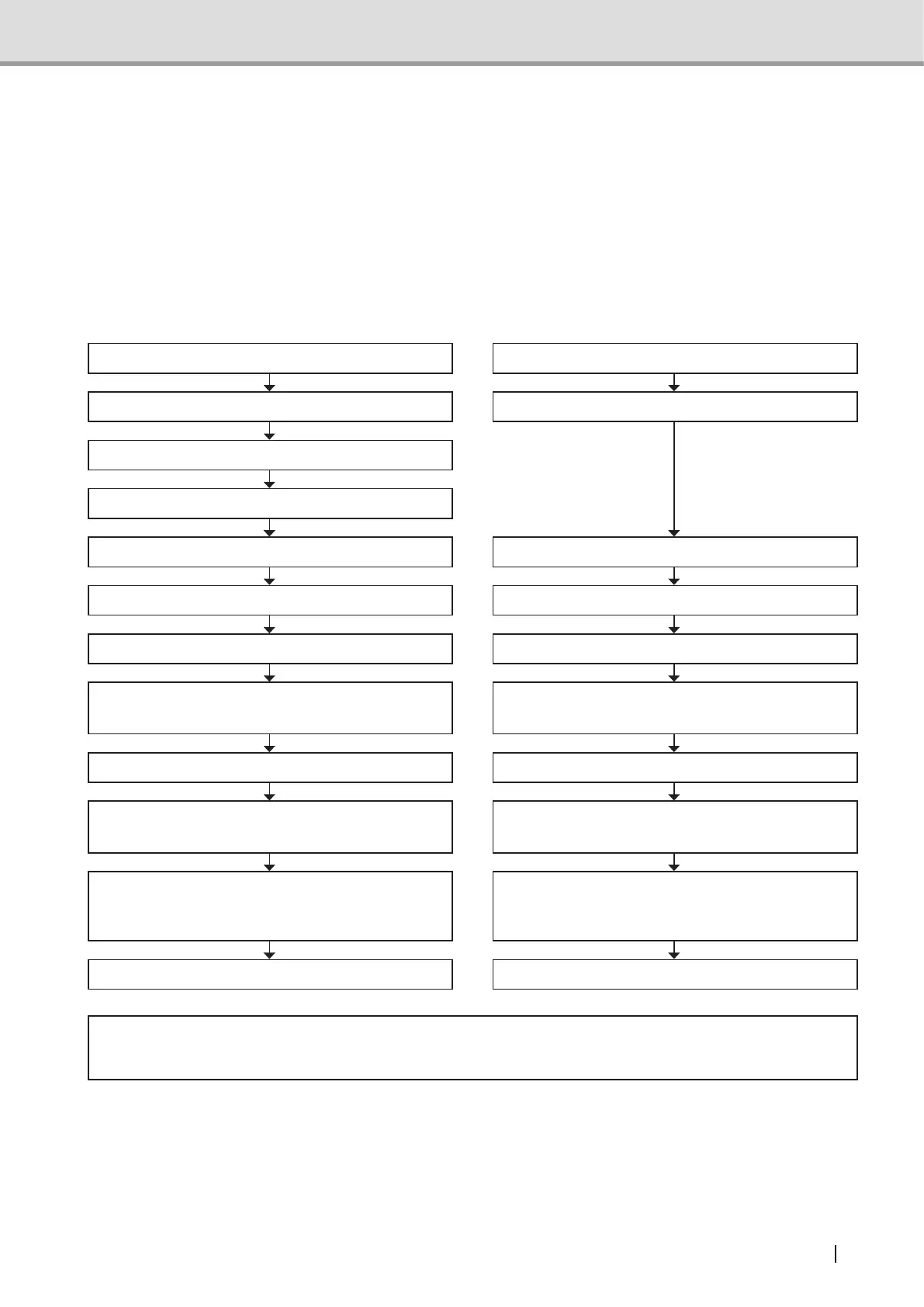
2.3.2 Flow of Image Acquisition
Start up the viewer. Start up the viewer.
Set Yoshida in equipment setting. Start up Image Creator.
Start TWAIN function.
The main screen of Image Creator is displayed.
Set the exposure conditions. Set the exposure conditions.
Seat and position the patient. Seat and position the patient.
X-ray exposure begins. X-ray exposure begins.
The patient exits. The patient exits.
The Viewer displays the image acquired. The Viewer displays the image acquired.
Preview image is displayed in Image Creator while
X-ray is irradiated.
Preview image is displayed in Image Creator while
X-ray is irradiated.
Image construction, tomographic adjustment, and
display adjustment.
Image construction, tomographic adjustment, and
display adjustment.
Press OK on Image Creator and transfer the
image to the Viewer.
Drag the Drag & Drop button on Image Creator to
the Viewer and drop it on the display window of the
Viewer.
When acquiring images by activating Image
Creator using TWAIN function of the viewer:
When acquiring images using the “Drag &
Drop” function of Image Creator:
* Caution
• UseaViewercompatiblewithTWAINVersion2.1.
See also :FordetailedoperationoftheViewerandTWAIN,refertotheinstructionmanualof
theViewerinuse.
For detailed operation of Image Creator, refer to "4 Directions for Use of Image
Creator" P.110.



 To Next Page