Directions for Use
56
Operation Manual
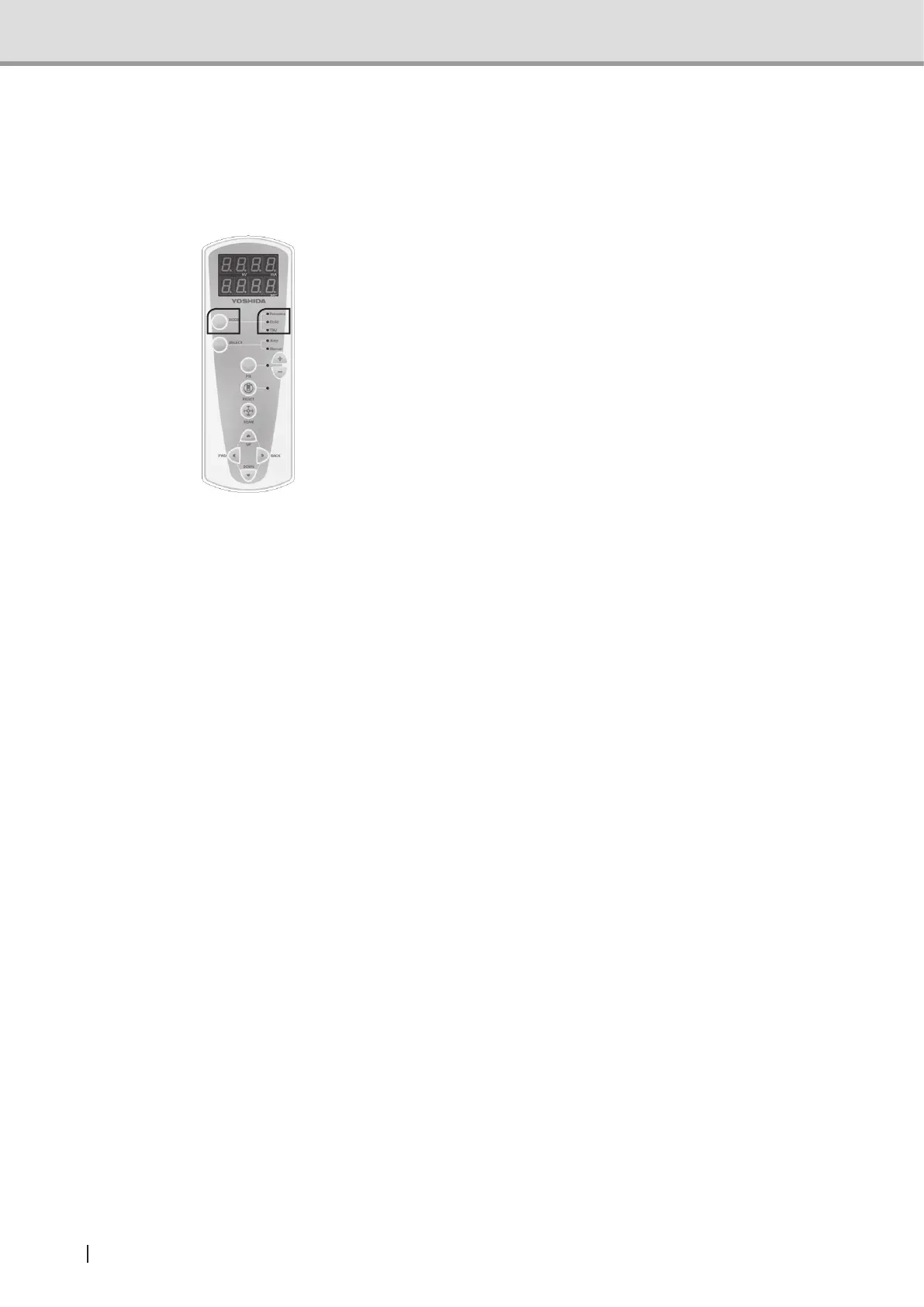
2.3.3 Setting the Exposure mode
From the control panel:
To set the Exposure mode:
1 Keep on pressing the Mode switch
until the mode you desire is selected
from "Panoramic", "Child","Partial Pan-
orama", "TMJ" and "Single". The LED
associated with the selected mode will
illuminate. (*1)
* For equipment with Cephalometric,
selection of the modes would be
from "Panoramic", "Child", "Partial
Panorama", "TMJ", "Single",
"Cephalometric Posteroanterior image",
"Cephalometric Lateral image" and
"Carpus image".
The LED of the selected image
acquisition mode turns on.
** For equipment with 3D function, it
switches between "Panoramic", "Child",
"Partial Panorama", "TMJ", "Single",
"3D Oral image" and "3D Dental
image".
*** For equipment with 3D function and
Cephalometric, it switches between
"Panoramic", "Child", "Partial
Panorama", "TMJ", "Single", "3D
Oral image", "3D Dental image"
"Cephalometric Posteroanterior image",
"Cephalometric Lateral image" and
"Carpus image".
*1
Three LED lamps illuminate in
Cephalometric and 3D image acquisition
modes.



 To Next Page