Directions for Use
53
Operation Manual
2.2 Emergency Stop
In case of an emergency, one of two steps described below should be followed to
immediately stop the equipment.
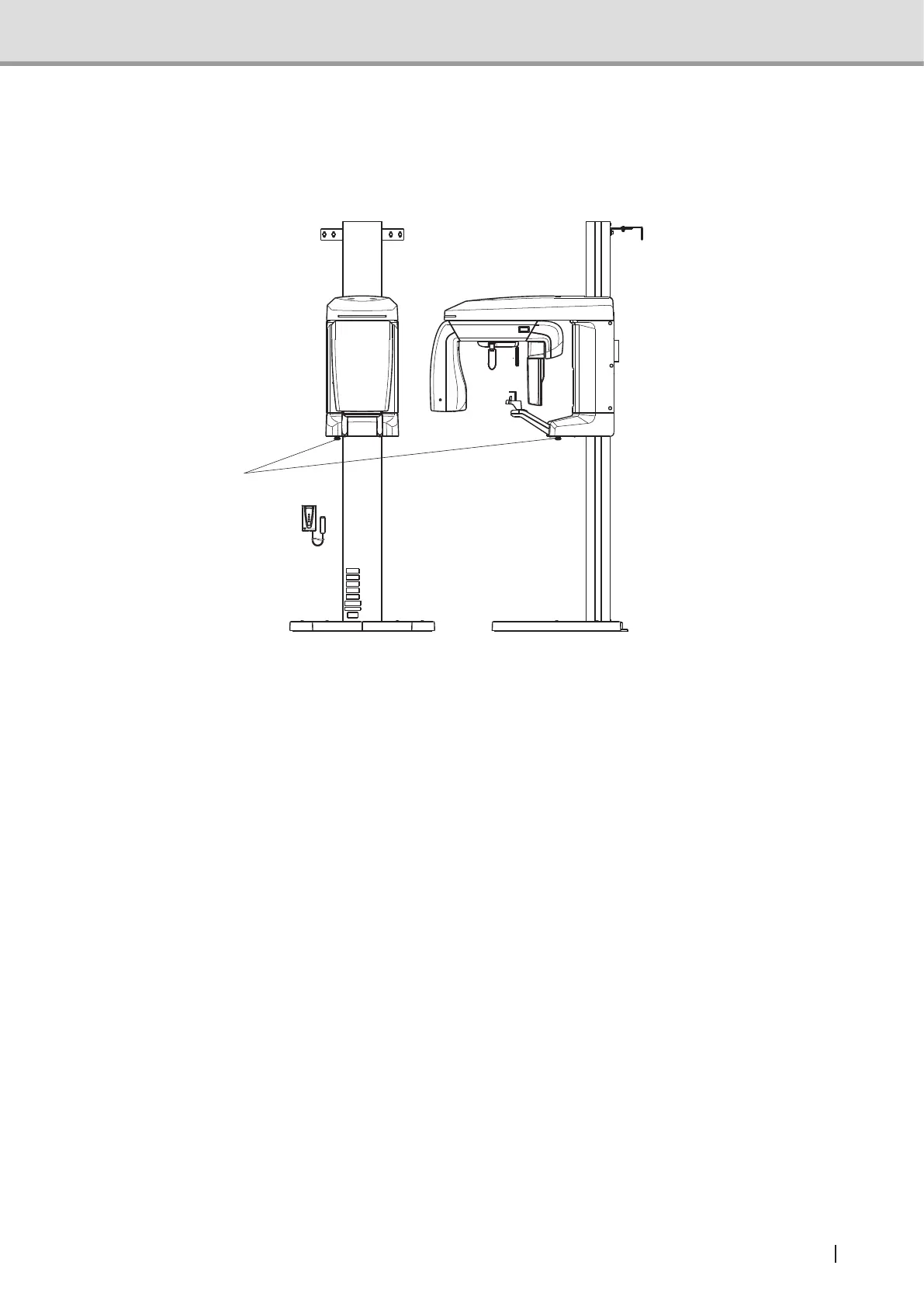
Emergency stop
switch
1 By releasing the X-ray exposure switch during image acquisition, X-ray irradiation and
image acquisition will stop immediately and Er08 will be displayed on the control panel.
See also : "6.1.2 Troubles associated error messages displayed on the screen" P.125
2 Pressing the Emergency Stop switch shuts off power supply to the main body, causing
X-ray exposure and image acquisition to stop.
All the functions will stop because of power shutdown. After emergency stop, be sure to
evacuate the patient to safe area. Then, turn off the power switch or unplug the power
cable from the power outlet.
Finally, eliminate the trouble caused the emergency stop. To reactivate the equipment,
turn the Emergency Stop switch clockwise to deactivate.



 To Next Page