Directions for Use of Image Creator
115
Operation Manual
Select and Export
Press the Export button and the acquired data can be named and saved. The saved data can
beselectedandloadedusing"Select"buttontospecifythele.
NOTE :Thelesizeofacquireddataisapproximately900MB.Pleasecheckthecapacity
ofdestinationdiskwhensavingtheleusingExport.Sincethelesizeofacquire
data is approximately 900MB, loading acquired data using Select takes time.
4.7 Tomographic Adjustment
Manual Adjustment
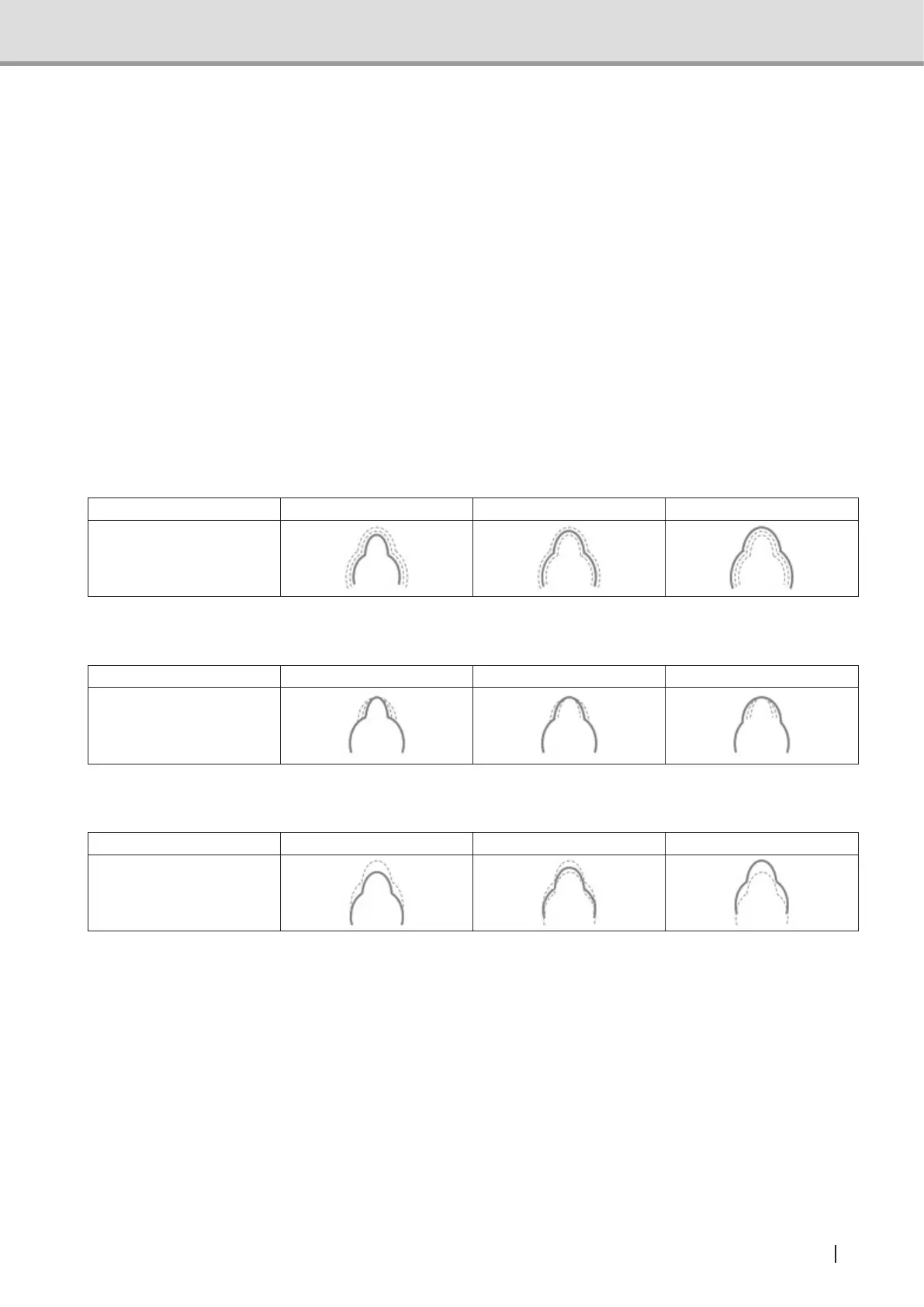
When “Preview” is pressed after the Dental Arch Size, Dental Arch Shape, and Tomographic
Position are set, the panoramic image is reformulated according to the parameters set.
Dental Arch Size
Name Small Normal Large
Image
Dental Arch Shape
Name Narrow Normal Wide
Image
Tomographic Image
Position -10 mm … +10 mm
Image



 To Next Page