Directions for Use
65
Operation Manual
2.3.5 Patient Positioning in Panoramic mode
* Warning
• Do not look directly into the positioning beam. The power output (Class 2) is at the level
which adverse effect on the eyes can be avoided by blinking. However caution should
be taken for maximum safety.
* Caution
• Be sure not to direct the positioning laser beam into patient's eyes. And also, advise
patient not to look directly into the beam.
• To minimize patient dose, be sure to position the patient correctly.
• If the rotating arm is deviated from its correct position, e.g. when the patient shoulder
hits against it, positioning may not be appropriately performed. To avoid this problem, be
sure to return the arm to its reset position and then retry.
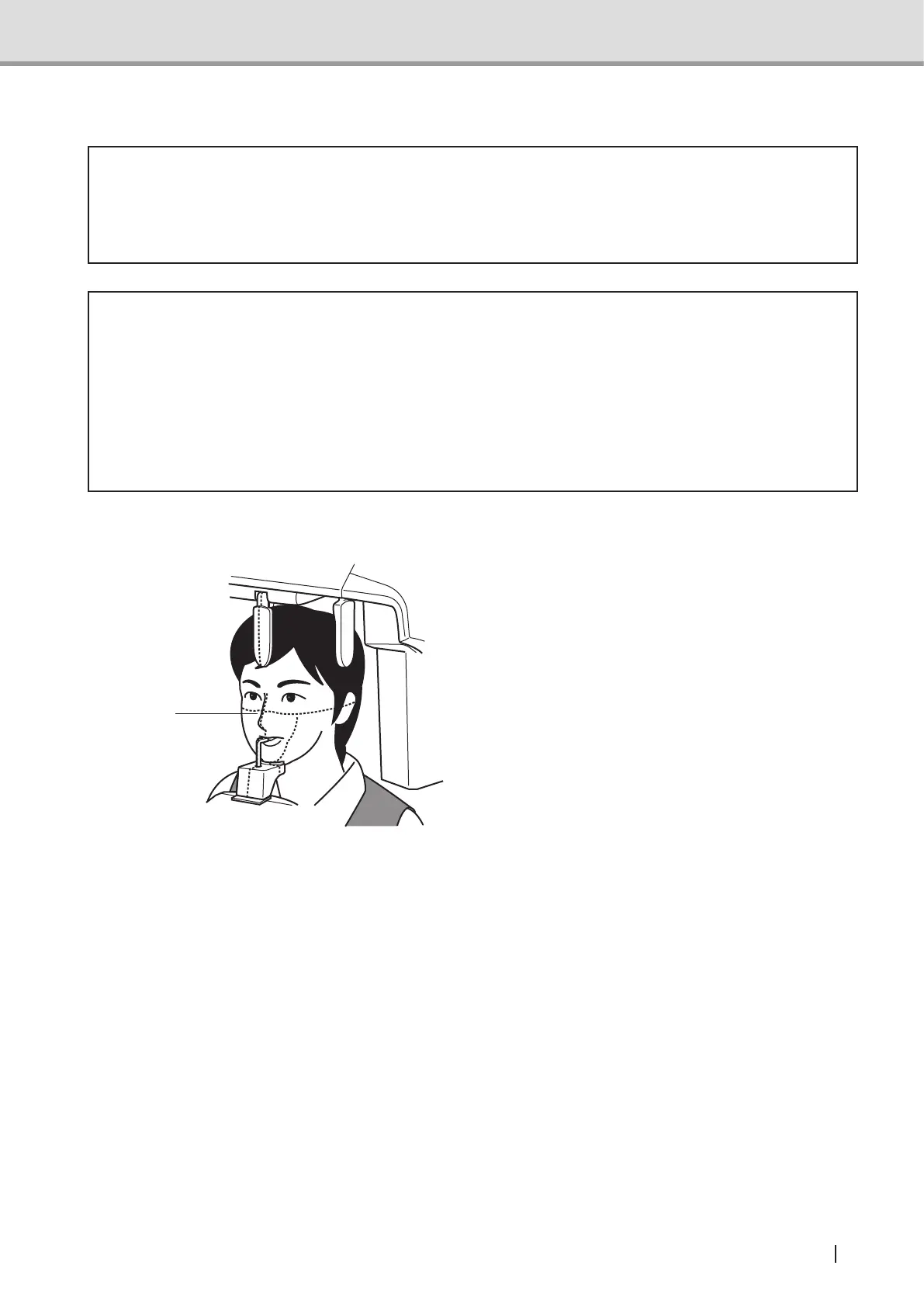
Aligning the midsagittal vertical beam
Once the patient has been positioned
inside the equipment, press the
Positioning beam switch. The rotating
arm unit will move to the positioning
point and the beam will be emitted.
Then, align the midsagittal vertical
beam to the patient’s midsagittal line.
Check in the positioning mirror that
the beam is right on the patient’s
midsagittal line. (The correct line runs
through the middle point between the
left and right incisors and the nose
ridge.)
Suppl. : The positioning beam be automatically turned off in approximately 60 seconds
after activation. If the beam has been turned off before positioning is successfully
nished,presstheBeamswitchtoactivatethepositioningbeam.
Midsagittal
vertical beam



 To Next Page