Directions for Use
77
Operation Manual
2.3.8 Patient's Exit
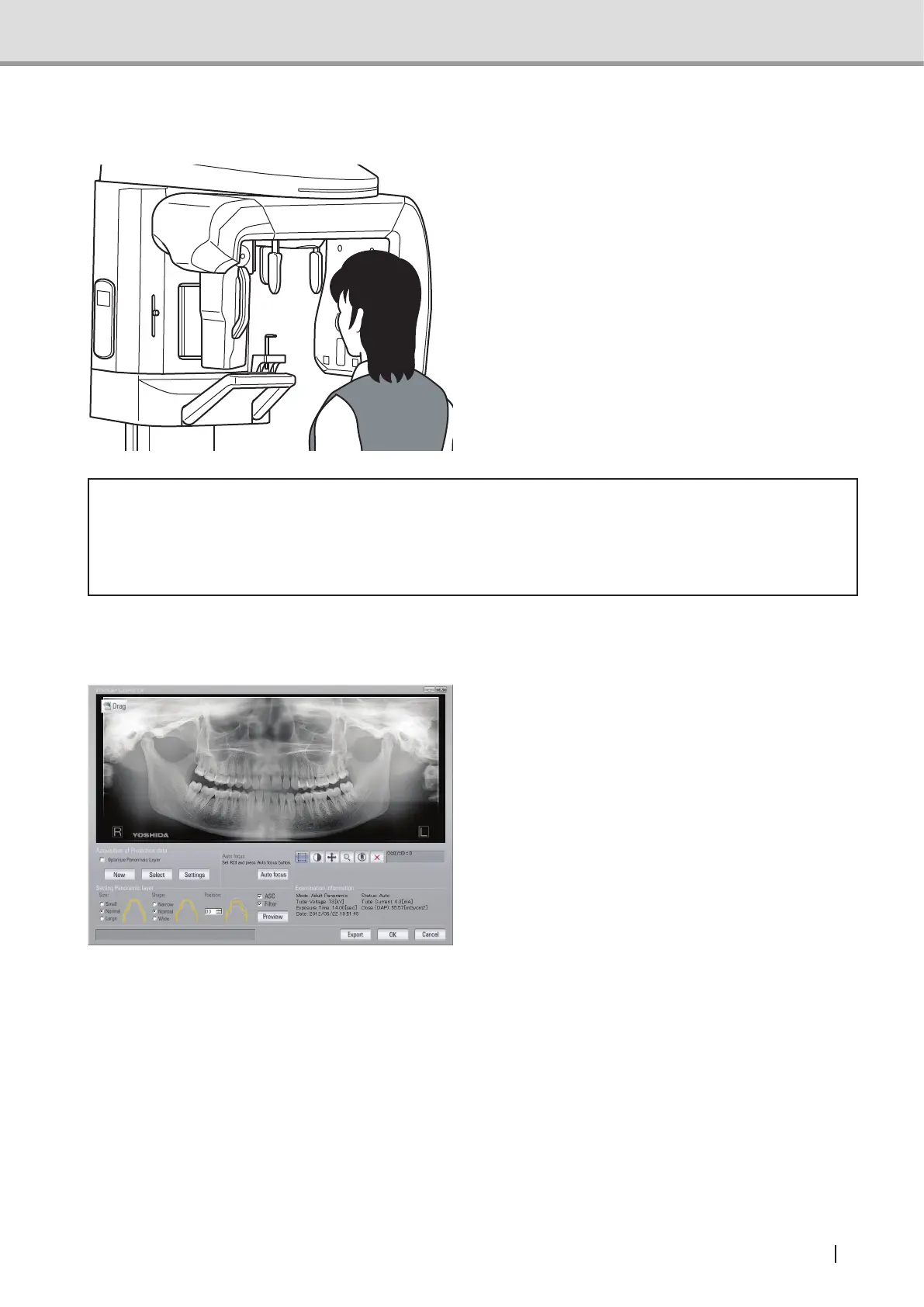
Open the head support. Ask the patient
to move backward carefully.
* Caution
• When the patient makes his/her exit, make sure to escort and lead the way. Since the
patient needs to move backward when removing him/herself from the equipment, the
patient might trip over or cause similar accidents.
2.3.9 Image Transfer
1 When X-ray exposure is initiated, the
equipment starts transferring the image
data to the computer (Image Creator).
Once the transfer is complete, Image
Creator starts formulating and display-
ing the image. When Optimize Pan-
oramic Layer is checked, the software
automatically adjusts the Panorama
tomographic position and constructs
Panoramic images after the image
acquisition is completed.
Note : Optimize Panoramic Layer
function may fail in Panorama
tomographic position
adjustment depending on the
patient. After the panoramic
image is displayed, set
"Position" to 0, the "Preview"
button to display the
panoramic image again.
*Panoramic mode



 To Next Page