Directions for Use
76
Operation Manual
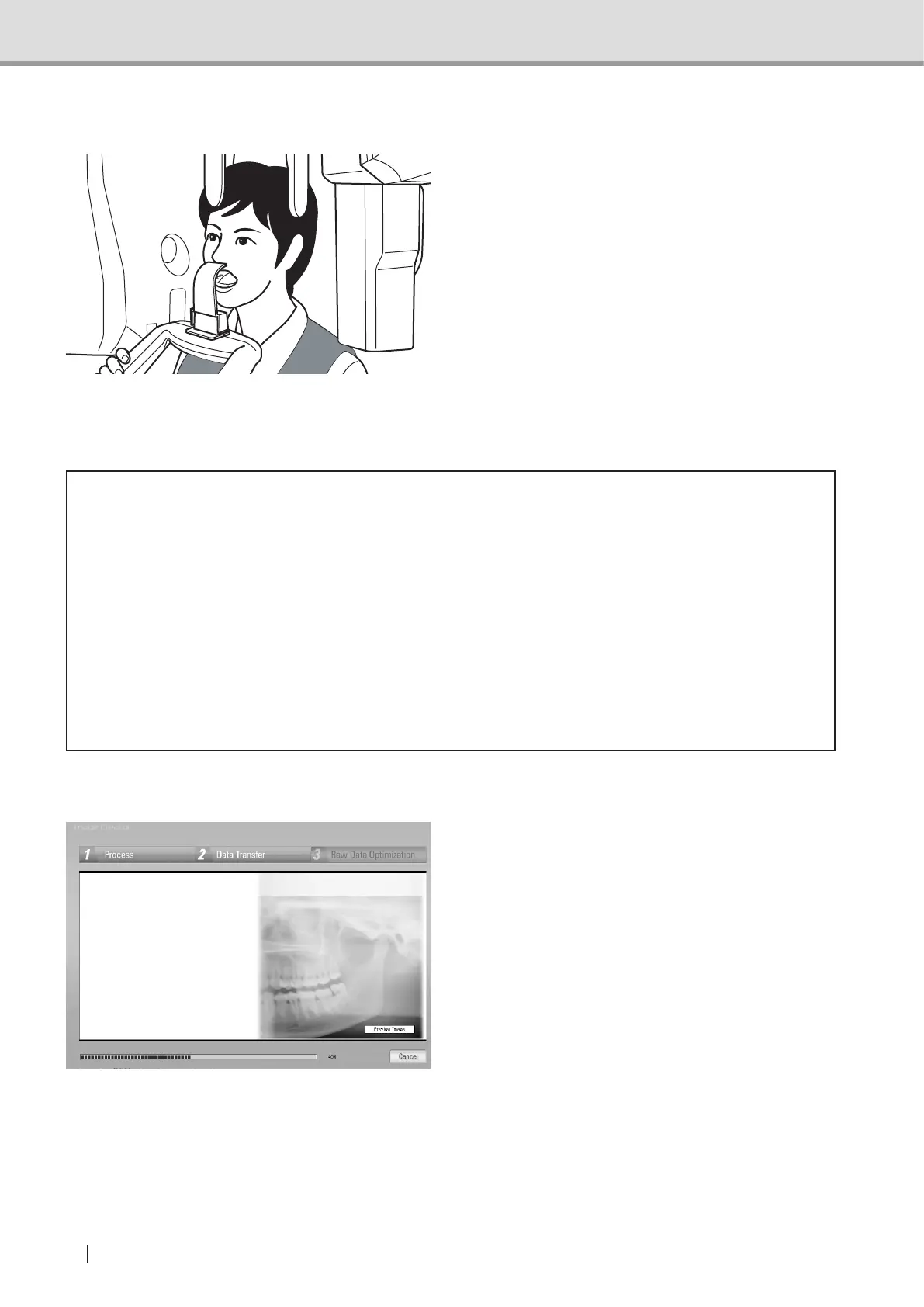
●Radiographyatmouthopenedposition
Ask the patient to open the mouth
with the TMJ adaptor attached to the
subnasal point.
Check that the patient has opened the
mouth and then press and hold down
the X-ray Exposure switch until image
acquisitionissuccessfullynished.
To scan images of left and right
temporomandibular joints, total of
8-second X-ray exposure is executed
on both joints, 4 seconds each. After
X-rayexposure,releaseyournger
from the X-ray Exposure switch.
* Caution
• During data acquisition in the TMJ mode, X-ray Exposure stops with X-ray Exposure
LED off and an audible alarm silenced in any other area than temporomandibular joints.
Note that the X-ray Exposure switch must be pressed and held down until the arm unit
stops.
• If the X-ray exposure switch is released during an exposure, X-ray exposure and image
acquisition will be stopped and become an exposure error, requiring the retake and
consequently increases the patient dose. Unless it is necessary to stop for emergency,
do not release the X-ray exposure switch.
• Leave the controlled area during X-ray exposure.
Image Acquisition Preview
Once an X-ray image acquisition
commences, Image Creator display will
change from "standby" screen to the
"acquisition" screen. In the acquisition
screen, image construction is displayed
simultaneously with the acquisition
progress.
*Panoramic mode



 To Next Page