Directions for Use
85
Operation Manual
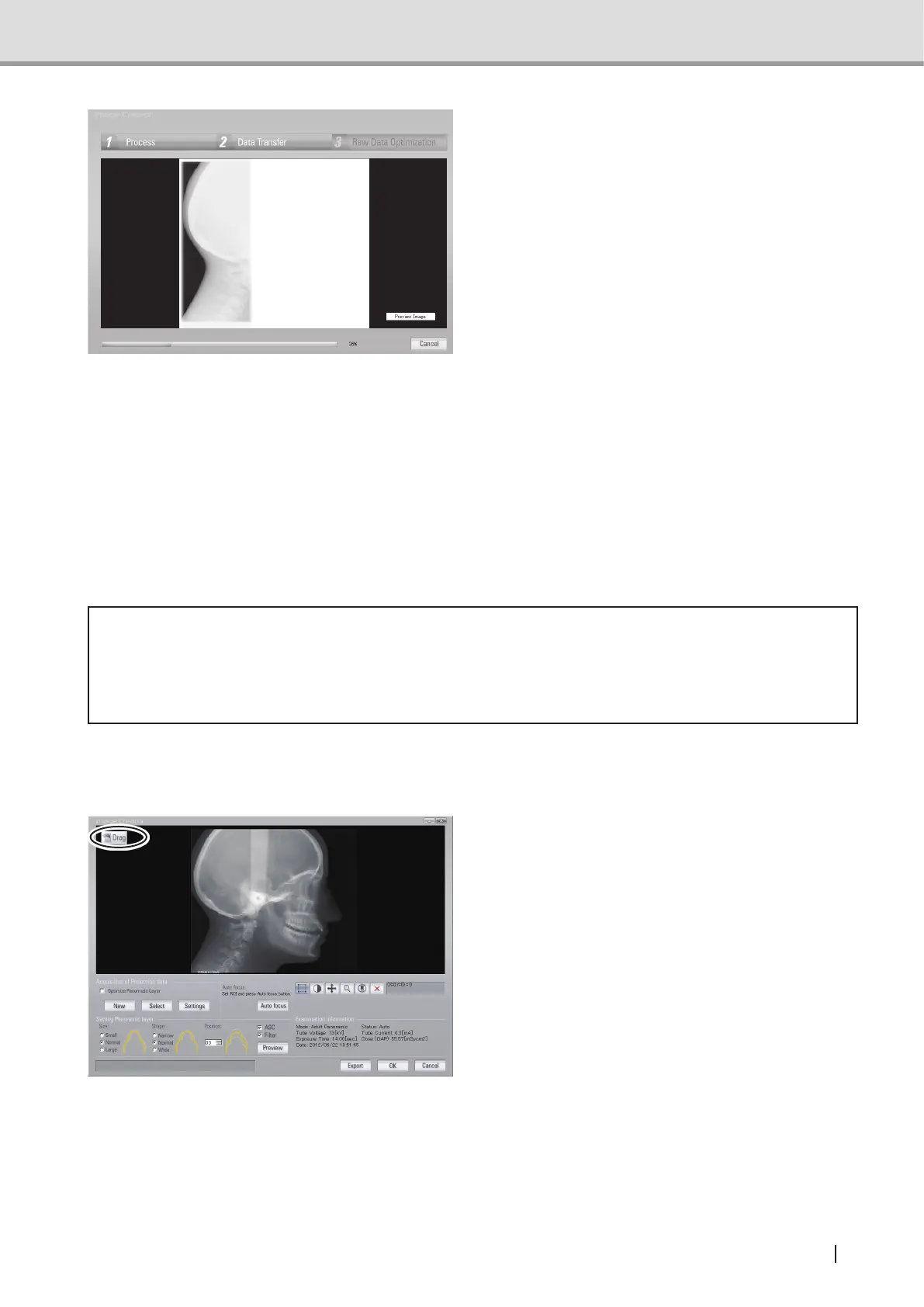
Once an X-ray acquisition commences,
the display will change from
"standby" screen to the "acquisition"
screen. In the acquisition screen,
image construction is displayed
simultaneously with the acquisition
progress.
NOTE : To make it easier to handle
by cephalo analysis tools
and other features, when
cephalo LA image is
acquired, it is set as factory
default setting to display the
image with head facing its
right. (For Image Creator
Version2.06andabove)
2.4.6 Patient’s Exit
Open the ear rods and instruct the patient to move away from the equipment.
* Caution
• When the patient makes his/her exit, make sure to escort and lead the way. Since the
patient needs to move backward when removing him/herself from the equipment, the
patient might trip over or cause similar accidents.
2.4.7 Image Transfer
1 When X-ray irradiation is initiated,
the equipment starts transferring the
image data to the computer (Image
Creator). Once the transfer is complete,
Image Creator starts formulating and
displaying the cephalometric image.



 To Next Page