Directions for Use
84
Operation Manual
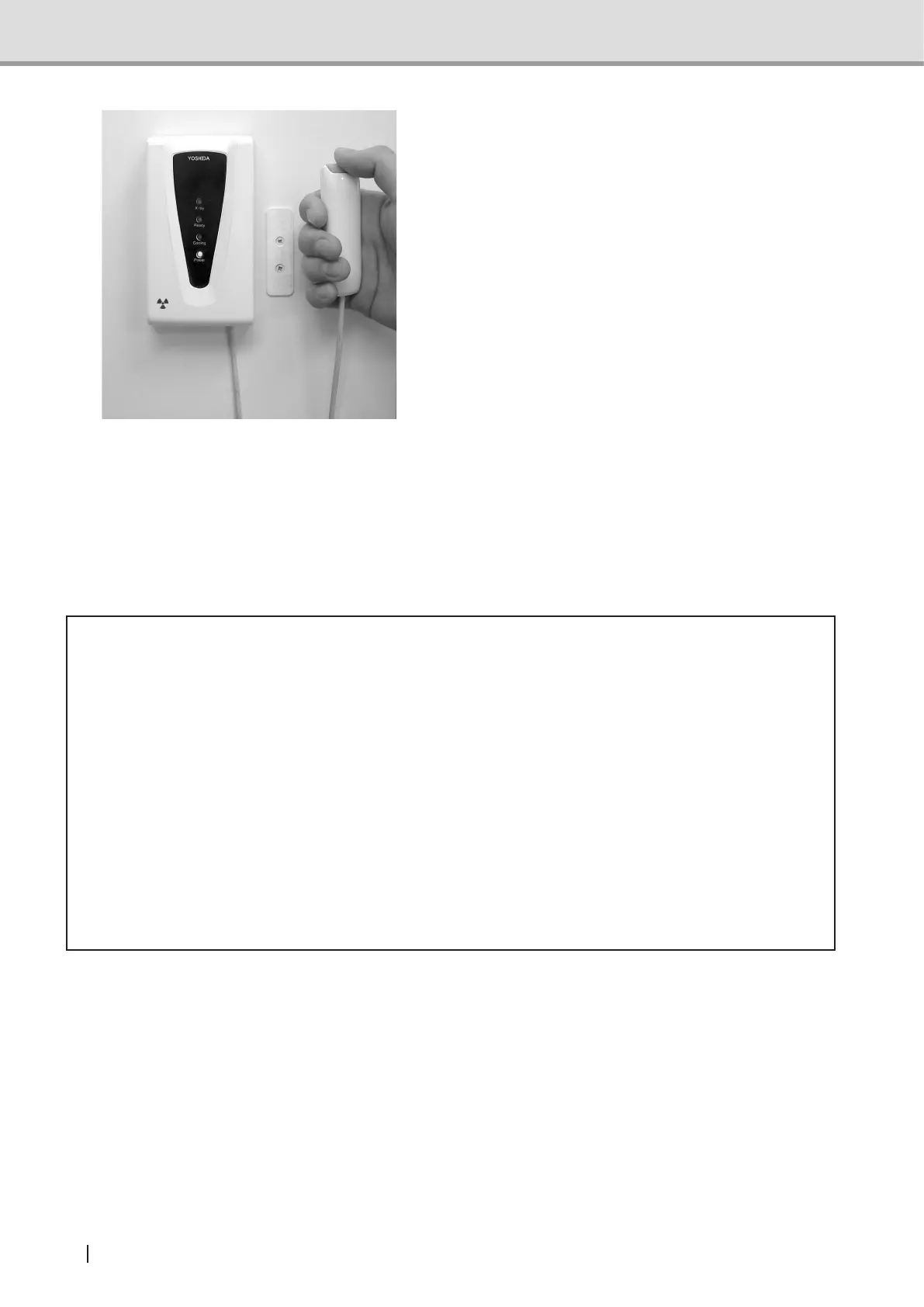
2 Make sure that the Ready LED (green)
is turned on and the equipment is
ready for image acquisition.Press
the X-ray exposure switch to begin
X-ray radiography. By holding the
X-ray exposure switch down, X-ray is
irradiated according to the acquisition
timespecied.WhileX-rayisbeing
irradiated, the X-ray LED (yellow) on
the hand-switch box is lit and a buzzer
sounds continuously. It also sounds
from the Control Panel.
The equipment employs a Dead
Man’sswitch*.Ifthengerisremoved
from the X-ray exposure switch, the
X-ray exposure and image acquisition
operation stop.
* Dead man’s switch: A system which
operates only when the operator applies
force to the equipment.
* Caution
• If the X-ray exposure switch is released during an exposure, X-ray exposure and image
acquisition will be stopped and become an exposure error, requiring the retake and
consequently increases the patient dose. Unless it is necessary to stop for emergency,
do not release the X-ray exposure switch.
• Beware not to touch the equipment while the docking station unit (Cephalometric ) or
sensorunitisinmotion.Thengerorhandmightgetcaughtandinjured.
• IftheX-rayExposureswitchispressedwhiletheheadxatorfor3Dimageacquisitionis
attached, X-ray exposure the image acquisition operation will not be performed. Warning
message(FL05)isdisplayedonthecontrolpanel.RemovetheheadxatorbeforeX-ray
exposure and image acquisition.
• Leave the controlled area after X-ray exposure.



 To Next Page