User Program Mode
119
Operation Manual
5 User Program Mode
In the User Program Mode, various settings can be made so that this equipment can be
operated more easily. The settings can be made in “Image Creator” or “X-era Smart Control-
Manager” software installed on the computer. Refer to Descriptions of User Program Mode in
the end of this section for the program number and display contents.
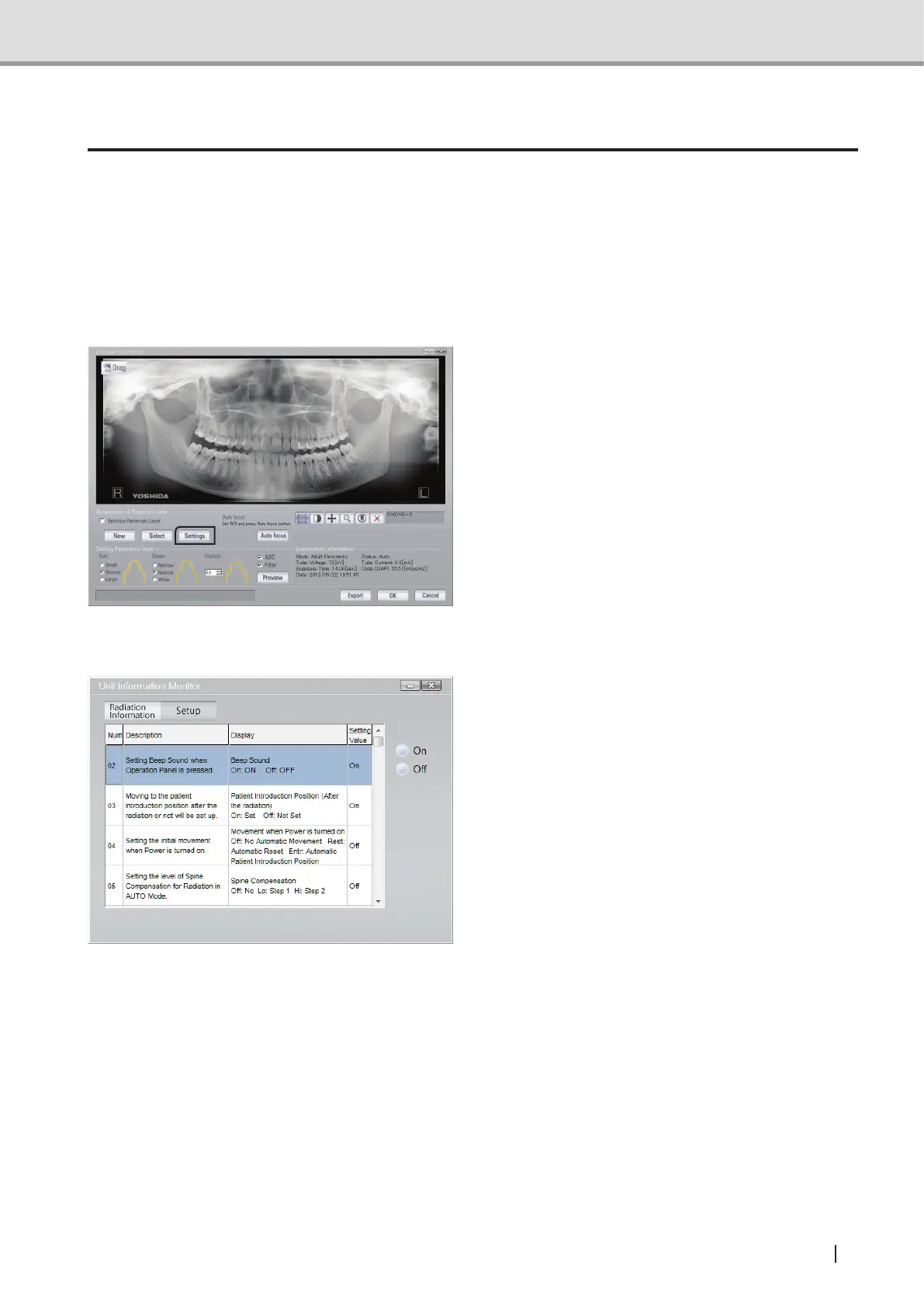
Operation through Image Creator
Activate “User Program Mode” by
pressing the Setting Button in Image
Creator.
Operation through X-era Smart ControlManager
1 Activate “User Program Mode” by
pressing “Setting” Tab on X-era Smart
ControlManager.



 To Next Page