QA (Quality Assurance)
188
Operation Manual
12.3 QA Procedure (Panorama)
NOTE : Perform an inspection according to the following steps every six months and save
the result.
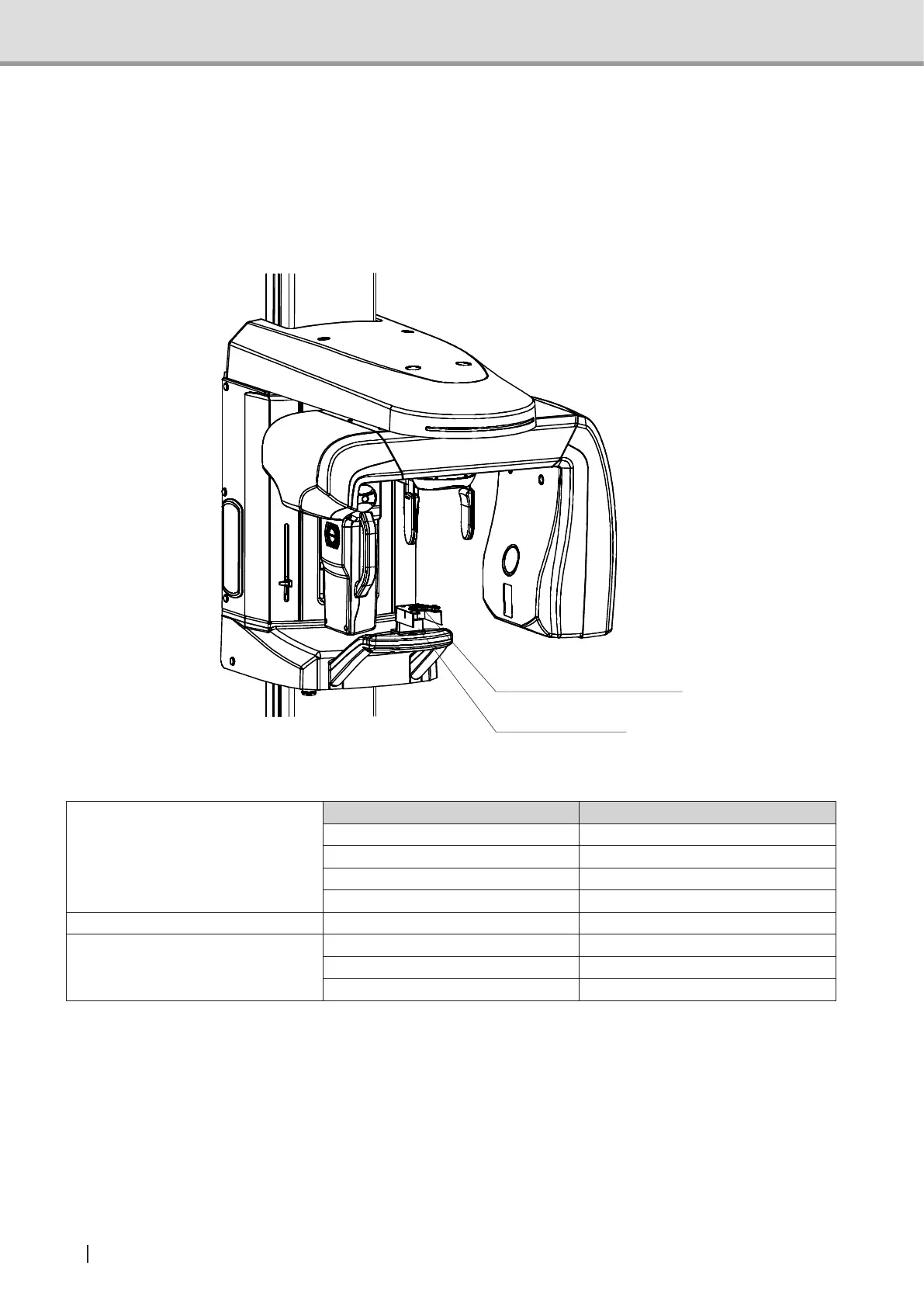
1 Attach the Installation phantom to the chin rest block base.
Installation phantom
Chin rest base
2 Acquire image of the Installation phantom under the following conditions.
Image acquisition mode setting
Image acquisition mode Standard panoramic
Image acquisition status Manual
Tube voltage 58kV
Tube current 2 mA
Exposure time 16 sec
User program mode setting Spine compensation OFF
Image Creator setting
Dental arch size Normal
Dental arch shape Normal
Tomographic position 0 mm
NOTE : For the above image acquisitions, do not move the arm position. If you have
moved the arm position using the forward/back switch, press the reset switch to
return the arm to the original position before acquiring images.



 To Next Page