Before Using this Product
31
Operation Manual
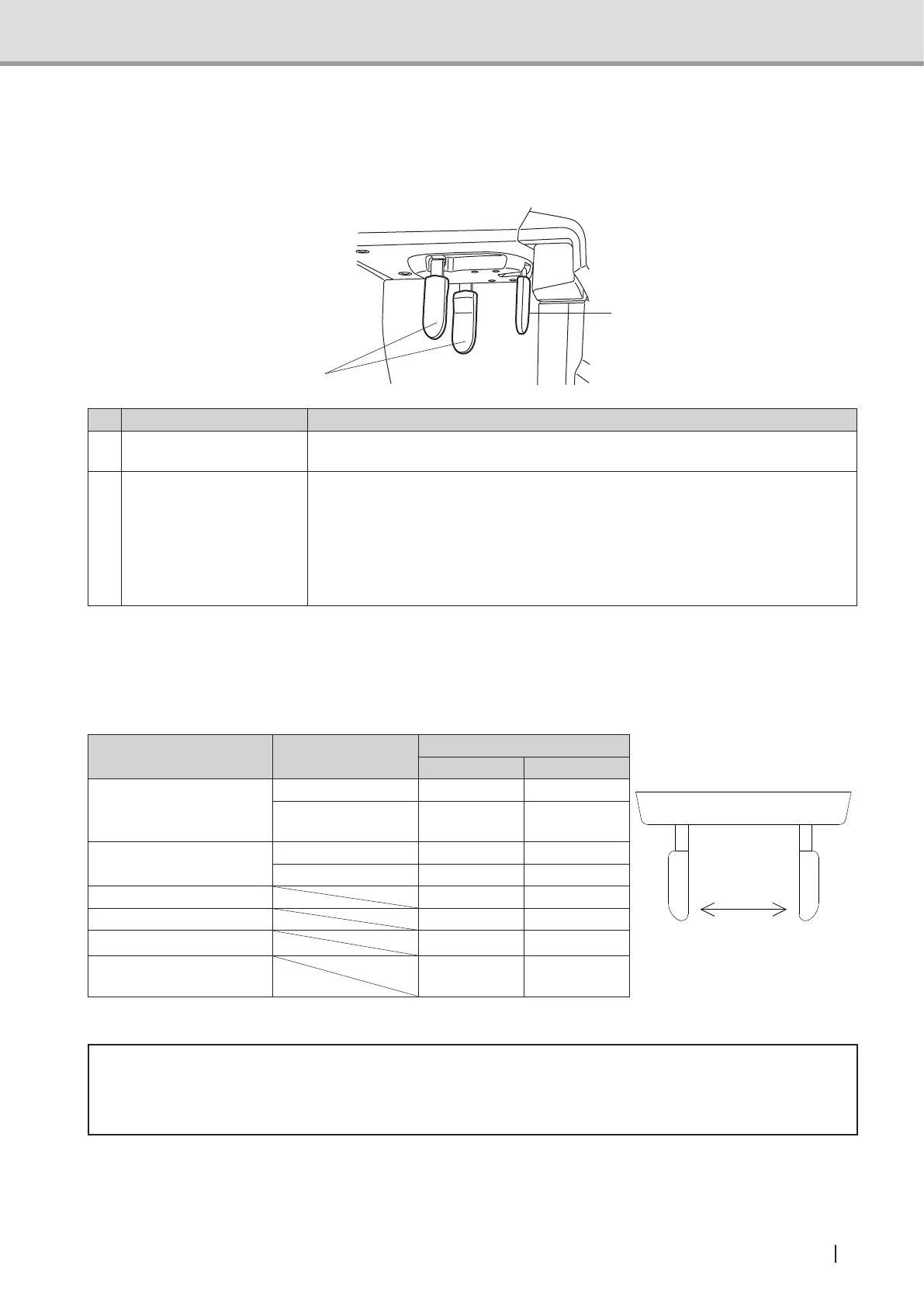
1.3.5 Head support unit
The head support unit supports and makes the patient’s head immovable at the give position
during radiographic image acquisition.
1
2
Name Function
1 Forehead support (*
2
)
Supports the patient's forehead to avoid back and forth movement of the
patient's head. For equipment with 3D function, it is detachable.
2 Lateral head support (*
2
)
Supports and makes the patient's head immovable.
When image acquisition status is set to "AUTO", it automatically sets the
appropriate exposure condition by measuring the head thickness of the
patient.(*
1
)
(For automatic setting of exposure condition, see "Exposure condition for
image acquisition set to AUTO" P.31.) For equipment with 3D function, it is
detachable.
*
1
For equipment with Cephalometric, when image acquisition status is set to "AUTO", it will be set to the default
exposure condition of each image acquisition mode.
*
2
When acquiring 3D image, remove the forehead support and the Lateral head support.
Exposure condition for image acquisition set to AUTO
Image acquisition mode Head thickness
Exposure condition
Head support
Head thickness
Tube voltage Tube current
Panoramic Less than 170 mm 73kV 6.3 mA
Child panoramic
Partial Panorama
170 mm and above 79kV 6.3 mA
TMJ
Less than 170 mm 73kV 10 mA
170 mm and above 79kV 10 mA
PA 82kV 10 mA
LA 82kV 10 mA
Carpus 63kV 5.0 mA
3D Oral
3D Dental
82kV(*
3
) 4.0 mA(*
3
)
*
3
This can be changed from User Program Mode No.22 setting. See "5 User Program Mode" P.119 .
* Caution
• Do not open or close the head support by forcedly without gripping its base, otherwise
the patient may be injured.



 To Next Page