Directions for Use
54
Operation Manual
2.3 Procedure of Panoramic and TMJ Radiography
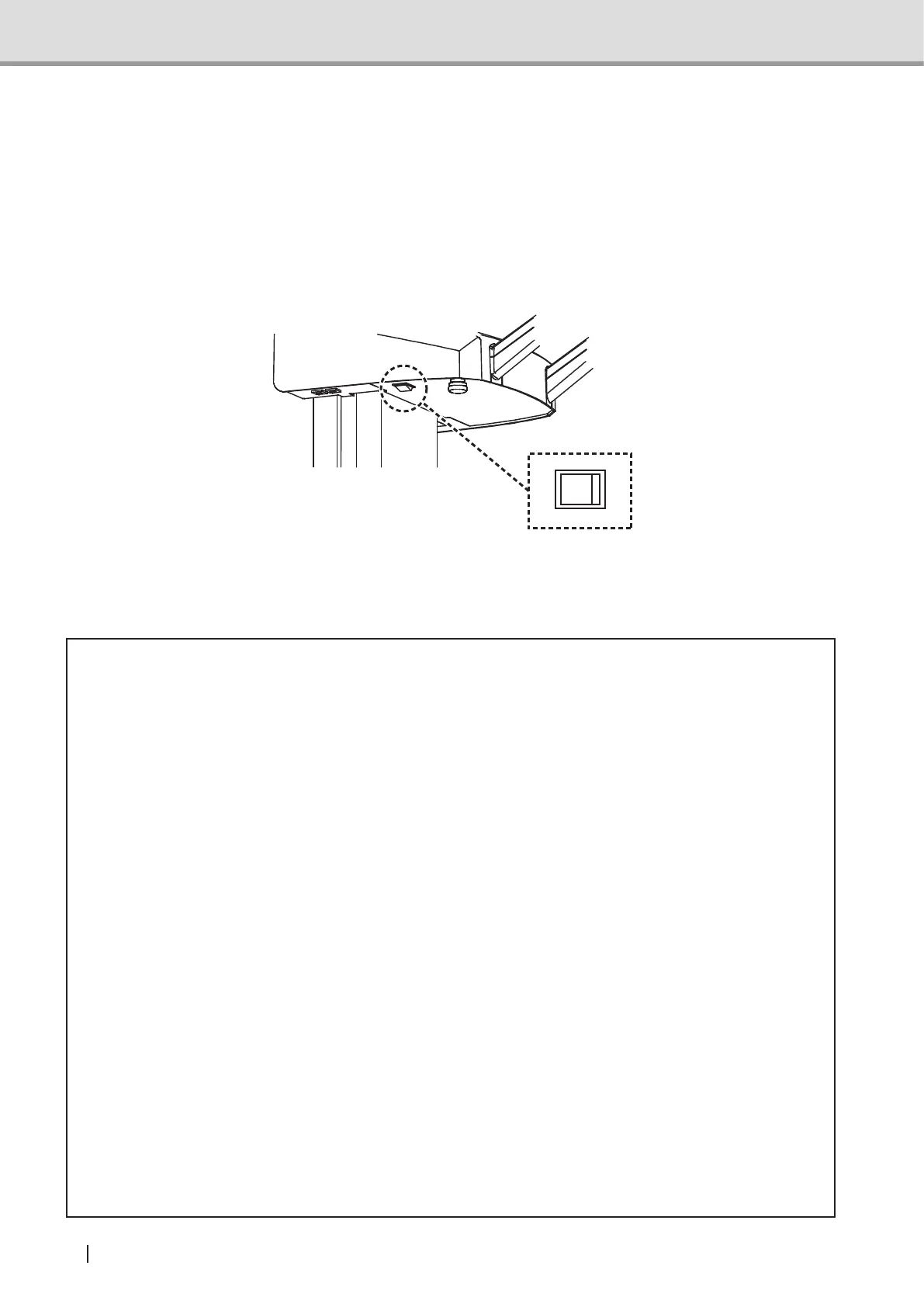
2.3.1 Turning the power switch on
1 Turn the computer’s power switch on.
2 Turn the power switch on ( | ) on the equipment to check that the power LED (green) has
been turned on (also, check that the Emergency Stop switch has been disabled).
When power is turned on, the arm unit will move automatically to the patient entry point (The
settingsforautomaticmotionmaybemodiedintheprogrammode.See"Descriptionsof
User Program Mode" of the section "5 User Program Mode").
* Caution
• When the unit has been activated, usually the arm unit will move automatically to the
patiententrypoint.Donotplaceanyobjectwithinthemovableeldofthearmunit.Its
surrounding physical proprietaries may be damaged.
• Instruct the patient to keep away from the equipment until the arm unit returns to its
reset position.
• If the equipment is not used for a long time, ensure that the power switch (O) is off.
• Properly ground the computer.
• Before initiating the image acquisition, make sure that the sensor unit (detachable) is
rmlyattachedandlockedtothedockingstationunit(panoramic).
• The detachable sensor unit is equipped with a shock sensor. The shock sensor
records any excessive impact incurred, such as when the equipment falls down, and
the equipment will not qualify as being warrantable. Exercise caution in handling the
equipment.
• When attaching or detaching the detachable sensor unit, exercise caution not to drop
the unit. If dropped, the detachable sensor unit might be damaged and may lead to a
failure of the image acquisition.
• Bewarenottotouchtheequipmentwhilethemovable3Dsensorisinmotion.Thenger
or hand might get caught and injured.
• Warning message (FL05) is displayed on the control panel if the power switch is turned
onwiththeheadxatorfor3Dimageacquisitionattached.Removetheheadxator
before turning on the power switch.



 To Next Page