Directions for Use
74
Operation Manual
2.3.7 X-ray Exposure
* Warning
• Ask the patient not to move during image acquisition, otherwise the patient may be
caught by the rotating arm. Monitor the patient throughout image acquisition and in case
of an emergency, immediately stop the equipment.
* Caution
• Onlytrainedandqualiedpersonshouldtakeradiographicphotos.Theuseofthis
equipmentbyunqualiedpersonisprohibitedbylaw.
• To minimize patient dose, be sure to position the patient correctly.
• In some cases, image of the anterior teeth may be unclear due to the cervical
adjustment levels (User Program Mode: Prog No. 05). Check the cervical adjustment
level before image acquisition.
Starting X-ray Exposure
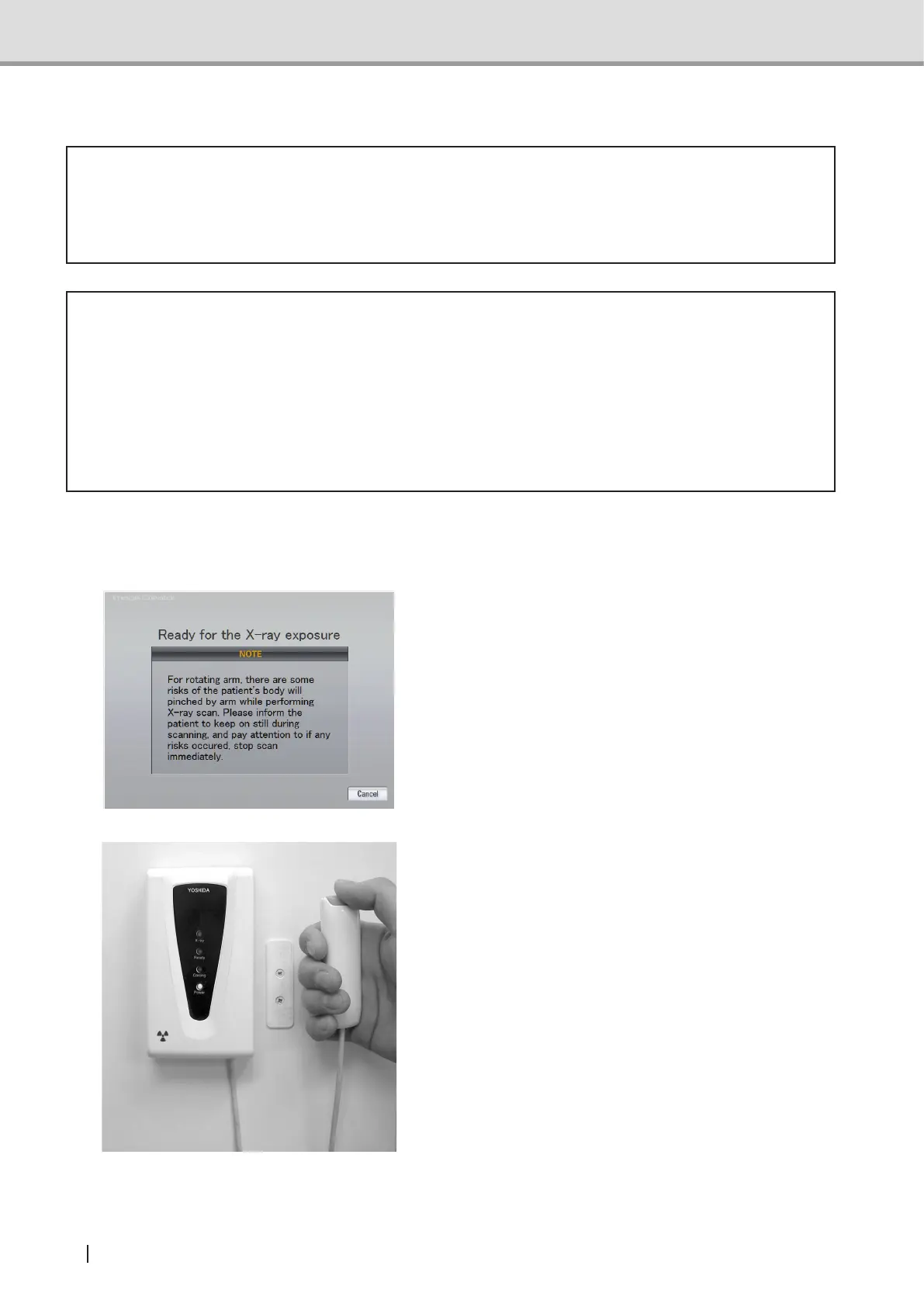
1 After the operations described in "From
the control panel:", make sure that
Image Creator is under Acquisition
standby status.
2 Make sure that the Ready LED (green)
is turned on and the equipment is
ready for image acquisition.Press the
X-ray exposure switch to begin the
X-ray radiography. By holding the
X-ray exposure switch down, X-ray is
irradiated according to the acquisition
timespecied.WhileX-rayisbeing
irradiated, the X-ray LED (yellow) on
the hand-switch box is lit and buzzer on
the Control Panel goes off continuously.



 To Next Page