Directions for Use of X-era Smart ControlManager
109
Operation Manual
Suppl. : About “communication ports”
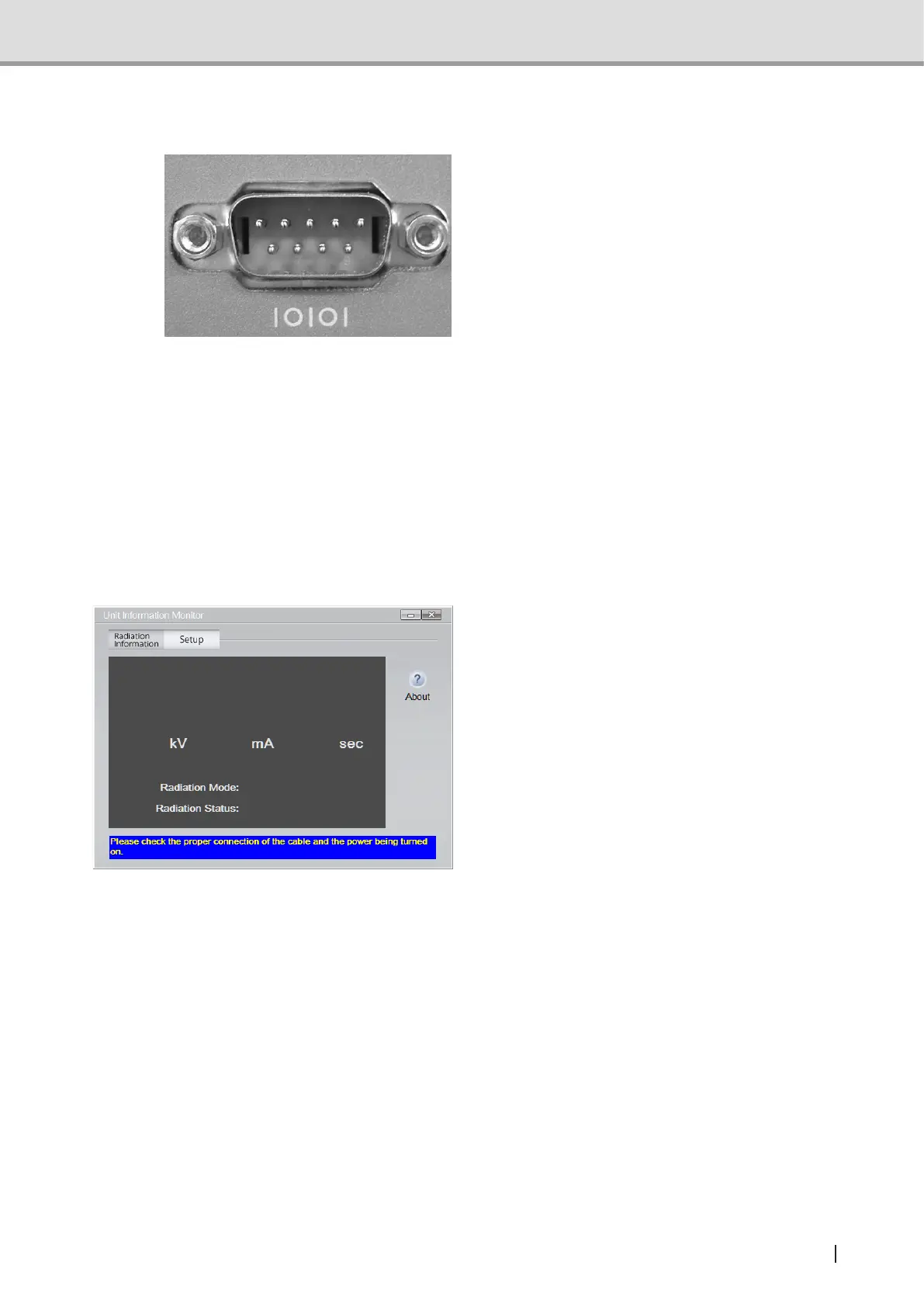
1 The equipment has incorporated “serial
type” of communication ports.
A set of serial ports are arranged as
shown in the left-hand photograph.
The rear panel of the PC has one or
more receptacles labeled “IOIOI” as
shown in the photograph.
2 Each of these serial ports (hereafter, called ports) has a designation assigned on the PC.
e.g.: COM3 COM6
(The assigned numbers are not always serial numbers.)
3 Withmorethanoneportincorporatedintheequipment,youneedtoindicate(congure)
which port is connected to the PC via cabling.
X-era Smart ControlManager can be used to select your desired port (s) from a port list
foreasyconguration.
4 Selecting any wrong port will bring up
an error message; “Please check the
proper connection of the cable and the
power being turned on”. In response to
this message, select a correct port (s).



 To Next Page