Before Using this Product
33
Operation Manual
Positioning for 3D image acquisition
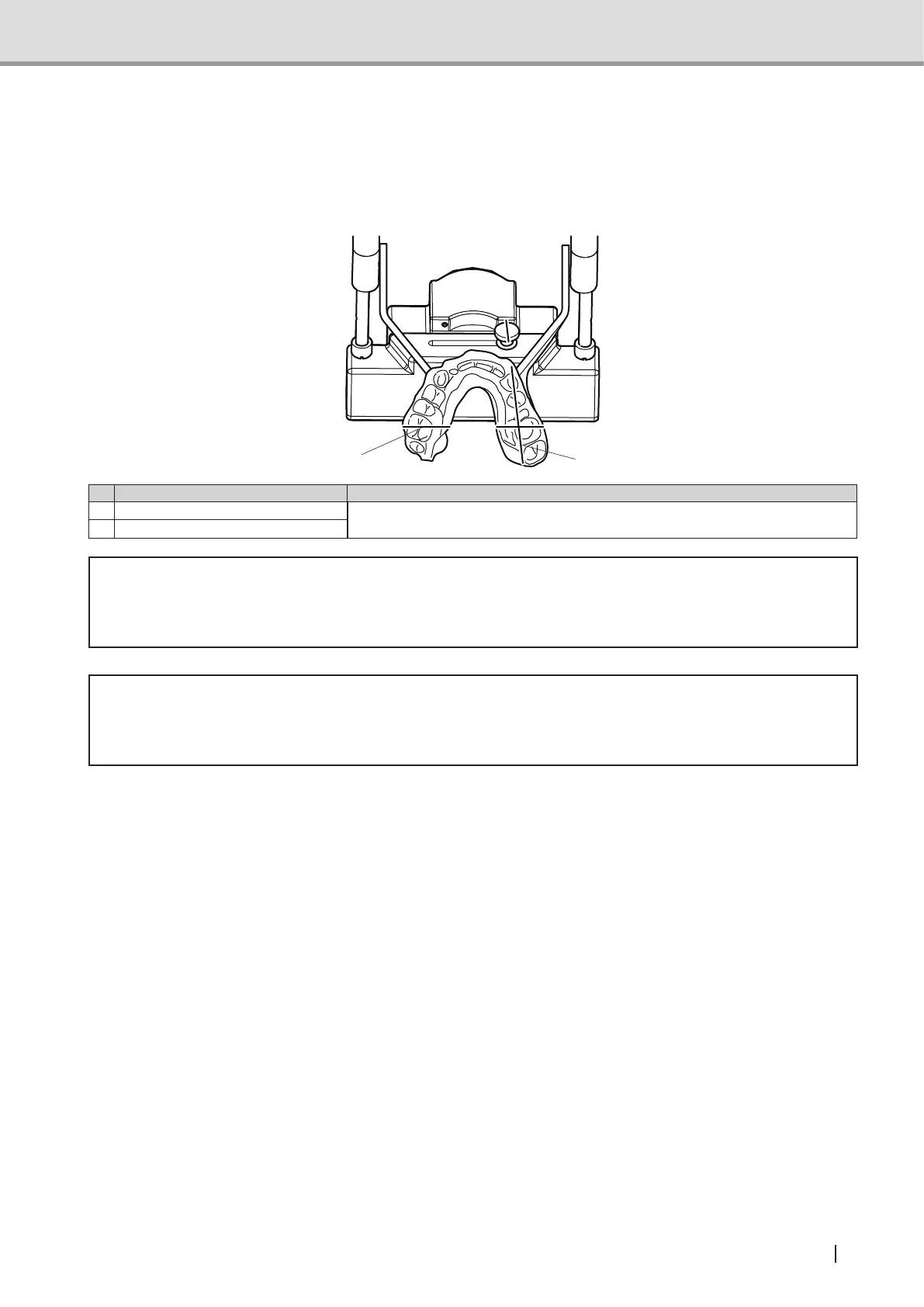
Press the positioning beam switch on the control panel to turn on the positioning beam (the
arm unit moves to the positioning point). Adjust the intersection of the Midsaggital vertical
beam and the Canine beam to the center of 3D.
12
Name Function
1 Midsaggital vertical beam Intersection of the Midsaggital vertical beam and the Canine beam shows
the center of 3D image acquisition.
2 Canine beam
* Warning
Do not look directly into the positioning beam although the power output (Class 2) is at the
level in which adverse effect on the eyes can be avoided by blinking.
* Caution
Positioning beam is a laser beam. Be careful not to direct the positioning laser beam into
patient's eyes. Also, advise the patient not to look directly into the beam.
Suppl. : The positioning beam automatically turns off approximately 60 seconds after
activation. If the positioning beam has turned off before positioning is successfully
nished,pressthebeamswitchagaintoturnonthepositioningbeam.



 To Next Page