Directions for Use
81
Operation Manual
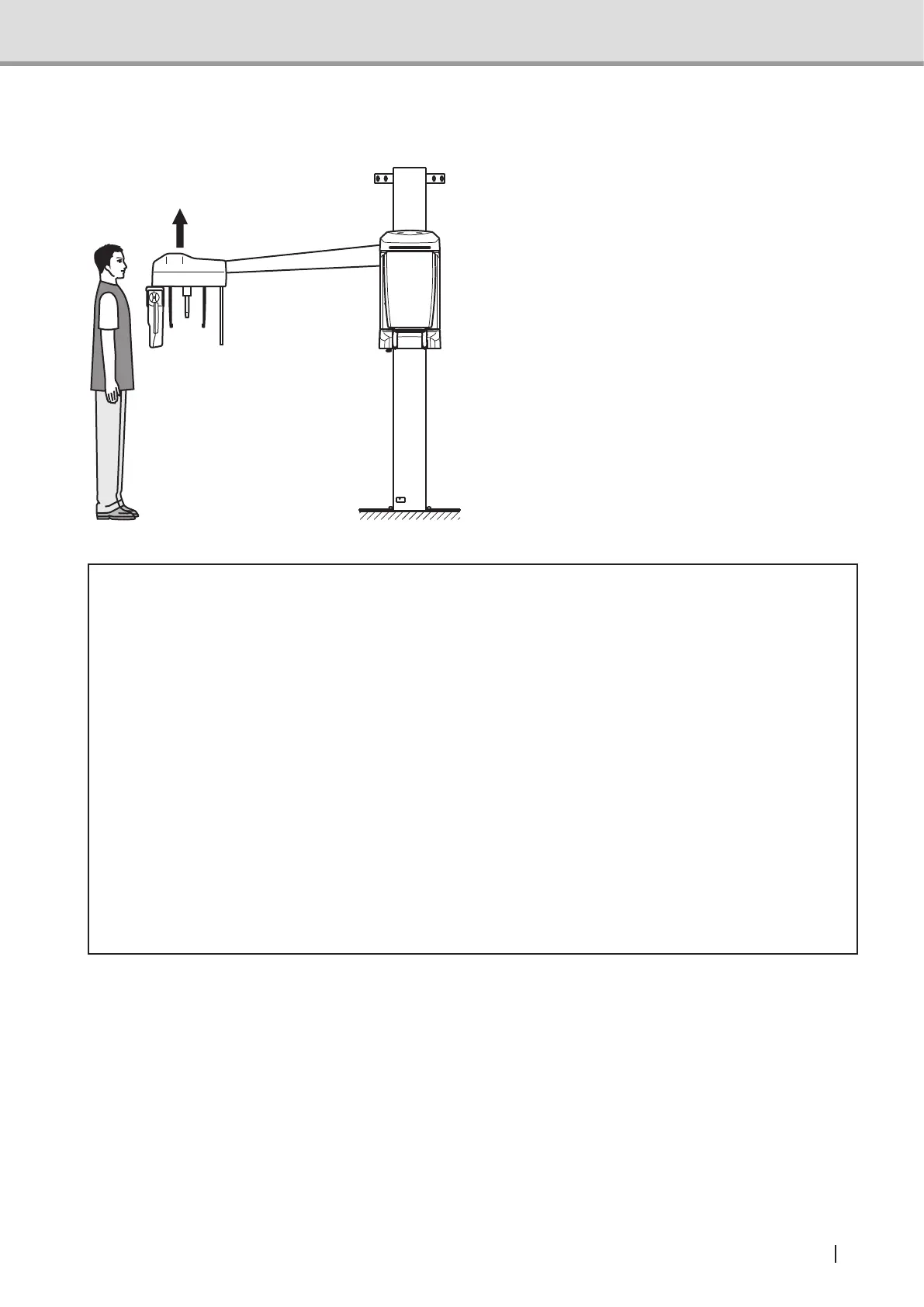
Preparation for the Patient's entry and Positioning
Press the Reset Switch on the
Control Panel. The arm unit and
sensor unit automatically move to
the Cephalometric image acquisition
position, and the slits in the head unit
automatically switch.
Before inviting the patient in, move
the ear rod to an approximate position
of his/her height. Press the Up/Down
switch on the Control Panel to move the
equipment upward or downward.
* Caution
• Ask the patient to keep off the equipment until the height of the equipment has been
successfully adjusted. Otherwise, the patient may be hit by the equipment, being injured.
• Ifanobjectisplacedwithintheeldofthearmunit’smovementorunderneath
the Cephalometric unit, it might cause damage to the object or malfunction to the
equipment.
• If the patient contacts with the ear rod at the time of entry and exit from the equipment,
the patient might get injured or the ear rod might be dislocated. Guide the patient in such
a way that he/she would come into contact with the ear rod.
• Bewarenottotouchtheequipmentwhilethemovable3Dsensorisinmotion.Thenger
or hand might get caught and injured.
• Iftheresetswitchisturnedonwiththeheadxatorfor3Dimageacquisitionattached,
Cephalometric image acquisition position does not move. Warning message (FL05) is
displayedonthecontrolpanel.Removetheheadxatorbeforetheresetoperation.



 To Next Page