OPERATION
Carl Zeiss Operating the motorized microscope via the touchscreen of the TFT display Axio Imager
116 430000-7344-001 M70-2-0020 e 06/2009
4.8.5.4 XYZ page
The Microscope/XYZ page contains two tabs:
Position and Measure.
The availability of the XYZ page
depends on the microscope stage
used:
− Motorized stages (only CAN bus
stages that are directly connected
to stands .M2 / .M2p / .M2m or
.Z2 / .Z2m:
Allows settings of XY coordinates
and Z focusing drive
− Manual stage:
Allows settings for Z focusing drive
only (all XY controls are absent),
Measure tab not accessible
− Manual stage/manual Z focus
drive:
XYZ page is not accessible
During microscope initialization, the
system detects whether a stage is
installed.
Therefore, the stage must be changed
only with the microscope switched off.
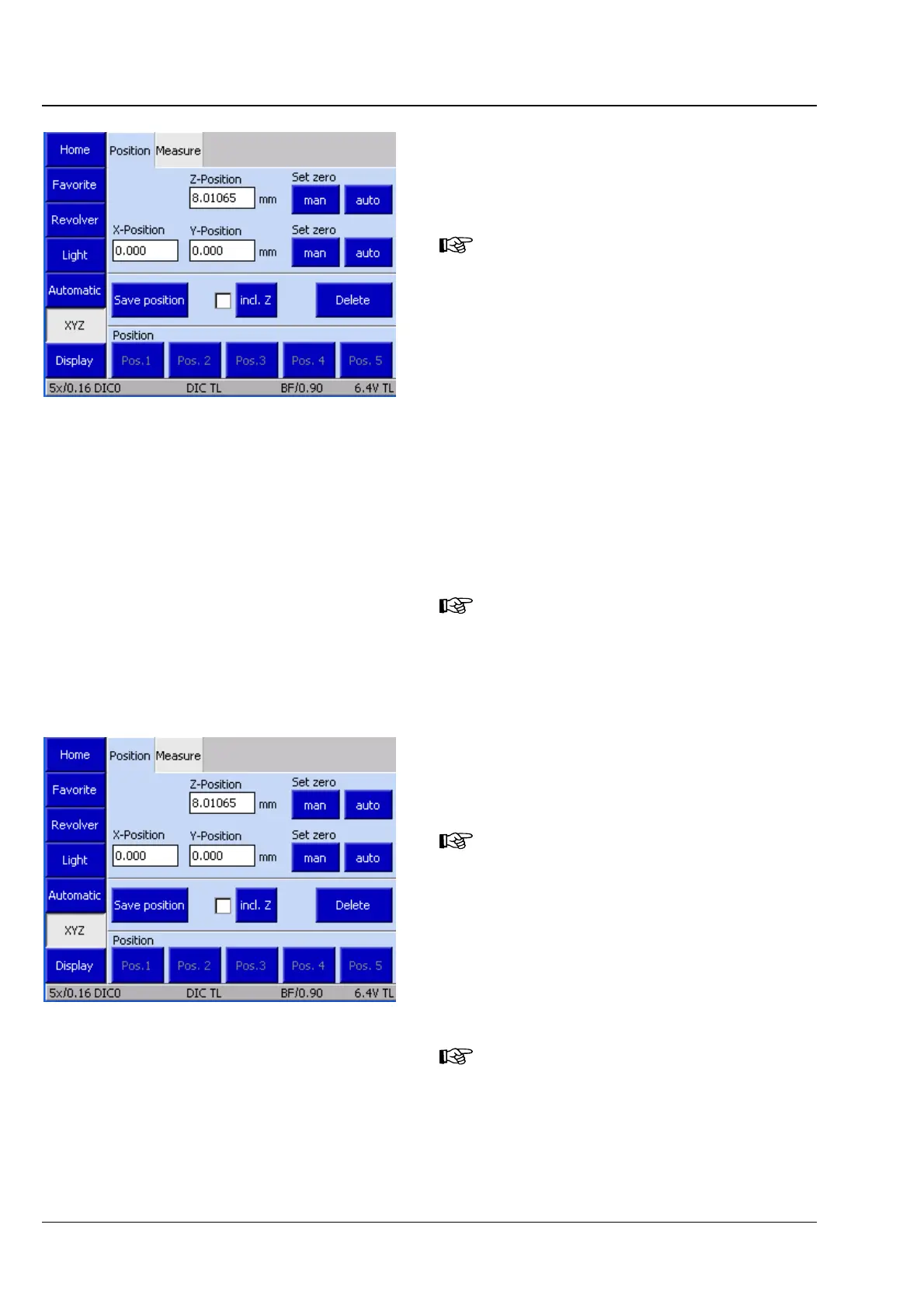
(1) Position tab
The control area under the Position tab is
subdivided into three functional blocks.
If you do not use a motorized stage,
the Start button is available in place
of the XY controls (refer to
(2)
Measure) below.
Current position display / Set Zero
Displays the current positions of Z, X and Y in
millimeters (mm).
If no motorized Z focusing drive is
installed, the Z position is not
accessible.
Fig. 4-50 Mikroscope -> XYZ
Fig. 4-51 Microscope -> XYZ -> Position








 To Next Page