OPERATION
Axio Imager Operating the motorized microscope via the touchscreen of the TFT display Carl Zeiss
M70-2-0020 e 06/2009 430000-7344-001 141
(6) Favorites page tab
• On this page, the user can define one of the
tabs listed as a target to be jumped to directly.
• Use the arrow buttons to select the Favorites
page.
• To acknowledge, press the Adopt page as
favorites page button.
Important: This function is executed without
any safety query.
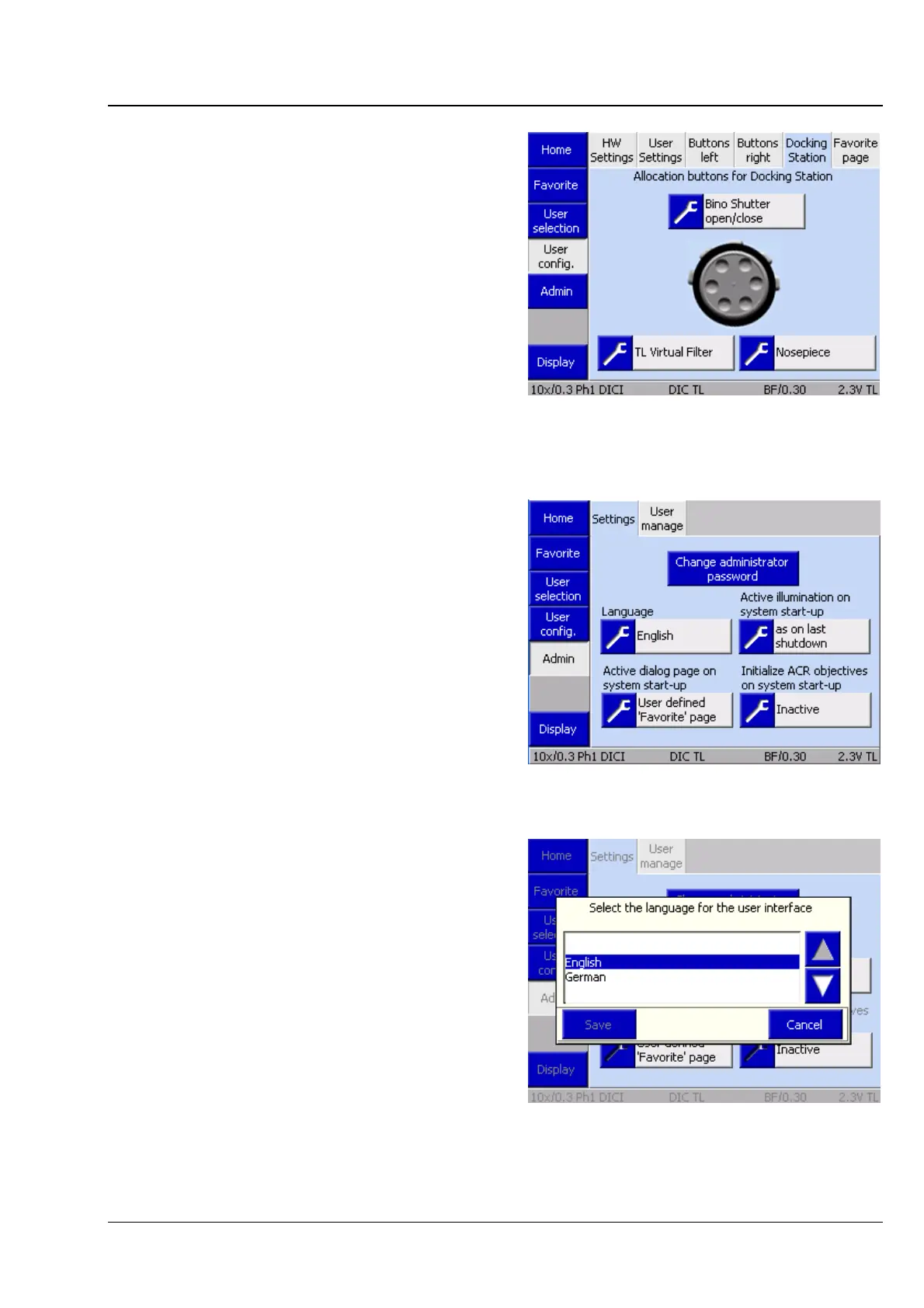
4.8.7.3 Admin page
There are two tabs on the Admin page:
− Settings
− User administration
(1) Settings tab
The following settings can be defined on this tab:
− Language
− Active illumination after switch-on
− Start page after switch-on
− Initialization of ACR objectives after switch-on
Language
German or English can be selected here.
Pressing the Save button results in the instrument
being restarted. After the restart, the microscope is
initialized with the language selected.
Fig. 4-104 Microscope -> User -> User
configuration -> Favorites pages
Fig. 4-105 Microscope -> User -> Admin ->
Settings
Fig. 4-106 Select language








 To Next Page