MSC-3 Instruction Manual
A02 Def. Display
A02 Def. Display
> METER DISPLAY
Available Choices: > SPEED-REF DISP
> METER DISPLAY
> PID DISPLAY
> PID-METER DISP
> kWhrs & Run hrs
• Press once to begin.
• Use the ▲ / ▼ buttons to choose a default display.
• Press to conrm the choice.
The selected display will show when the MSC3 is powered on or when a menu is on show and left
unattended for 2 minutes.
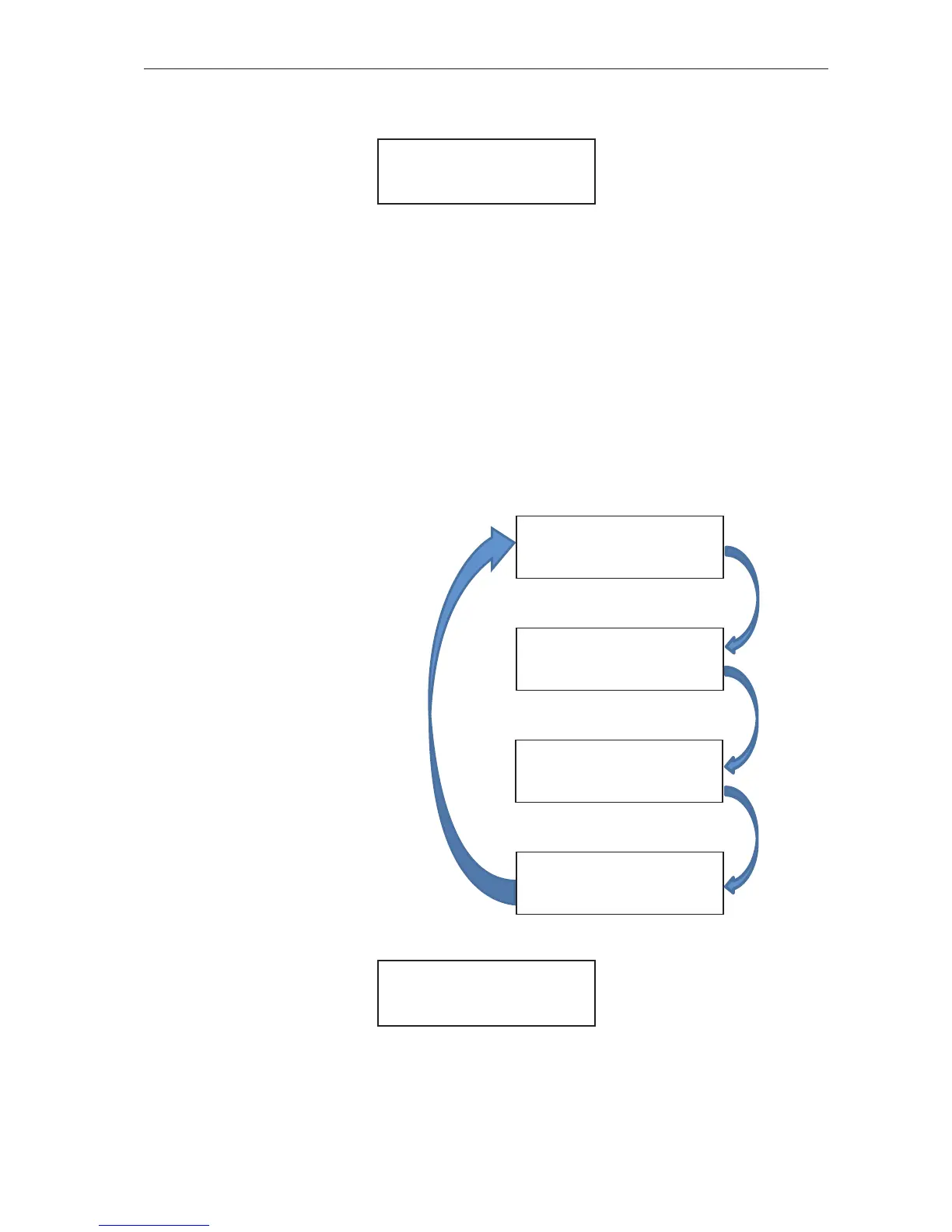
Meter Display
The Meter Display shows other
MSC-3 operating values such as
output current, output power, motor
load as well as motor speed. The PID
facet displays the process variable
and set point value. The PID-Meter
facet helps to relate the motor speed,
output power and motor current to the
Process variable. The kWhrs & Hours
Run facet displays the accumulated
kWhrs to the motor and the numbers
of hours the motor has been running
for. Each Meter Display facet is viewed
by pressing the button.
Note: Each example display is shown
with the EIA/RS-485 communication
indicator.
25.0Hz 11.4kW
8.0A 750rpm*
(PID-Meter facet)
P
V
11.4 kPa
S
V
23.4 *
(PID facet)
25.0Hz 0.1kW
8.0A 0%*
(Meter Display facet)
0 kWhrs
0 hours*
(kWhrs & Hours Run facet)
ENTER
ENTER
ENTER
ENTER
A03 Run Display
A03 Run Display
This menu allows for Run Display conguration. Menus within provide a mechanism to select the run
display format, alter the run display scaling and change the displayed units.


 To Next Page