184
Operating elements
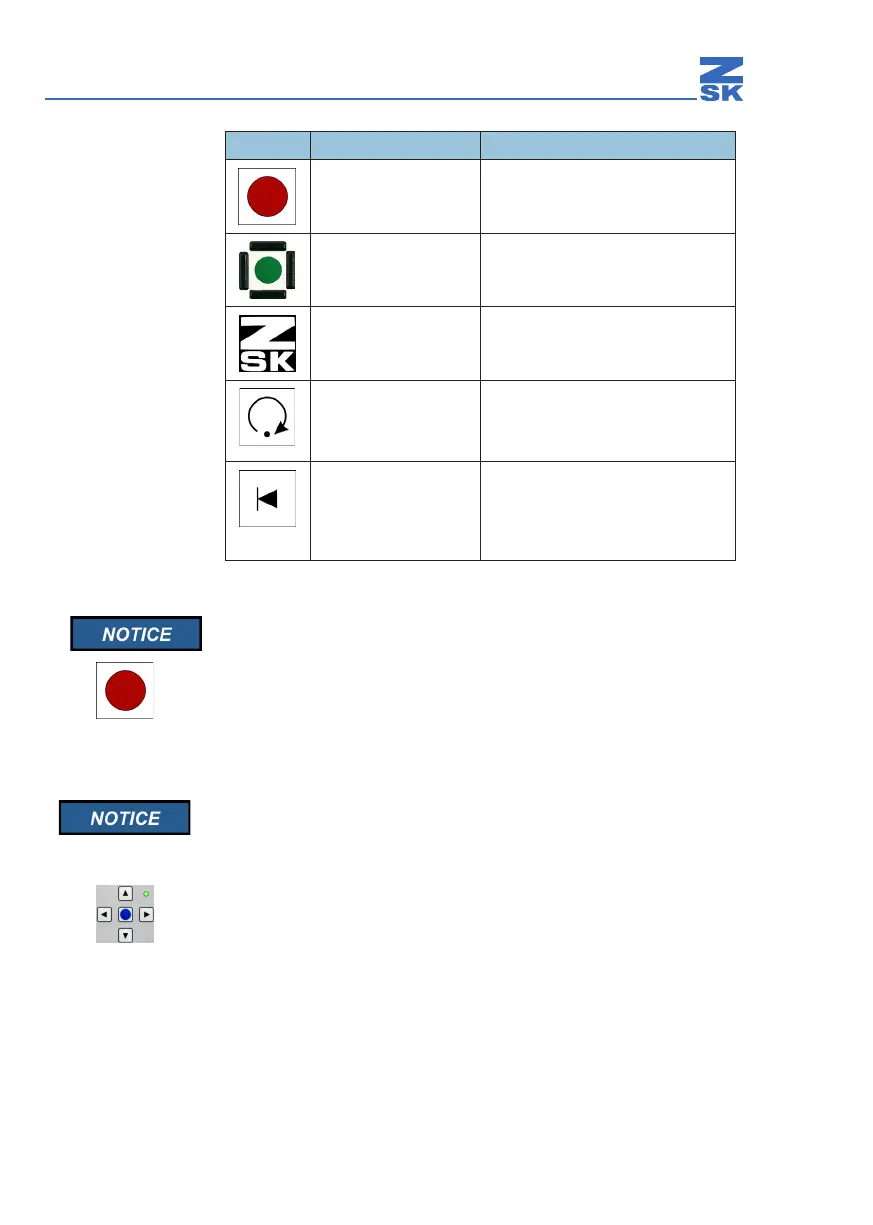
You can stop the machine at any time with the Stop key. The
interrupted embroidering routine is resumed as soon as the machine
is restarted with the Start key.
12.4.2 Pantograph positioning key cluster
Do not select manual pantograph positioning while the machine is
running. This would stop the machine and interrupt the embroidering
routine.
The key cluster for positioning the pantograph manually is situated on the control
unit. It consists of the arrow keys for positioning the pantograph and the Appliqué
key.
Operation Function
Press Stops the machine
Press Starts the machine
Press Switches pantograph positioning
keys on/o
Press briey
Hold down
Executes a single stitch
Executes a sequence of single
stitches (embroidering at low speed)
Press briey
Hold down
Moves the pantograph back one
stitch at a time (reverse embroidery)
Executes a sequence of reverse
stitches


 To Next Page