Troubleshooting Section 6
6-46 Abbott VP 2000™ Processor Service Manual
30-608308/R1—September 2008
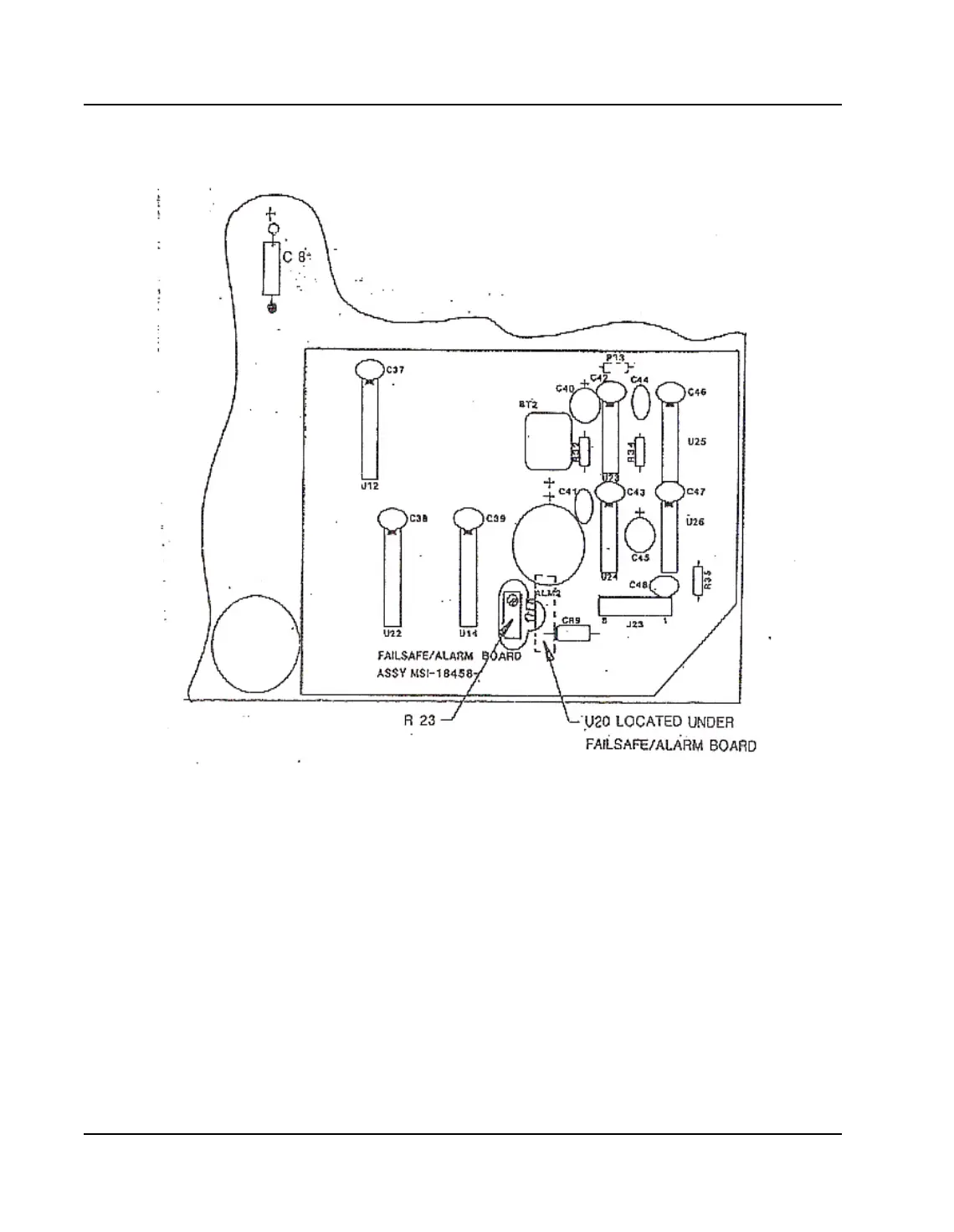
Figure 6.18: R23 and U20 Locations
Connect one lead from digital volt meter to ground side
C8, connect the other lead to U20, Pin 4.
• Set temperature to 50
o
C - meter reading should be
3.22.
• Set temperature to 80
o
C - meter reading should be
3.53.
If the correct voltage readings are not present, adjust
potentiometer [R23] as required.
6. Test by substituting known good units for power supply
board, computer board and test control module.



 To Next Page