94
Accutome A-Scan Plus Connect User’s Guide
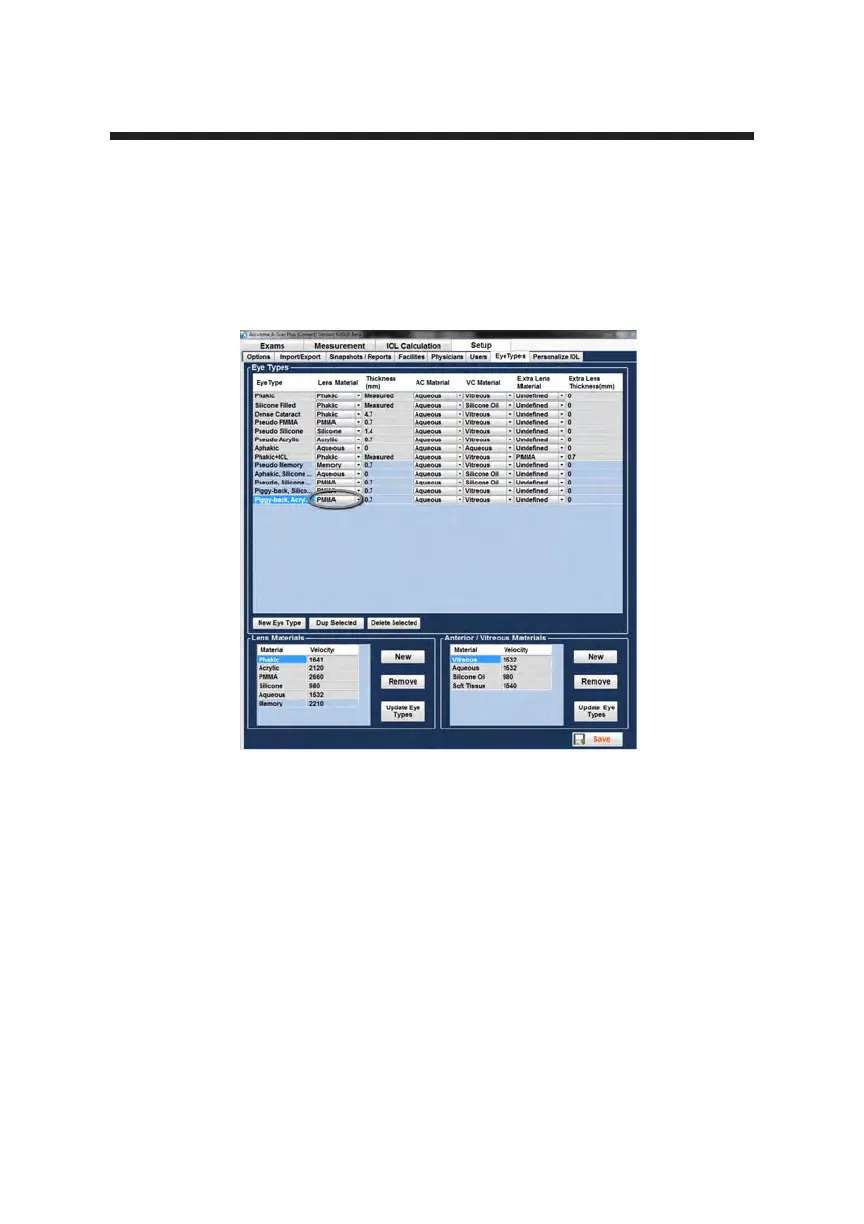
6. Using the mouse, position the cursor over the drop down window and left
click. This will open the lens material window and allow the selection of
the lens material to be included in the new eye type.
7. Position the mouse cursor over the lens material to be included in the new
eye type and left click. The drop down window will close and the lens
material entry will be populated with the material selected.
Figure 5-56 Selecting Lens Material



 To Next Page