80
Accutome A-Scan Plus Connect User’s Guide
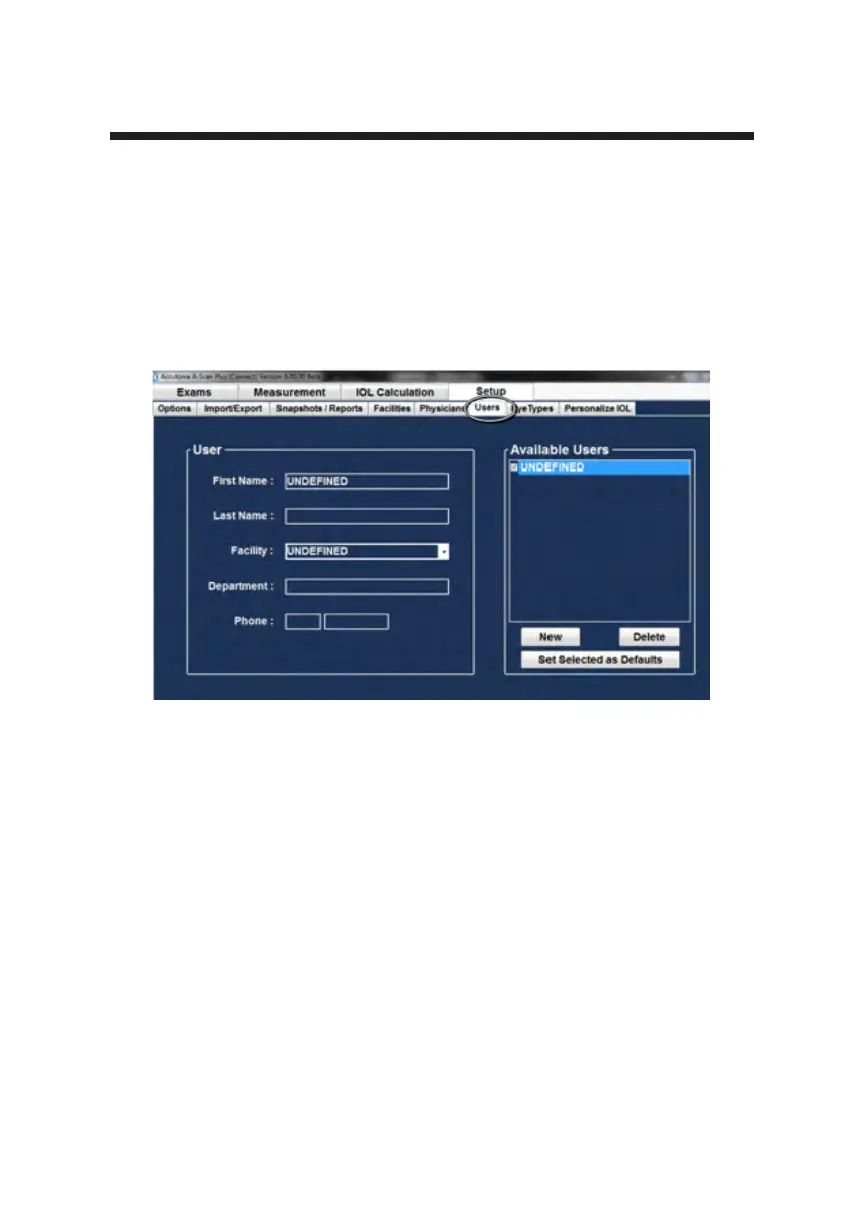
Figure 5-38 New User Information
2. Activate the Name area under the Users Information area as shown below.
The available information elds are:
• First Name
• Last Name
• Facility - select entered facility from drop down menu
• Department
• Telephone
3. After entering all user data, click “Save” to save the information.
4. A conrm save conguration dialog will launch. If you would like to save
all changes click “Yes.” If you click “No” the information will not be
saved.



 To Next Page