60
Accutome A-Scan Plus Connect User’s Guide
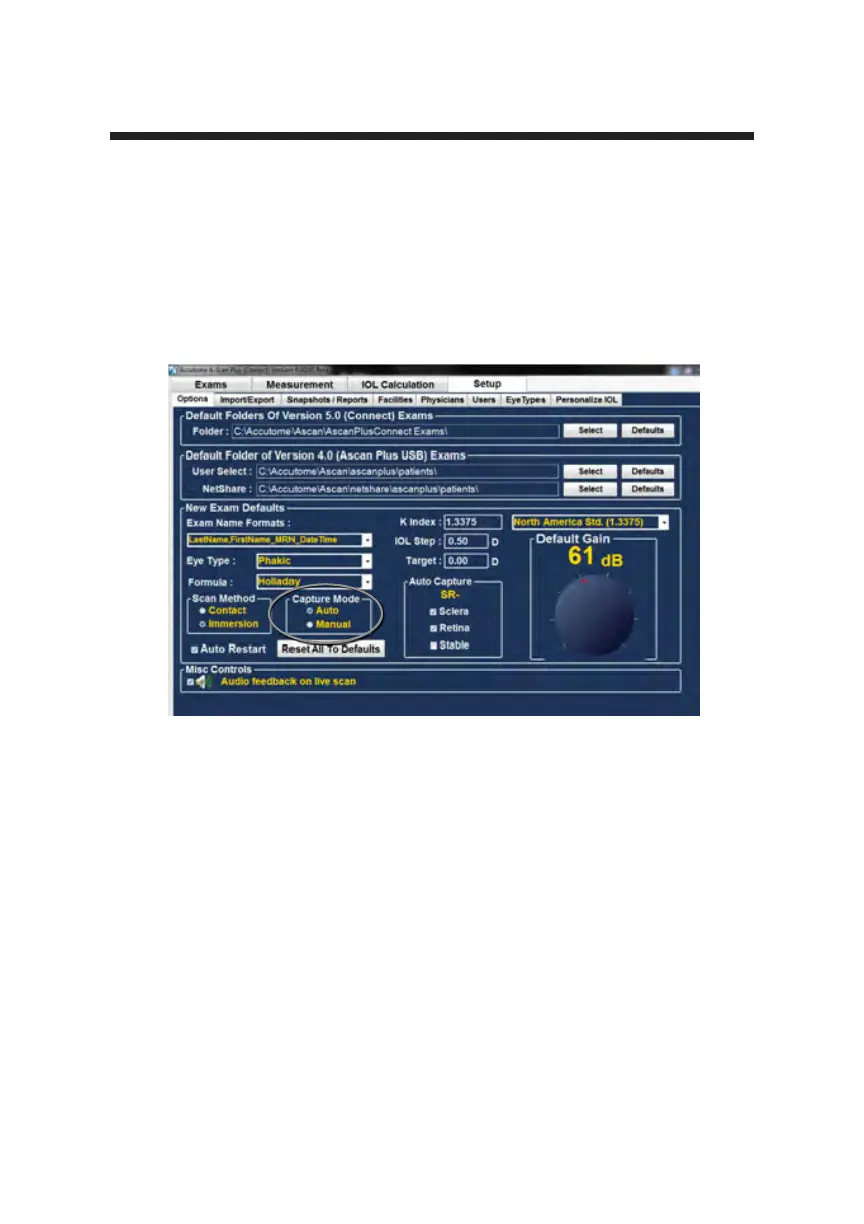
Figure 5-17 Selecting Default Capture Mode
the instrument from capturing automatically until the operator has determined
the best measurement is found.
Once the best waveform is found, release of the foot pedal will allow automatic
capture to engage.
The instrument will capture automatically, providing the auto capture conditions
set in the options page have been met.



 To Next Page