49
Accutome A-Scan Plus Connect User’s Guide
Personal Preferences
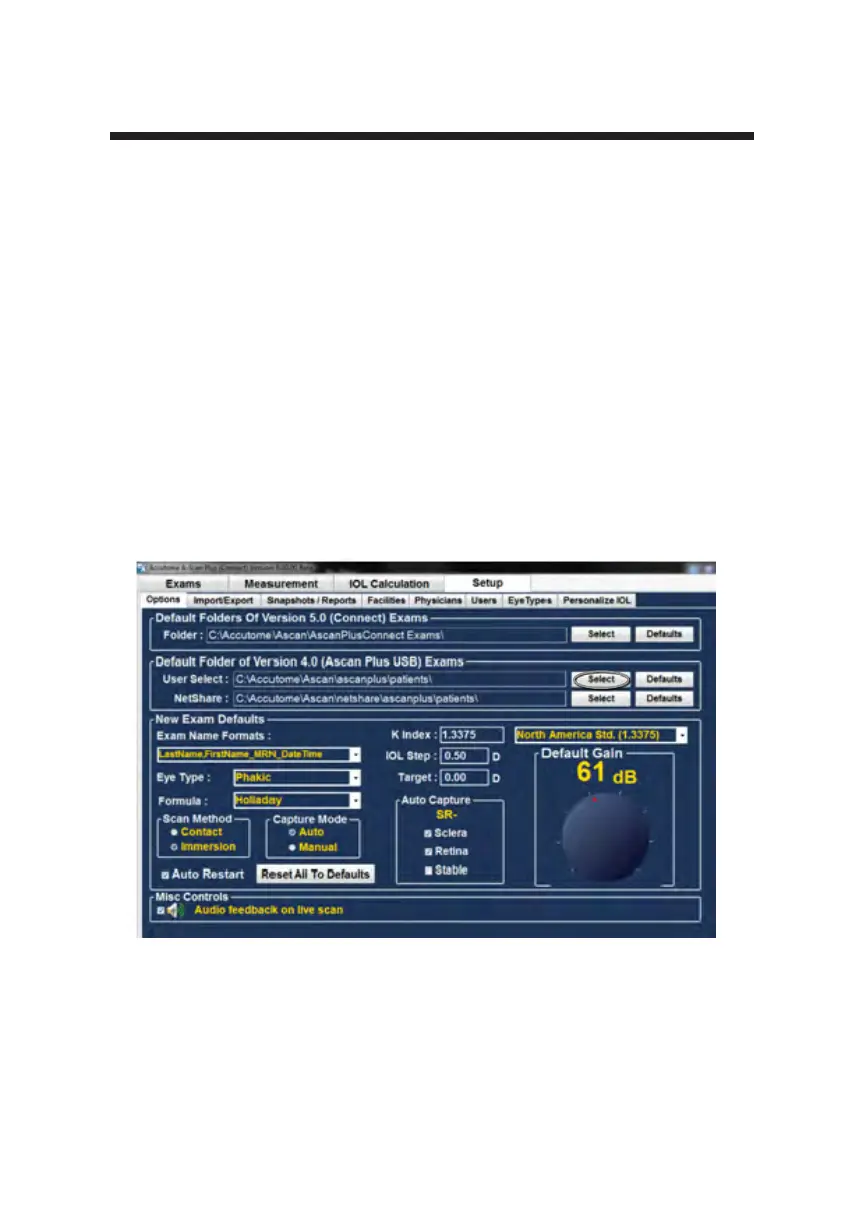
Default Folder of Version 4.0
Many users have the previous model of A-scan, the A-scan Plus Version 4.0,
and have saved extensive libraries of patient information. This stored patient
information may need to be recalled for review.
The A-scan Plus Connect allows the version 4.0 information to be recalled and
viewed. Once this information has been recalled it can be stored to the A-scan
Plus Connect “Default Folder of Exams”.
The default location for retrieval of version 4.0 saved information is
C:\Accutome\Ascan\Ascanplus\patients\.
You may recall patient records from any computer location, such as a memory
stick. To change the selected drive;
Click on select as shown below in Figure 5-9.
Figure 5-9 User Select, Default Folder of Version 4.0



 To Next Page