24
Accutome A-Scan Plus Connect User’s Guide
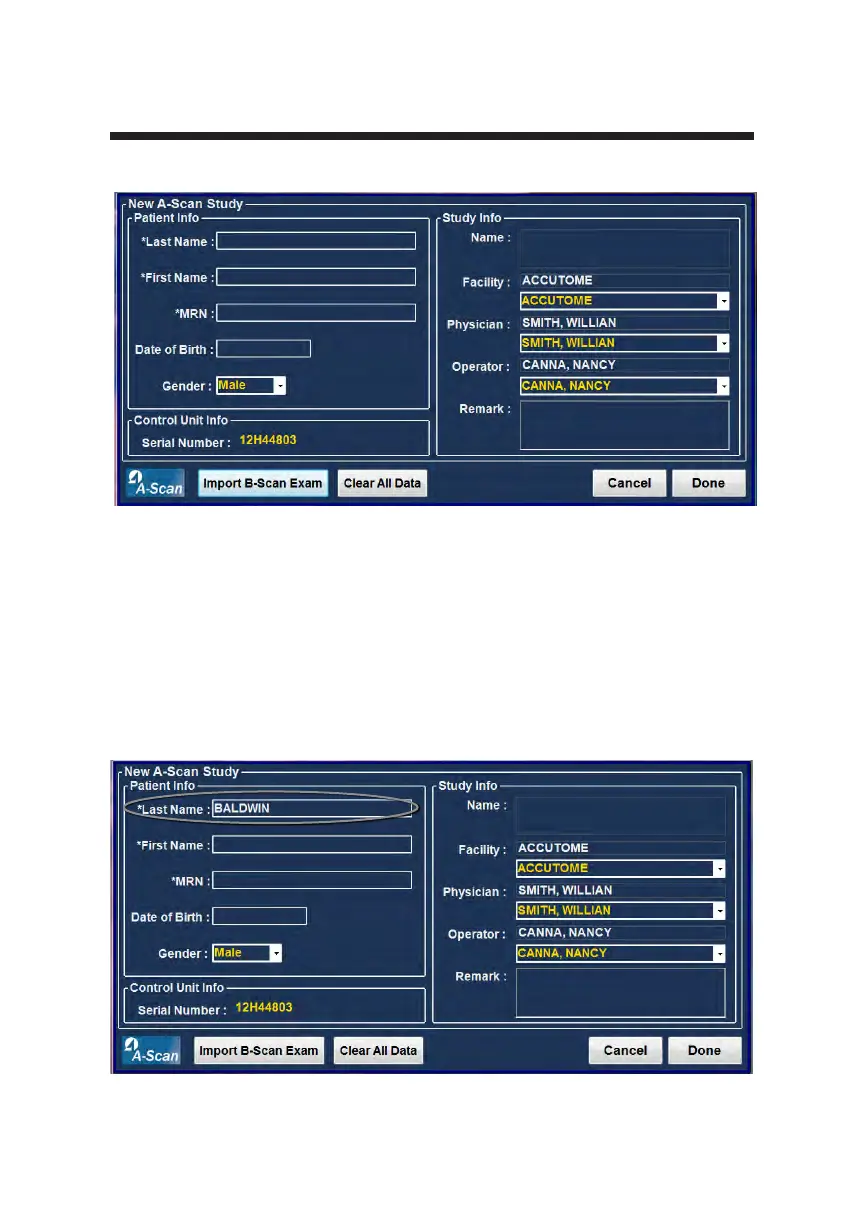
2. Enter information in data elds by left clicking in each eld and typing
accordingly. In Figure 3-13 below the Last Name eld has just been completed.
To move from one eld to another you may use the Tab Key on your computer
keyboard or simply click on the eld.
Figure 3-13 Entering New Patient Information
Figure 3-12 New A-scan Study Screen



 To Next Page