74
Accutome A-Scan Plus Connect User’s Guide
3. After entering all facility data click “Save” to save the information.
4. An “Update Restore Point” dialog will launch. If you would like to save
all changes, and have the current facilities setup become the data restore
point click “Yes.” If you would like to retain the old data restore point
click “No.”
5. Left click on “Save Congure.”
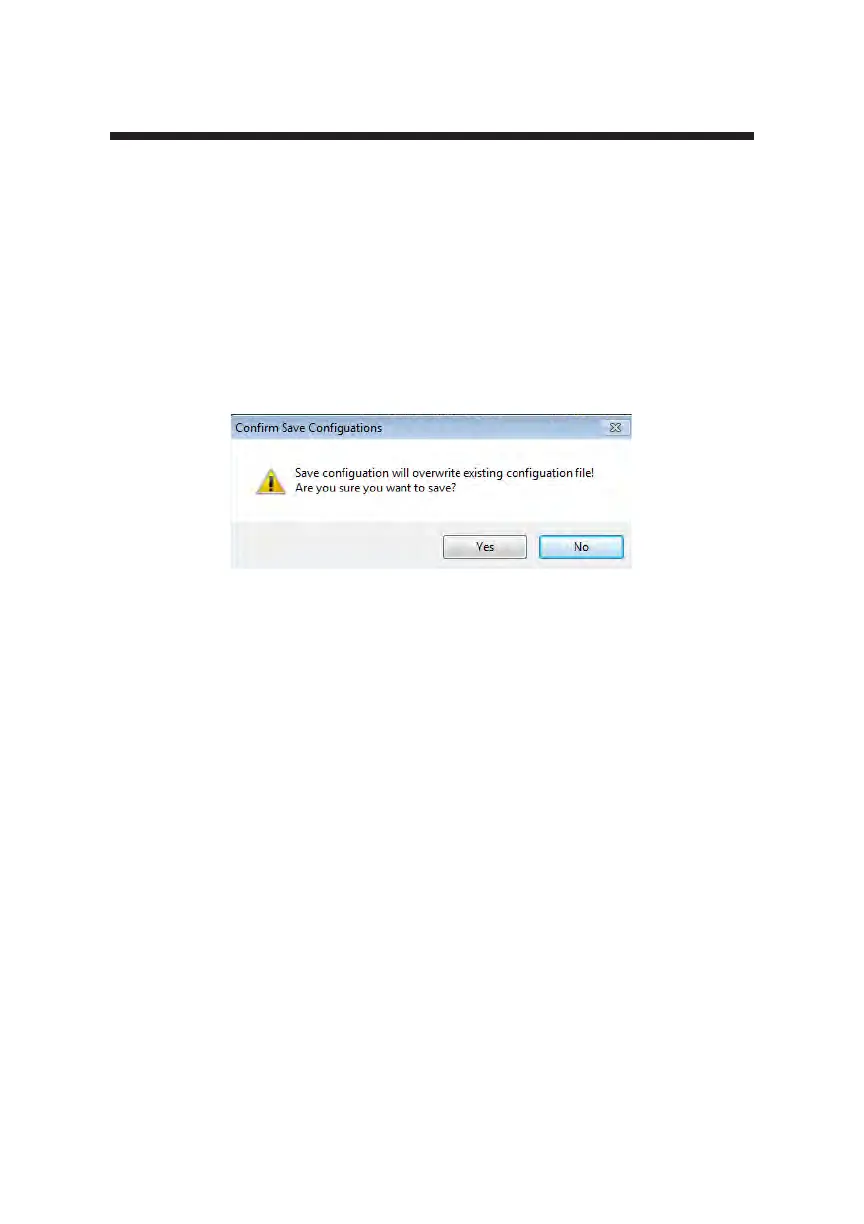
6. The prompt: “Save conguration will overwrite existing conguration les!
Are you sure you want to save? “Yes”, “No””.
7. Left click “Yes” to conrm entry. Selecting “No” will not save the value.
Figure 5-31 Are You Sure
Deleting Facilities
To delete a facility:
1. Select the facility you would like to delete from the “Available Facilities”
list.
2. Click on “Delete.”
3. The facility will be deleted from the list of Available Facilities.



 To Next Page