83
Accutome A-Scan Plus Connect User’s Guide
Personal Preferences
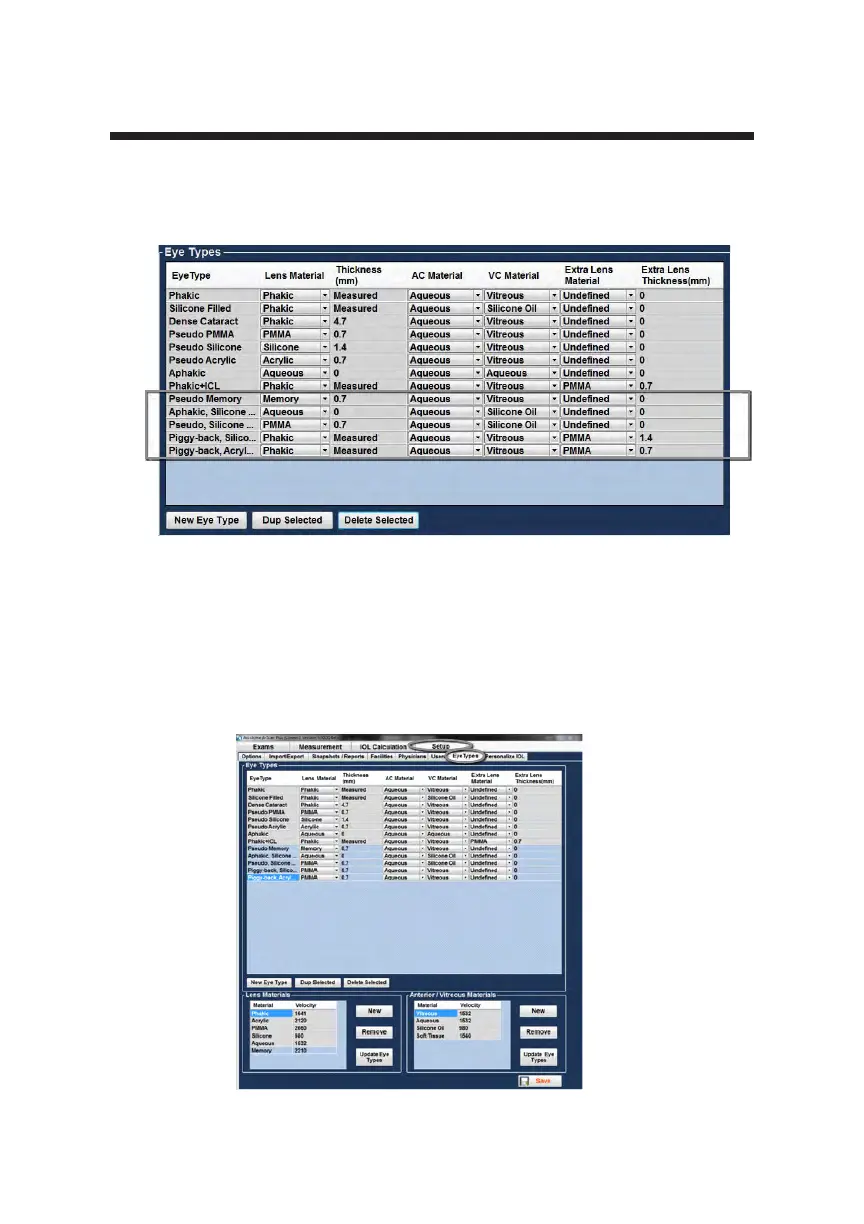
To add a new Eye Type:
1. Open the Set Up tab by selecting the Eye Types Tab
2. This is done by positioning the mouse cursor over the Eye Type tab and
left clicking.
Figure 5-43 Eye Type Screen
Figure 5-42 Additional Eye Types
Additional eye types will show up if you turn on Synergy Mode in the Import/
Export tab.



 To Next Page