131
Accutome A-Scan Plus Connect User’s Guide
Entering Patient Information
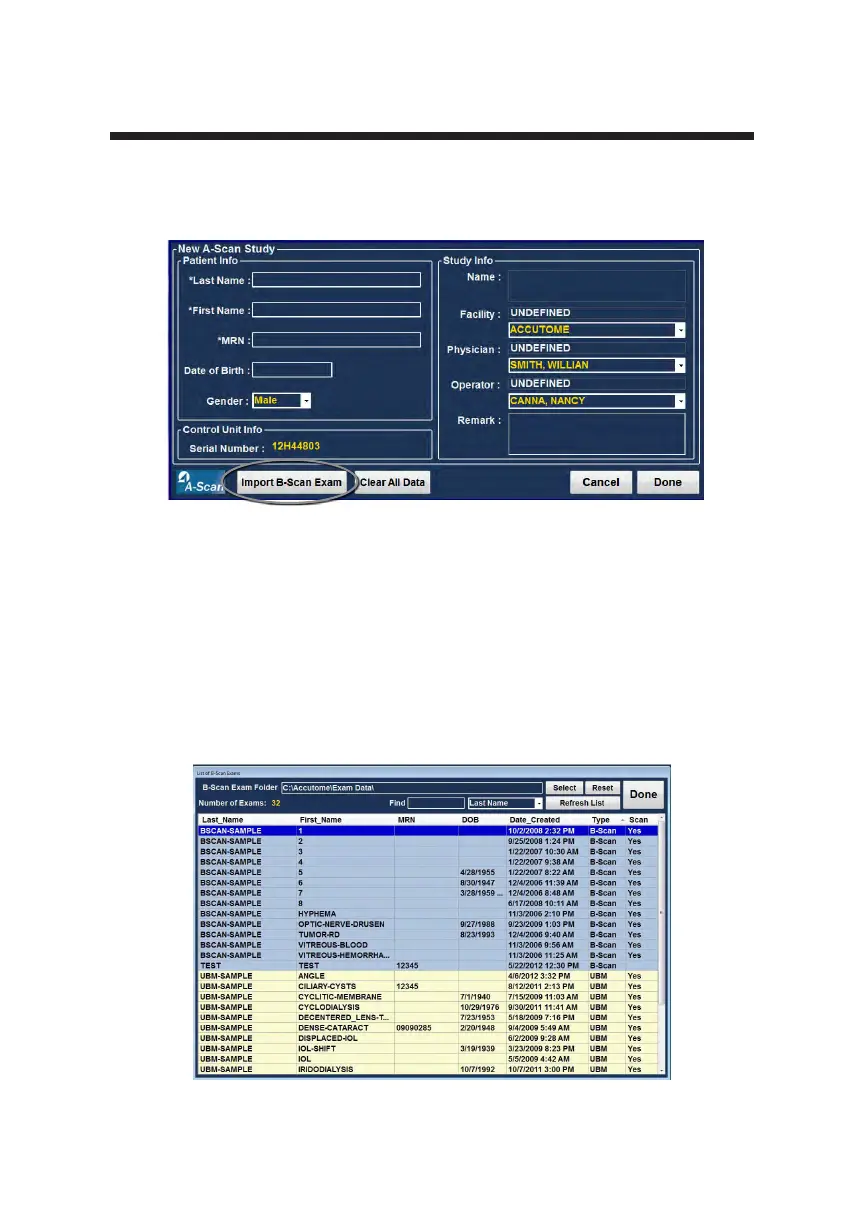
To recall an existing patient from saved B-scan/UBM information click on
“Import B-Scan Exam”.
Position the mouse cursor anywhere on the patient to be recalled from saved
patient list window.
Double left click the patient to be recalled and the system will load all of the
patient’s previously stored information and exam set up preferences. Click
“Done” and you will be taken to the measure screen and you are ready to
measure a patient.
Figure 6-19 List of Saved B-Scans
Figure 6-18 Import B-scan Exam



 To Next Page