32
Accutome A-Scan Plus Connect User’s Guide
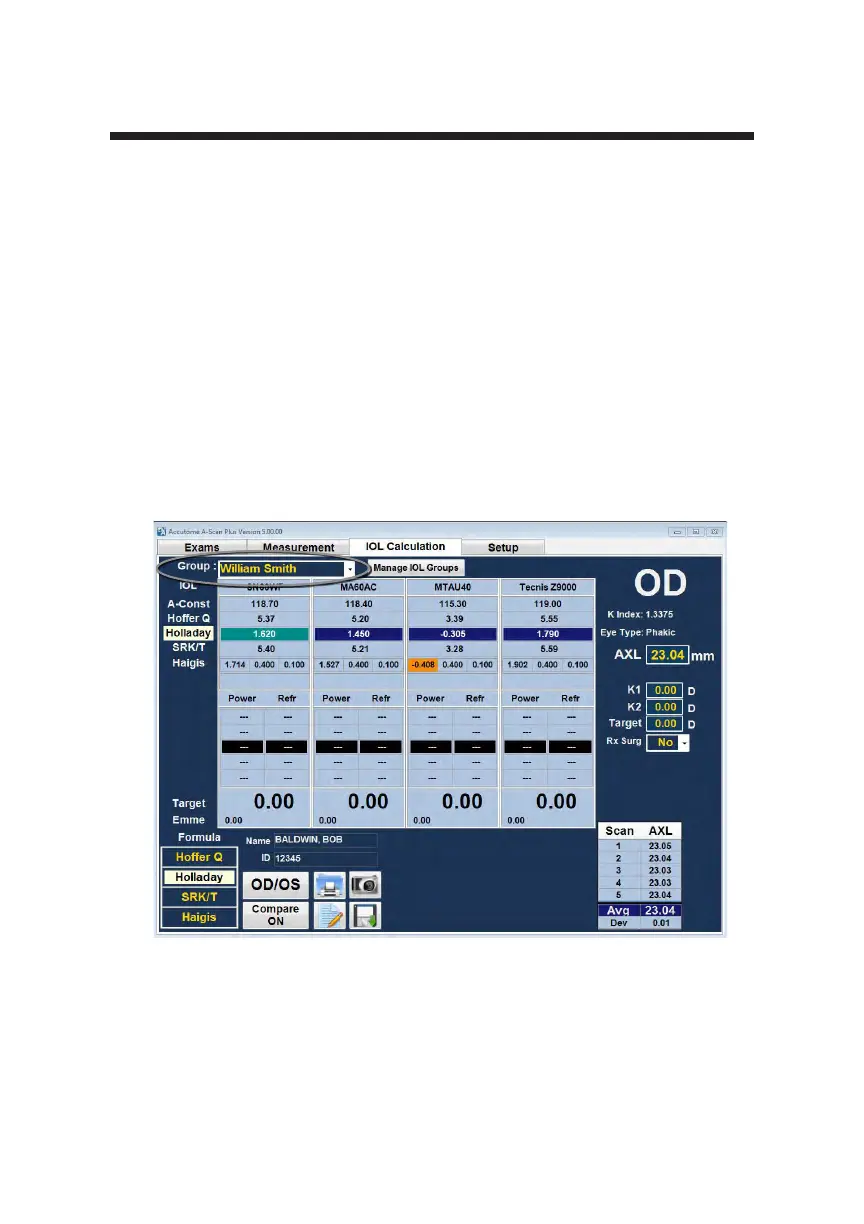
2. The program will display the IOL Calculation Screen as shown in Figure
3-23 below.
Note: For more information on Calculating IOLs refer to the “Performing
Calculations” section of this manual.
3. Select the IOL “Group” by opening the drop down window. Position the
curser over the Group and open the lens group selection by left clicking.
Note: Once selected, the group name will display the name of the lens group
selected.
Figure 3-23 IOL Calculation Screen



 To Next Page